
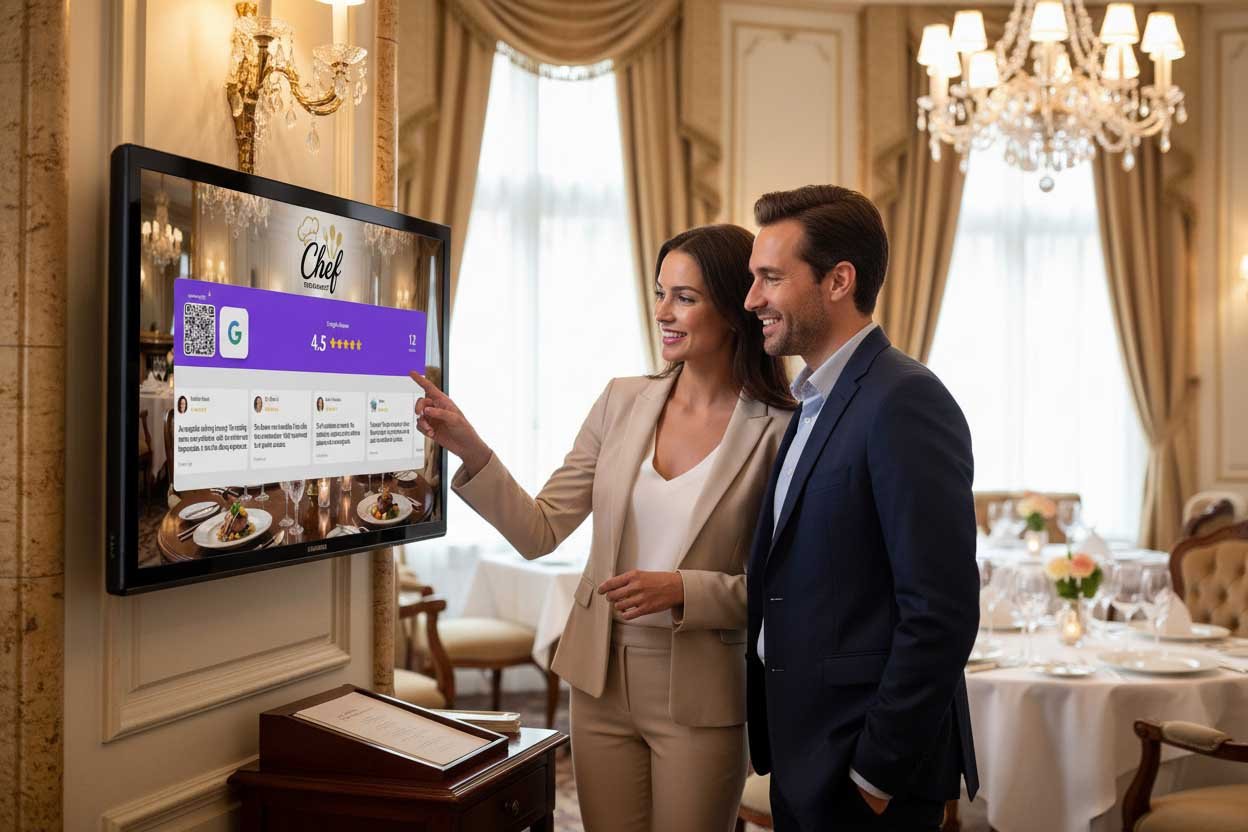
Need a Google Review System for Restaurants, Salons, Shops or Any Other Physical Location?
You know you need more Google reviews.
Every local business owner knows this. Reviews determine whether new customers choose you or scroll past. They affect your Google ranking. They build trust before anyone walks through your door.
But knowing you need reviews and actually getting them are two different things.
You’ve probably tried the basics:
- A “Review us on Google” sign by the register
- Asking staff to mention reviews
- Follow-up emails after purchases
- Maybe even a QR code printed somewhere
And the results? Disappointing. A trickle of reviews. Inconsistent. Nothing like the competitors who somehow have 400+ reviews and counting.
What you need isn’t more effort. You need a system.
If you need a Google review system for restaurants, salons, shops, or any other physical location, this guide covers exactly what works — and introduces the approach that’s helping local businesses generate 3 to 5x more reviews without awkward asking.
What Is a Google Review System?
A Google review system is any structured approach to consistently generating reviews from customers.
It’s not a one-time effort. It’s not hoping customers remember to review. It’s a repeatable process that turns happy customers into reviewers automatically.
A good review system includes:
- A trigger mechanism (what prompts the review request)
- Social proof (why customers should bother)
- Friction removal (making it effortless)
- Consistency (works every time, not just when staff remembers)
Most businesses fail because they focus on only one element — usually just asking — while ignoring the rest.
Let’s break down what actually works.
Why Traditional Review Methods Fail
Before building a better system, understand why yours isn’t working.
The “Review Us” Sign Problem
That sign by your register? Customers are blind to it.
It’s been there so long it’s become wallpaper. No one notices it. And even if they did, it provides zero motivation.
“Review us on Google” answers no questions:
- Why should I?
- What’s in it for me?
- Do other people review here?
- How do I even do it?
Static signs make requests without providing reasons or proof.
The Staff Asking Problem
Relying on staff to ask for reviews fails for multiple reasons:
- Inconsistency: Some staff ask, most forget
- Awkwardness: It feels pushy and uncomfortable
- Bad timing: Staff often ask at checkout when customers are rushing
- No social proof: Verbal asks provide no evidence others review
Even when staff do ask, conversion rates are low because the ask lacks context.
The Email Follow-Up Problem
Sending review requests via email seems smart. But:
- Open rates are low: Most emails never get read
- Timing is off: The emotional peak was yesterday, not today
- Friction remains: Customers still need to search for your listing
- It’s forgettable: No urgency, easily ignored
Email works as a supplement, not a primary system.
The QR Code Problem
QR codes help with friction — but a QR code alone isn’t a system.
A naked QR code on a table tent doesn’t answer “why should I?” It’s just a slightly easier way to do something customers still don’t feel motivated to do.
What an Effective Review System Actually Looks Like
The best review systems combine four elements:
1. Visible Social Proof
Show customers that others review here. When they see “4.8 ★ from 312 reviews,” they understand:
- Reviews are normal at this business
- Lots of people have reviewed
- This place is legitimate and trusted
Social proof transforms reviewing from “random request” to “expected behavior.”
2. Frictionless Action
The path from “I should review” to “review submitted” must be effortless:
- QR code that goes directly to the review form
- No searching for your business
- No typing your business name
- Scan, tap, write — done in 30 seconds
Every extra step loses customers. Remove them all.
3. Perfect Timing
Reviews happen when emotion is high:
- Right after a great meal
- Immediately after seeing a fresh haircut
- While admiring a new purchase
Not tomorrow. Not via email. Right now, while the feeling is fresh.
4. Automatic Consistency
The system must work whether you’re there or not:
- Doesn’t depend on staff remembering
- Runs during every shift
- Works on busy days and slow days
- Converts customers while you focus on business
If it requires constant attention, it’s not a system — it’s a chore.
The Display-Based Review System
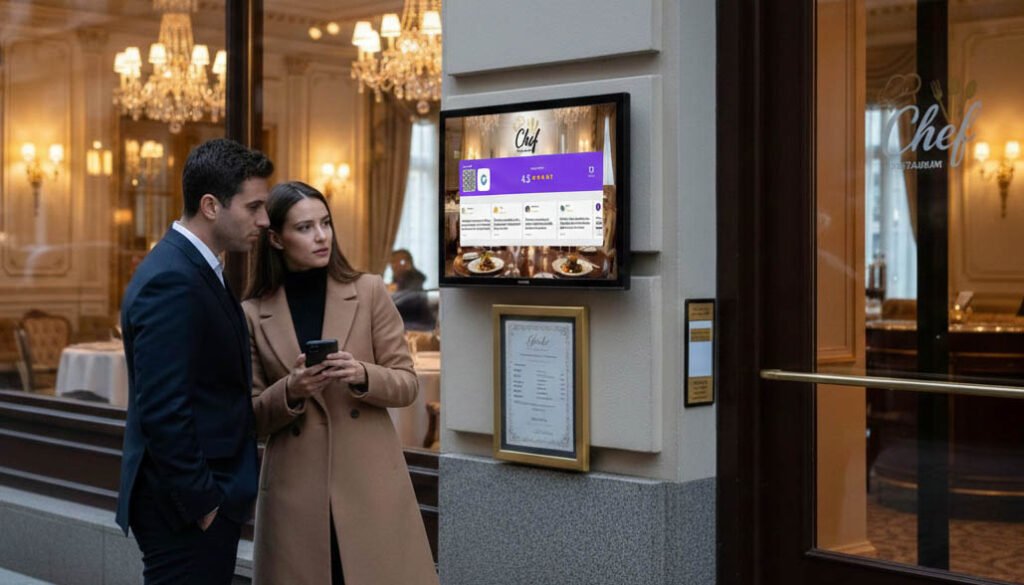
The most effective Google review system for physical locations combines all four elements into one: a live display showing your Google Reviews with an instant QR code.
Here’s why this works:
How It Works
A screen in your business — TV, tablet, monitor — displays:
- Your current Google rating (e.g., 4.8 ★)
- Your review count (e.g., 312 reviews)
- A QR code linking directly to your review page
Services like Social Counters make this simple. Connect your Google Business profile, and your live rating appears on any screen. Real-time updates. Automatic QR code generation.
Why It Works
Social proof is visible: Customers see proof that hundreds of people have reviewed. They’re not being asked to do something unusual — they’re being invited to join what others already do.
Friction is eliminated: The QR code goes directly to your Google review form. No searching. No typing. Scan, tap, write.
Timing is built-in: The display is visible when customers are in your location — exactly when satisfaction is highest.
It’s automatic: The screen works 24/7. Every customer sees it. Staff don’t need to remember anything.
The Social Proof Loop
Here’s the magic: displaying reviews generates more reviews.
- Customer sees “312 reviews” on display
- Customer thinks “I should add mine”
- Customer scans QR, leaves review
- Display updates to “313 reviews”
- Next customer sees “313 reviews”
- Loop continues
Each review makes the next one more likely. The system compounds.
Review System Setup for Different Business Types
The display-based approach works for any physical location. Here’s how to optimize it for your business:
Restaurants
Where to display:
- Waiting area (while they wait for a table)
- Visible from tables (during the meal)
- Near exit (as they leave satisfied)
Best placement:
- Host stand with tablet display
- TV visible from bar/waiting area
- Table tents with QR codes referencing the main display
Timing advantage: Diners spend 45-90 minutes in your restaurant. That’s plenty of time to notice the display and act.
What works: “Customers see our 4.8 rating while they wait for food. By the time they’re done eating, they’ve already decided to add their review. The QR code makes it effortless.”
Salons and Barbershops
Where to display:
- Waiting area
- Visible from styling stations
- Reception desk
Best placement:
- Mirror-adjacent screen at stations
- Tablet at reception
- Wall-mounted display in waiting room
Timing advantage: Clients sit for 30-90 minutesin your salon. Processing time (color, treatments) creates perfect review windows.
What works: “While color processes, clients have nothing to do. They see the display, scan the code, and review. We’ve tripled our monthly reviews.”
Retail Shops
Where to display:
- Behind checkout counter
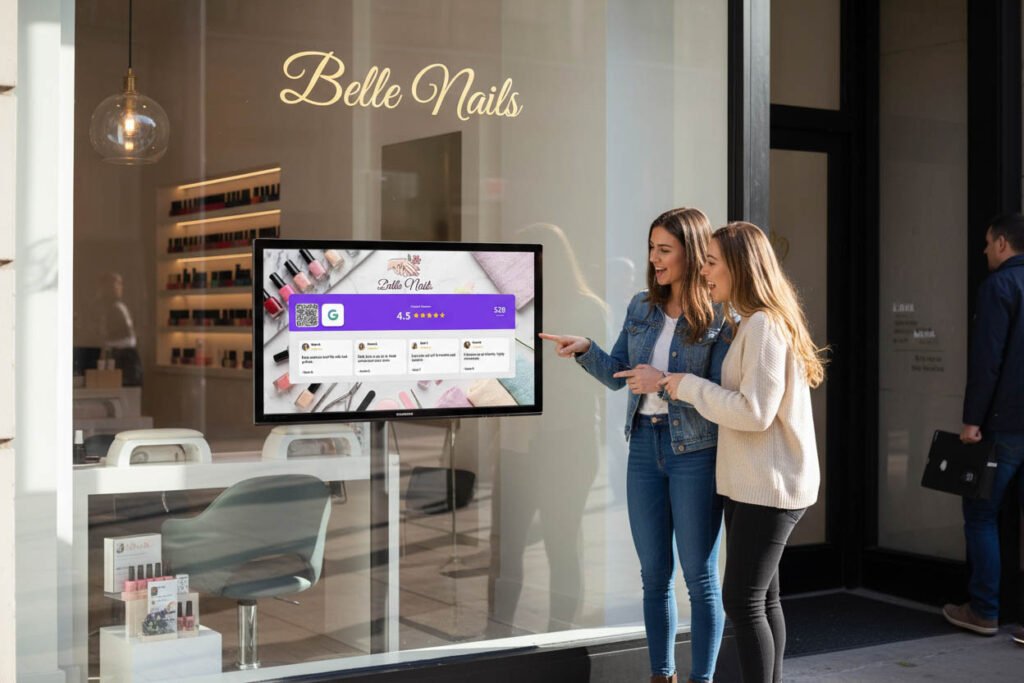
- Store window (visible before entry)
- Fitting room area
Best placement:
- Counter display at point of sale
- Large screen visible from entrance
- Small displays throughout store
Timing advantage: The purchase moment is an emotional high. Capture it immediately at checkout.
What works: “The display sits behind our register. Every customer sees it while paying. The reviews mention our ‘great rating’ — they noticed.”
Gyms and Fitness Studios
Where to display:
- Reception/check-in area
- Post-workout zones
- Near exit
Best placement:
- Front desk display
- Locker room entrance
- Smoothie bar or lounge area
Timing advantage: Post-workout endorphins create positive associations. Perfect time for a review request.
Cafes and Coffee Shops
Where to display:
- Behind counter (visible while ordering)
- Seating area
- Near pickup station
Best placement:
- Counter display
- Tabletop stands with QR
- Wall-mounted screen
Timing advantage: Coffee shops have quick transactions but repeat visitors. The display builds recognition over multiple visits.
Medical and Dental Offices
Where to display:
- Waiting room
- Checkout area
- Patient rooms (where appropriate)
Best placement:
- Waiting room TV or display
- Reception desk tablet
- Checkout counter
Timing advantage: Patients wait. Often with nothing to do but scroll their phones. Give them something productive.
Any Physical Location
The pattern is the same:
- Put the display where customers spend time
- Make sure QR codes are accessible
- Let social proof do the convincing
If customers visit your location, this system works for you.
Setting Up Your Review System
Getting started is simpler than you think.
Step 1: Choose Your Display Solution
Social Counters displays your live Google Reviews rating on any screen:
- Works on smart TVs, tablets, monitors
- Real-time rating and review count
- Automatic QR code generation
- No special hardware required
- Setup takes under 10 minutes
Step 2: Connect Your Google Business Profile
Link your Google Business account via secure authentication. Your current rating and review count appear immediately.
Step 3: Position Your Display
Place the screen where customers naturally look:
- Where they wait
- Where they pay
- Where they linger
- Near exits
Step 4: Add Secondary QR Codes
Supplement your main display with QR codes:
- Table tents
- Counter cards
- Receipt printing
- Packaging inserts
The display creates motivation. QR codes everywhere remove friction.
Step 5: Let It Run
That’s it. The system works automatically.
You don’t need to:
- Remind staff to ask
- Send follow-up emails
- Check if the sign is still up
- Wonder if it’s working
Watch your reviews grow.
Measuring Results
How do you know your review system works?
Track These Metrics
Monthly review count: Compare before and after implementing the system. Most businesses see 2-3x improvement.
Rating trend: Consistent reviews from happy customers should maintain or improve your rating.
QR code scans: Social Counters tracks scan activity. See exactly how many customers engage.
Review velocity: How quickly you accumulate reviews affects Google ranking. Faster is better.
Expected Results
Businesses using display-based review systems typically see:
- 3-5x more reviews in the first month
- Consistent review flow rather than sporadic bursts
- Higher average rating (happy customers review when prompted; unhappy ones always find a way)
- Improved local search ranking from review velocity
Why Social Counters Is the Best Review System for Physical Locations
Social Counters was built specifically for businesses with foot traffic.
What Sets It Apart
Live Google Reviews display: Your rating updates in real-time as reviews come in. Not cached. Not delayed. Live.
Combined social proof: Show your Google Reviews alongside your Instagram, TikTok, Facebook, and YouTube followers. Complete social proof on one screen.
Automatic QR codes: Every display includes QR codes that link directly to your review page. No separate setup required.
Works on any screen: Use TVs, tablets, and monitors you already own. No expensive proprietary hardware.
Setup in minutes: Connect your accounts, customize your display, open on any screen. Done in under 10 minutes.
Built for local businesses: Features like fullscreen kiosk mode, auto-rotation, and offline resilience are designed for in-store use.
What Users Report
“We went from 5-6 reviews per month to 15-20. The display does the work for us.”
“Customers mention seeing our rating. They trust us before we even speak.”
“My staff doesn’t have to awkwardly ask anymore. The screen handles it.”
Start Your Review System Today
You need more Google reviews. You know this.
The question isn’t whether to implement a review system. It’s whether to keep struggling with methods that don’t work — or switch to one that does.
A display-based review system gives you:
✅ Social proof that motivates action
✅ Frictionless QR codes for instant reviews
✅ Perfect timing when customers are satisfied
✅ Automatic consistency without staff effort
✅ Compounding results as reviews generate more reviews
Stop relying on dusty signs and awkward asks. Start with a system that actually works.
