
How to Get More Google Reviews for Your Restaurant (12 Proven Strategies)
A single star on Google can mean the difference between a full house and empty tables.
Research shows that restaurants with a 4.0 rating or higher receive significantly more reservations than those below that threshold. And it’s not just the rating that matters — the number of reviews counts too. A restaurant with 300 reviews at 4.5 stars looks far more trustworthy than one with 12 reviews at 4.7.
The problem? Most happy customers never leave a review. They enjoy their meal, pay the bill, and walk out. Their positive experience stays in their head instead of on your Google profile.
The good news: getting more Google reviews isn’t about luck. It’s about strategy. Here are 12 proven ways to turn your satisfied diners into active reviewers.
Make Leaving a Review Effortless
The number one reason customers don’t leave reviews is friction. Every extra step between “I had a great meal” and submitting a review is a step where you lose them.
1. Place QR Codes on Every Table
This is the simplest change with the biggest impact. A Google review stand with QR code that links directly to your Google review page removes every barrier. No searching for your business, no navigating Google Maps, no figuring out where to click.
Customers scan, type a few sentences, tap submit. Done in 30 seconds.
Where to place QR codes:
- Table tents or menu inserts
- On the receipt or bill holder
- Near the exit door
- At the bar or waiting area
The key is linking directly to your review page, not your general Google listing. The fewer clicks required, the more reviews you’ll collect.
2. Create a Short Link for Your Review Page
Not every customer wants to scan a QR code. Create a short, memorable URL that staff can mention verbally.
Google provides a direct review link through your Google Business Profile under “Ask for reviews.” Shorten it using a service like Bitly or create a redirect on your own website — something like yourrestaurant.com/review.
Print this link on receipts, business cards, and takeaway packaging.
3. Optimize Timing — Ask After the Peak Moment
Timing is everything. The best moment to ask for a review is when positive emotions are highest. For restaurants, that’s typically right after the main course or when the guest compliments the food or service.
Train your staff to recognize these moments:
- A guest says “That was amazing”
- The table is visibly enjoying themselves
- A customer compliments a specific dish
- Someone asks for the recipe or ingredients
That’s your window. A simple “We’d love it if you shared that on Google!” while presenting the bill feels natural, not pushy.
Train Your Staff to Ask (The Right Way)
4. Make It Part of the Checkout Routine
The most effective review collection happens when asking becomes habit, not an afterthought.
Incorporate a brief review mention into your standard checkout process. When a server drops the bill, they can say: “Hope you enjoyed everything tonight! If you have a minute, we’d really appreciate a Google review — there’s a QR code right here.”
Brief. Natural. No pressure.
What works:
- Casual, conversational tone
- Mentioning it once, not repeatedly
- Making it feel optional, not obligated
- Staff who genuinely enjoyed serving the table
What backfires:
- Scripted, robotic requests
- Asking before the meal is finished
- Making it feel like a requirement
- Pressuring or incentivizing specific ratings
5. Empower Staff with Ownership
Give your team a reason to care about reviews. Share positive reviews in team meetings. When a staff member gets mentioned by name in a review, celebrate it. Some restaurants even display a “review of the week” in the staff area.
When servers see that their personal service leads to public recognition, they’ll naturally encourage more reviews.
Display Your Existing Reviews In-Store
Here’s a strategy most restaurants overlook: showing your current reviews inside your restaurant.
6. Use a Digital Review Display
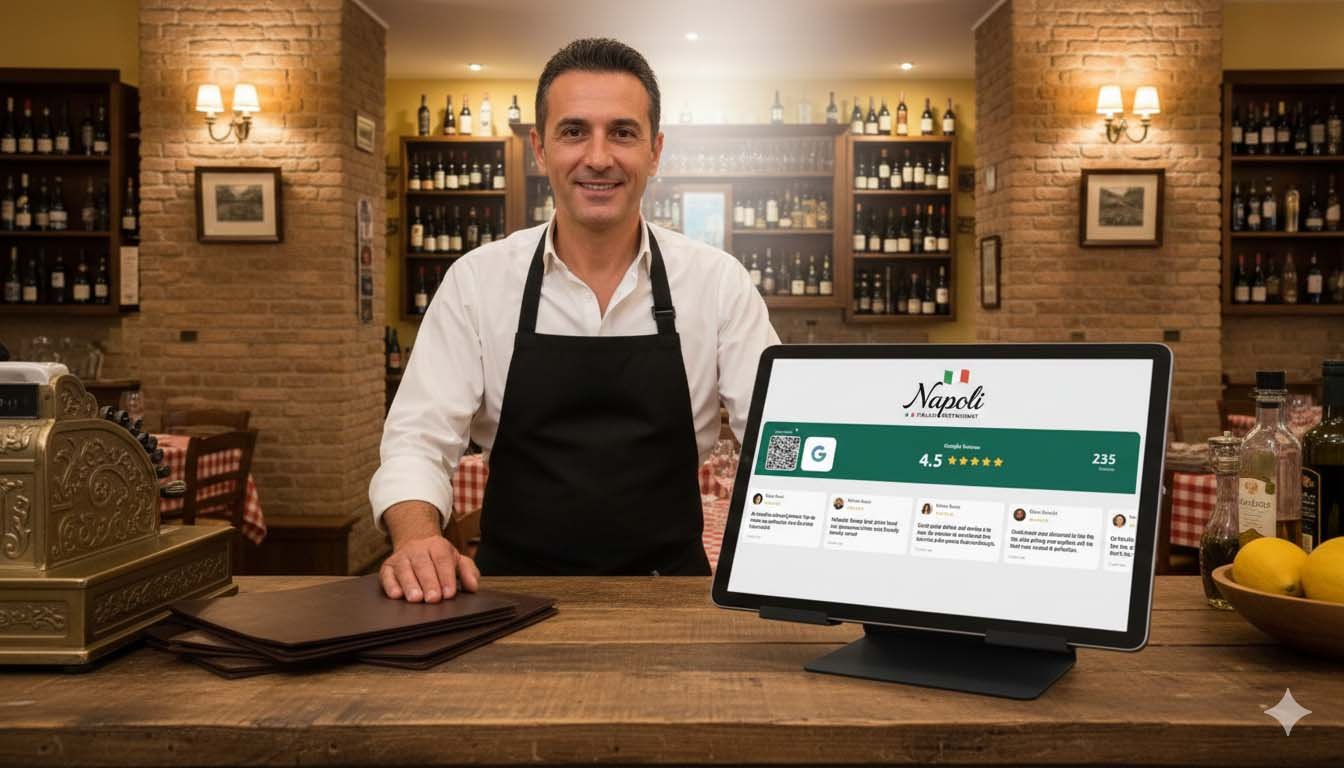
When customers see positive reviews scrolling on a screen in your restaurant, two things happen. First, they trust your business more — social proof at the point of experience reinforces their decision to eat there. Second, it subtly reminds them that leaving reviews is something people do here.
A digital screen showing your live Google rating, review count, and actual customer testimonials does more than any table card ever could. Reviews rotate across the screen, impossible to ignore, creating a culture where reviewing feels normal.
How to set this up: Social Counters lets you connect your Google Business Profile and display your reviews on any TV, tablet, or screen. The display updates automatically, shows rotating testimonials, and includes a QR code so customers can add their own review right from their seat.
This is the difference between passively hoping for reviews and actively creating an environment where reviews happen naturally.
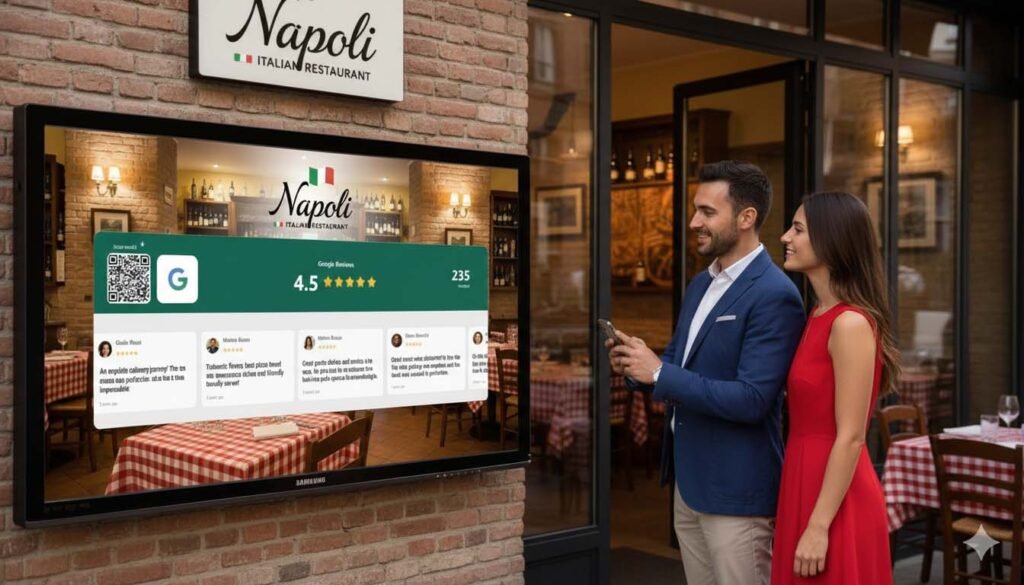
7. Showcase Reviews at the Entrance
Position a screen or framed display near your entrance showing your Google rating and best reviews. This serves double duty: it reassures first-time visitors they made a good choice, and it plants the idea of leaving a review before they even sit down.
Follow Up After the Visit
8. Send a Post-Dining Email or Text
If you collect customer email addresses through reservations, loyalty programs, or WiFi logins, send a follow-up message within 24 hours.
Keep it short and personal:
“Hi [Name], thanks for dining with us last night! If you enjoyed your experience, we’d love a quick Google review. It helps other food lovers find us. [Direct link]”
Timing matters — send it the morning after their visit, when the memory is still fresh but they’re not rushed.
9. Add Review Links to WiFi Login Pages
If your restaurant offers free WiFi, use the login or thank-you page to request a review. Customers connecting to WiFi are already on their phones, making it the perfect moment to ask.
A simple message after connecting: “Enjoying your visit? Leave us a Google review!” with a direct link takes advantage of a moment when customers are idle and phone-ready.
Make It Visible and Social
10. Respond to Every Review
This isn’t directly about getting more reviews, but it has a powerful indirect effect. When potential reviewers see that you respond to every review — positive and negative — they know their voice will be heard.
For positive reviews: Thank them specifically. Mention what they ordered if possible. Show you actually read it.
For negative reviews: Respond calmly, acknowledge the issue, and offer to make it right. Other customers watching see a business that cares.
Restaurants that respond to all reviews consistently see higher review volume over time. People leave reviews when they believe someone is listening.
11. Feature Reviews on Social Media
Share your best Google reviews on Instagram, Facebook, and TikTok. Create a simple template, screenshot the review, or design a branded review graphic.
This does three things: it shows appreciation for the reviewer, it serves as social proof for your followers, and it reminds everyone that leaving reviews is valued.
Tag the reviewer when possible. People love being recognized, and their friends see it too.
12. Add a Google Review Link to Your Website
Your website is a touchpoint you fully control. Add a clear “Leave a Review” button or link that opens your Google review page directly.
Place it on your homepage, contact page, and menu page. After someone browses your menu and decides to visit, seeing a review prompt keeps the idea alive.
What NOT to Do
Before implementing these strategies, understand what violates Google’s policies:
Never do this:
- Offer discounts or free items in exchange for reviews
- Buy fake reviews from services
- Ask only happy customers to leave reviews (review gating)
- Create fake accounts to review your own restaurant
- Ask staff to write reviews
Google actively detects and penalizes these practices. Purchased reviews get removed, and repeat offenders risk having their entire review profile wiped. The short-term gain isn’t worth the long-term risk.
The goal is authentic reviews from real customers. Volume comes from making it easy and creating an environment where reviewing feels natural — not from gaming the system.
Building a Review Culture
Getting more Google reviews for your restaurant isn’t a one-time campaign. It’s a culture shift. When asking for reviews becomes part of your daily operations — QR codes on tables, staff trained to ask at the right moment, reviews displayed on screens, follow-up emails sent automatically — the reviews accumulate steadily.
Restaurants that implement even half of these strategies consistently see their review count grow by 30-50% within three months. And as your review count climbs, so does your visibility in Google search results, attracting new diners who never would have found you otherwise.
Start with the easiest wins: QR codes on tables and a digital review display. Build from there. Every five-star review is a free advertisement that works forever.
Your food already speaks for itself. Now let your customers say it out loud.
