
How to Get More Google Reviews for Your Local Business: 12 Proven Tactics
Google reviews can make or break a local business. A strong review profile brings in new customers, improves your local search ranking, and builds the kind of trust that advertising simply can’t buy.
But here’s the frustrating reality: most happy customers never leave a review. They enjoy your service, they’d recommend you to friends, but they walk out the door and forget to share that experience online.
The businesses winning at Google reviews aren’t necessarily better than their competitors. They’re just better at asking — and making it easy to say yes.
Here are 12 proven tactics to get more Google reviews for your local business, starting today.
1. Just Ask (But Ask at the Right Moment)
The simplest tactic is often the most overlooked: ask your customers directly.
But timing matters enormously. The best moment to request a review is immediately after a positive experience — what psychologists call the “peak moment.” This could be:
- Right after a successful haircut when the customer is admiring their reflection
- When a diner compliments the meal to your staff
- After resolving a customer service issue successfully
- The moment a client sees their finished project
Train your staff to recognize these peak moments and respond with a simple: “I’m so glad you’re happy! Would you mind sharing that experience on Google? It really helps us out.”
Most people want to help businesses they like. They just need to be asked.
2. Make the Review Process Effortless
Every extra step between “I should leave a review” and actually posting one costs you reviews. Friction is the enemy.
Create a direct link to your Google review page:
- Search for your business on Google
- Click “Write a review”
- Copy that URL
Better yet, create a short link (using Bitly or a custom domain) that’s easy to remember and share. Something like yourbusiness.com/review that redirects to your Google review page.
Print this link on:
- Receipts
- Business cards
- Table tents
- Checkout counters
- Follow-up emails
The fewer clicks required, the more reviews you’ll receive.
3. Use QR Codes Strategically
QR codes eliminate typing entirely — customers simply scan and they’re on your review page.
Place QR codes where customers naturally have their phones out and a moment to spare:
- Restaurants: On the bill holder or table tent
- Salons: At the styling station mirror
- Retail: Near the checkout counter
- Service businesses: On invoices or completion certificates
The key is positioning. A QR code buried on a back wall does nothing. A QR code at eye level, where customers wait or pause, gets scanned.
Add a simple call-to-action above the code: “Loved your experience? Scan to leave a review — it takes 30 seconds!”
4. Display Your Current Rating In-Store
Here’s a psychological trick most businesses miss: showing your existing reviews actually generates more reviews.
When customers see a display showing “4.8 stars from 340 reviews,” two things happen:
First, it validates their positive experience. “Other people love this place too — I made a good choice.”
Second, it creates subtle social pressure to contribute. Humans naturally want to be part of a group. Seeing that 340 people left reviews makes leaving a review feel normal, expected, even obligatory.
This is called social proof, and it works in reverse too. By displaying your reviews prominently — on a screen near the entrance, at the checkout, or in your window — you remind customers that reviewing is something people do here.
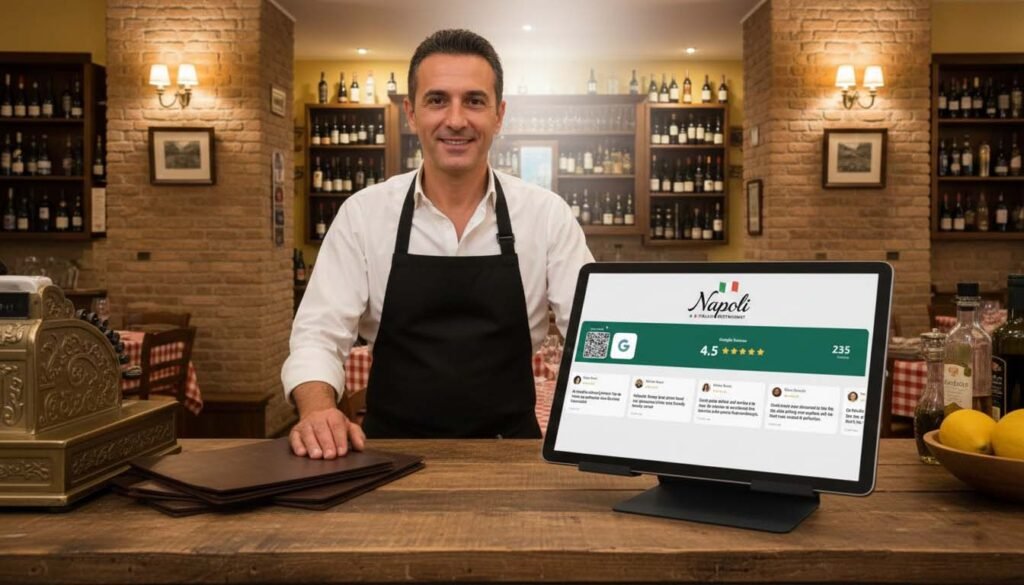
Services like Social Counters let you display your live Google rating and rotating customer reviews on any screen in your store. It’s a passive review-generation machine that works 24/7.
5. Respond to Every Single Review
Responding to reviews — both positive and negative — significantly increases review velocity. Here’s why:
When potential reviewers see that you actually read and respond to reviews, leaving one feels worthwhile. Their voice will be heard. The business owner will see it.
For positive reviews, a simple thank-you works:
“Thanks so much, Sarah! We’re thrilled you enjoyed your visit. Hope to see you again soon!”
For negative reviews, respond professionally and offer to make it right:
“We’re sorry to hear about your experience, John. This isn’t the standard we aim for. Please reach out to us at [email] so we can make this right.”
Potential customers read these responses too. How you handle criticism tells them everything about how you’ll treat them.
6. Send a Follow-Up Email or SMS
Timing a review request 2-24 hours after a purchase hits the sweet spot: the experience is fresh, but the customer has had time to use or reflect on your product/service.
Keep follow-up messages short and personal:
Subject: How was your visit, [Name]?
Hi [Name],
Thanks for stopping by [Business Name] today! We hope you loved your [product/service].
If you have 30 seconds, we’d really appreciate a Google review. It helps other customers find us and lets us know how we’re doing.
[Leave a Review →]
Thanks again, [Your Name]
Automation tools can send these automatically after purchases, but even manual follow-ups work well for high-touch businesses.
7. Create a “Review Station” In Your Location
Dedicate a small space in your business specifically for reviews. This could be:
- A tablet mounted on the wall near the exit
- A standing display with a QR code and clear instructions
- A screen showing recent reviews with a “Add yours!” prompt
The physical presence of a review station serves as a constant reminder. It signals to customers: “Reviews matter to us. We’re actively collecting them. Would you like to contribute?”
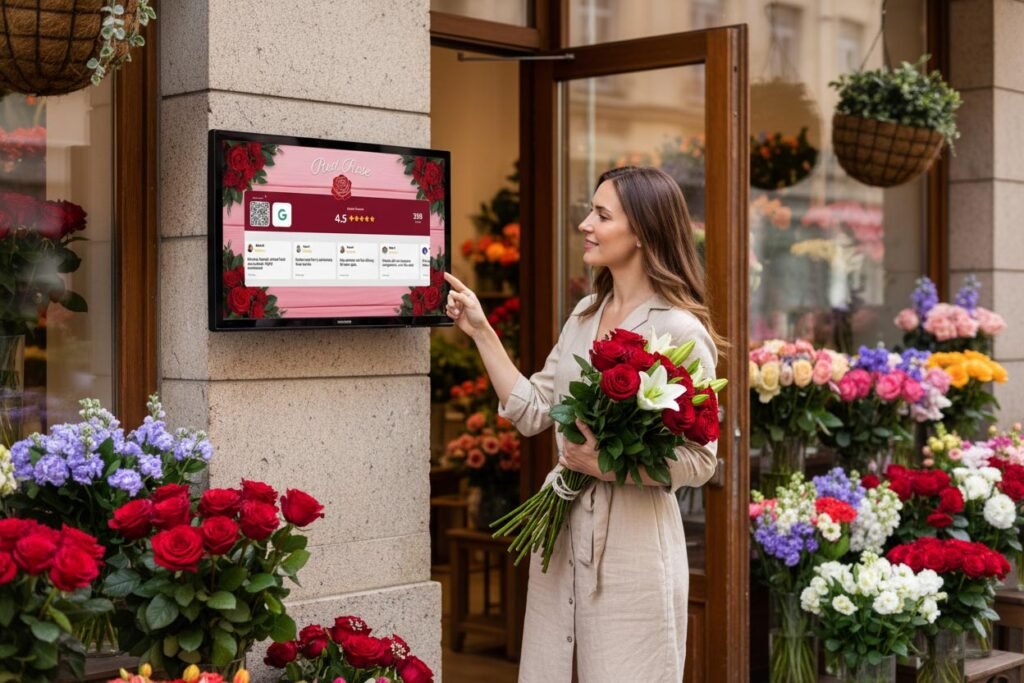
Position it where customers naturally pause — near the exit, at checkout, or in a waiting area.
8. Offer Exceptional Service (Obviously)
No tactic can compensate for mediocre service. The businesses with the most reviews and highest ratings share one trait: they consistently deliver experiences worth talking about.
This doesn’t mean being perfect. It means:
- Exceeding expectations in small ways
- Handling problems gracefully
- Making customers feel valued, not processed
- Creating moments that surprise and delight
One genuinely exceptional experience generates more reviews than ten average ones. Invest in your service first, then optimize your review collection process.
9. Train Your Entire Team
Getting Google reviews shouldn’t be one person’s job. Every customer-facing employee should understand:
- Why reviews matter to the business
- When to ask for reviews (peak moments)
- How to ask naturally without being pushy
- Where to direct customers (QR codes, links, etc.)
Role-play review requests in team meetings. Celebrate when reviews mention specific employees by name. Make review generation part of your culture, not just a marketing task.
10. Leverage Your Existing Social Media Audience
Your Instagram followers, Facebook fans, and email subscribers are pre-qualified review candidates. They already like your business enough to follow you.
Periodically remind them:
“Loving our [product/service]? We’d be so grateful for a Google review! It helps new customers find us and takes just 30 seconds. [Link]”
Don’t overdo it — once a month is plenty. But your existing audience is often the easiest source of new reviews.
11. Use Review Request Cards
Physical cards work surprisingly well, especially for service businesses where you’re physically handing something to the customer.
Design a simple card (business card sized) that says:
Thank you for choosing [Business Name]!
We’d love to hear about your experience. Scan below to leave a quick Google review.
[QR Code]
Hand these out with receipts, invoices, or completed products. The tangible reminder often triggers action better than digital requests.
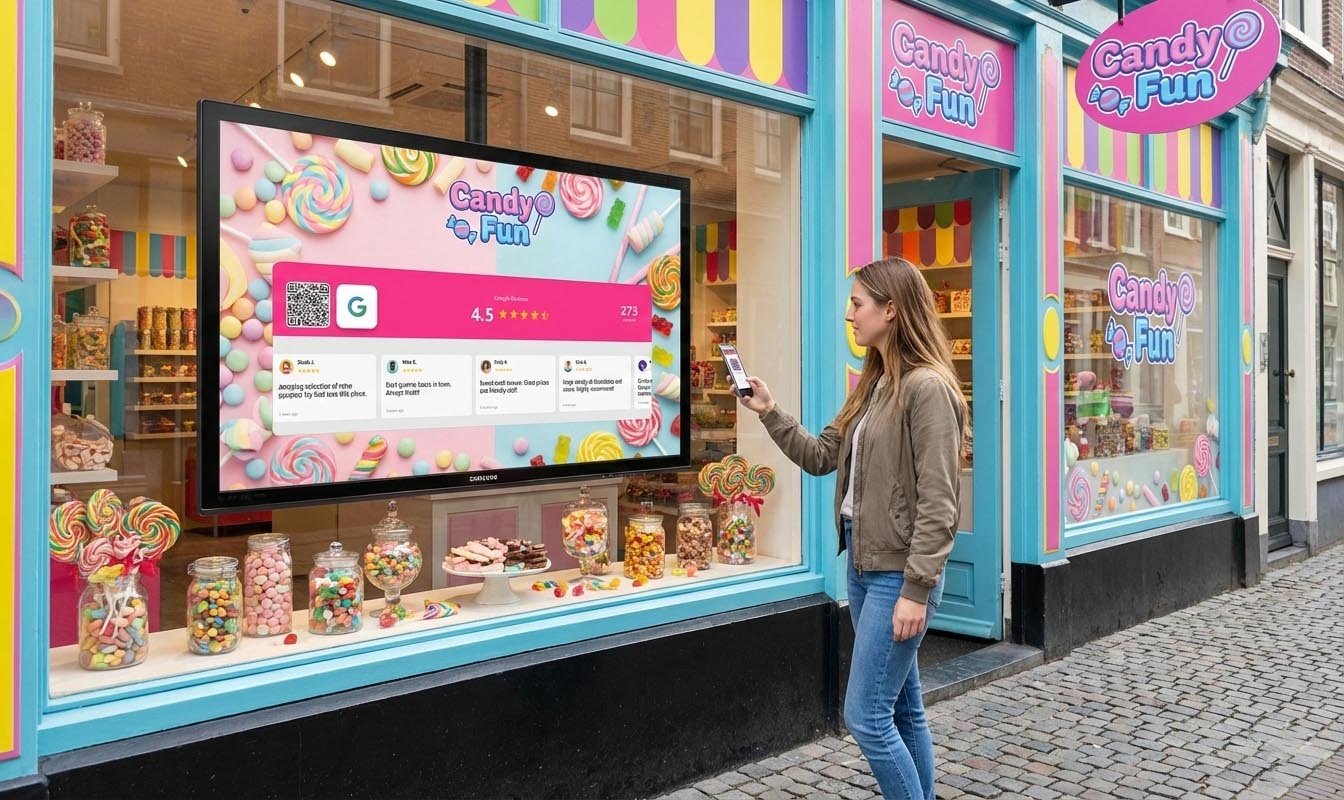
12. Show Reviews on Your Window Display
For businesses in foot-traffic areas, your window is prime real estate for trust-building.
A screen in your window showing your Google rating and rotating reviews accomplishes two things:
- Attracts new customers: Passersby see social proof before entering
- Reminds existing customers: Those leaving your store see reviews and think “I should add mine”
This creates a positive feedback loop. More displayed reviews → more trust → more customers → more reviews to display.
SocialCounters makes this easy with Google Reviews displays that update automatically, showing your latest reviews and current rating on any screen.
Common Mistakes to Avoid
Don’t Offer Incentives for Reviews
Google’s policies prohibit offering discounts, freebies, or other incentives in exchange for reviews. It also looks manipulative to customers. Earn your reviews through service quality, not bribes.
Don’t Ask Everyone at the Same Time
Sudden spikes in reviews look suspicious to Google’s algorithm. Aim for consistent, organic growth rather than review campaigns that generate 50 reviews in one week.
Don’t Ignore Negative Reviews
A few negative reviews among mostly positive ones actually increases trust — it looks authentic. What matters is how you respond. Address concerns professionally and publicly.
Don’t Make Reviewing Feel Like a Chore
“Please fill out our survey and rate us on Google and share on Facebook and…” — no. Keep it simple. One ask. One action. Google reviews should be your priority.
The Compound Effect of Google Reviews
Here’s what makes reviews so powerful: they compound over time.
More reviews → Higher search ranking → More visibility → More customers → More reviews
A business with 200 reviews today didn’t get them overnight. They built a system, trained their team, made asking easy, and let consistency do the work.
Start with one tactic from this list. Master it. Then add another. Within a year, you’ll have a review profile that your competitors can’t match.
Your Next Step
Choose one tactic to implement this week:
- Quickest win: Create a direct link to your Google review page and start asking customers
- Highest impact: Display your current reviews in-store to trigger social proof
- Best long-term: Train your team to recognize peak moments and ask naturally
Every review is a trust signal that works for your business forever. The best time to start collecting them was years ago. The second best time is today.
