
Free Google Review QR Code Generator: The Easiest Way to Collect More Reviews
Get more Google reviews without awkward conversations. Our free tool creates a professional, printable QR code card that takes customers directly to your review page.
Every local business owner knows the frustration: you deliver excellent service, customers leave happy, and then… nothing. No review. No rating. Just silence.
Meanwhile, the one customer who had a minor complaint? They somehow found the time to write a three-paragraph review before they even got home.
It’s not that your happy customers don’t want to help. They just forget. Or they don’t know how to find your Google listing. Or they get distracted by life the moment they walk out the door.
The solution is embarrassingly simple: make leaving a review so easy that it takes less effort than checking a text message.
That’s exactly why we built the Free Google Review QR Code Generator – a tool that creates a beautiful, branded QR code card your customers can scan to leave a review in seconds.
Why Google Reviews Are Worth Fighting For
Before we dive into the tool, let’s talk about why this matters so much for your business.
Google reviews aren’t just nice to have. They’re one of the most powerful drivers of local business success. When someone searches for “coffee shop near me” or “best hair salon in [your city],” Google decides who shows up first based largely on review quantity, quality, and recency.
The numbers are striking:
- 93% of consumers say online reviews influence their purchasing decisions
- Businesses with 4+ star ratings get significantly more clicks than those below
- A one-star increase in rating can lead to a 5-9% increase in revenue, according to research from Harvard Business School
- Businesses in the top three local search results get 70% of all clicks
But here’s what most business owners miss: it’s not just about your overall rating. Google’s algorithm favors businesses that receive consistent, recent reviews. A business with 50 reviews from the last month will often outrank a competitor with 500 reviews that are all two years old.
This means review collection isn’t a one-time project. It’s an ongoing process that needs to be built into your daily operations.
The Problem With “Please Leave Us a Review”
Most businesses try to get reviews by asking customers verbally or putting up a generic “Review us on Google!” sign.
Here’s why that doesn’t work:
The friction is too high. When you ask someone to “leave a Google review,” you’re actually asking them to:
- Remember to do it later
- Open Google Maps or Search
- Find your business listing
- Navigate to the review section
- Write something thoughtful
- Submit
By step two, most people have already moved on with their day.
Timing is wrong. Even if customers intend to leave a review, the moment passes. They’re most enthusiastic about your business right after a positive experience — not three hours later when they finally sit down with their phone.
It feels awkward. Verbally asking for reviews puts both you and the customer in an uncomfortable position. It can feel desperate or transactional, which is the opposite of the authentic experience you want to create.
How QR Codes Solve the Review Problem
A QR code eliminates almost all of that friction.
Instead of remembering, searching, and navigating, customers simply:
- Point their phone camera at the code
- Tap the link that appears
- Write a quick review
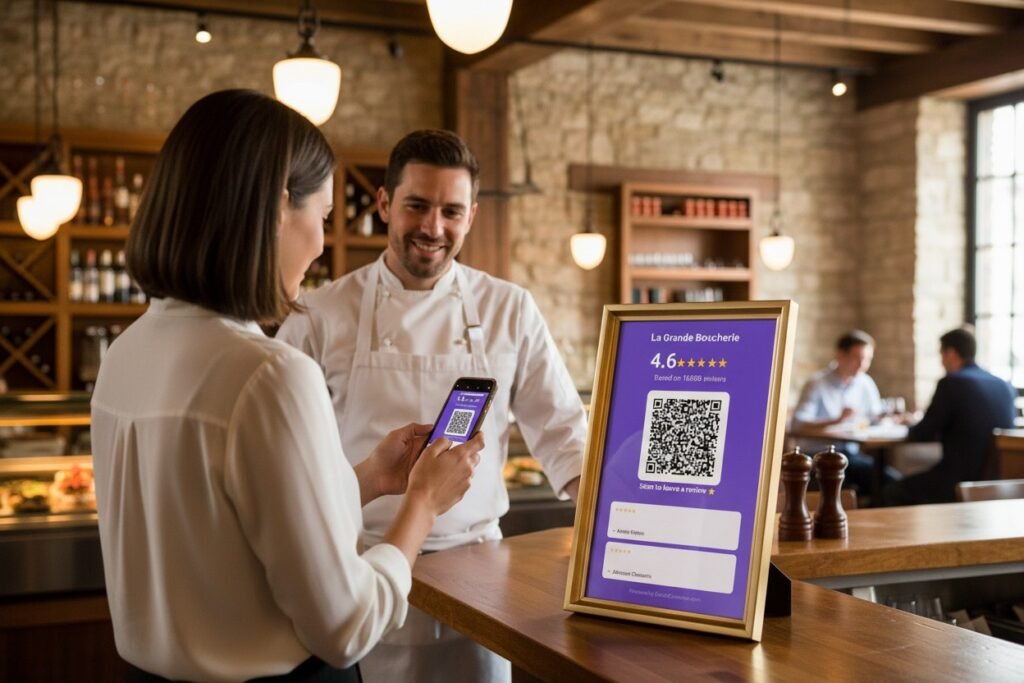
They’re taken directly to your Google review form — no searching, no extra steps. The whole process takes about 30 seconds.
And because the QR code is right there in your store, customers can do it while they’re still in the positive emotional state that makes them want to share their experience.
Introducing Our Free Google Review QR Code Generator
We built the Google Review QR Code Generator to be the simplest, most professional way to create a review collection card.
Here’s what makes it different from other QR code tools:
It Connects Directly to Google
You don’t need to manually find your Google review link or enter any URLs. Just search for your business name, select it from the results, and we pull your information directly from Google — including your current rating, review count, and even your best reviews.
It Creates a Complete Card, Not Just a Code
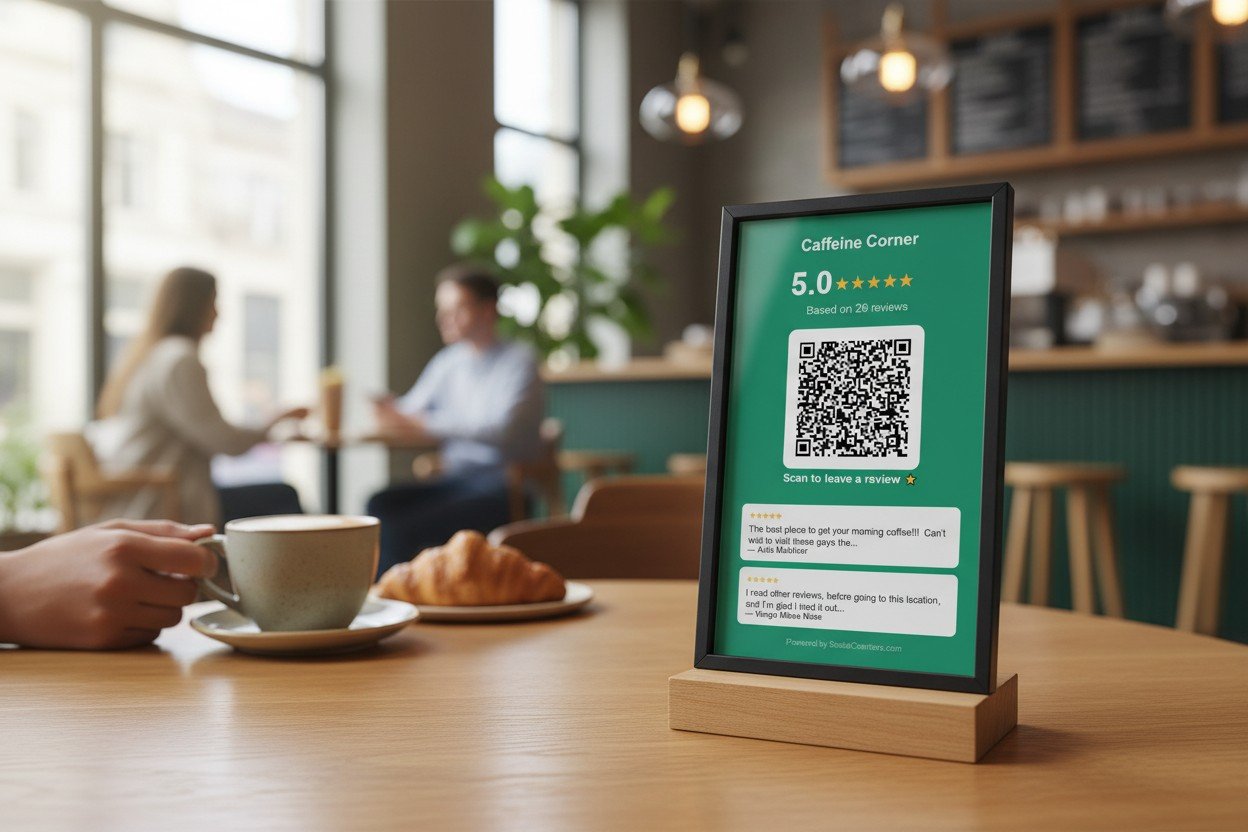
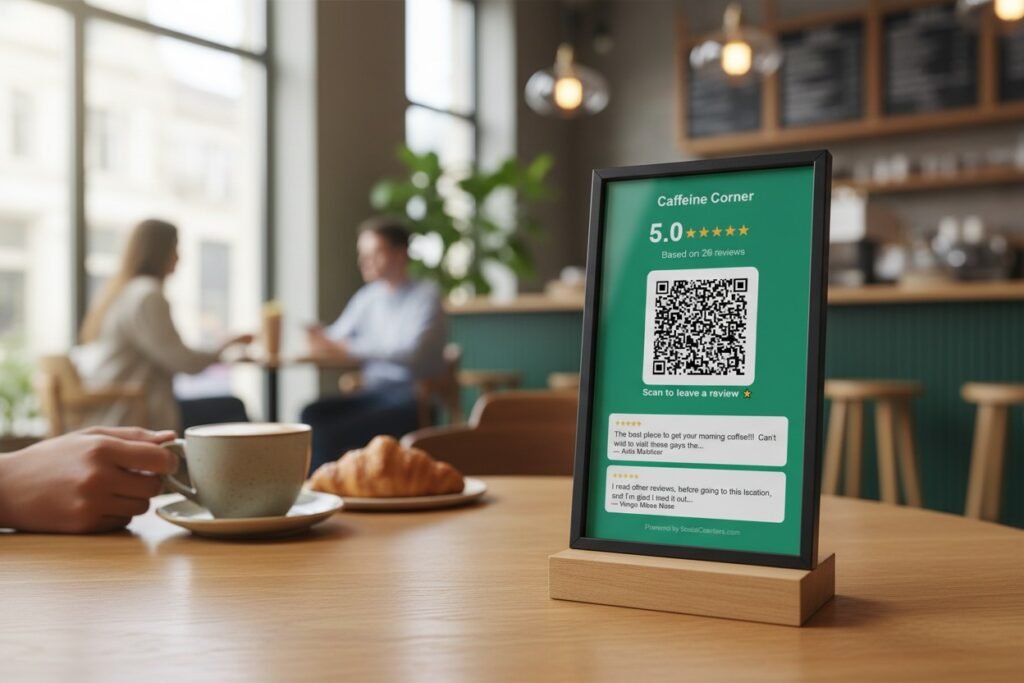
A bare QR code on a piece of paper looks unprofessional and doesn’t give customers any context. Our tool generates a complete, branded card that includes:
- Your business name
- Your current Google rating and review count
- A professionally designed QR code
- A clear call-to-action
- Optionally, your logo and top reviews
The result looks like something you paid a designer to create — but it takes about two minutes and costs nothing.
It’s Fully Customizable
Choose from preset brand colors or pick your own. Upload your logo. Customize the text labels. The card should feel like an extension of your brand, not a generic template.
It Downloads as Print-Ready PNG
When you’re happy with your design, download it as a high-resolution PNG image. Print it at any size — from business cards to posters — without losing quality.
How to Use the Tool (Step by Step)
Getting your QR code card is simple:
- Go to the Google Review QR Code Generator
- Search for your business — Type your business name and select it from the Google results
- Customize your card — Choose your colors, upload your logo (optional), and adjust the text
- Preview and download — See exactly what your card will look like, then download the PNG
- Print and display — Put it where customers will see it: checkout counter, table tents, near the exit, or on receipts
The whole process takes less than two minutes.
Where to Place Your Google Review QR Code
Placement matters. You want customers to see the QR code when they’re most likely to act on it. Here are the best spots:
At the Checkout Counter
This is the classic placement for a reason. Customers are already standing there, often waiting for a receipt or payment to process. It’s a natural pause point where they have a moment to scan.
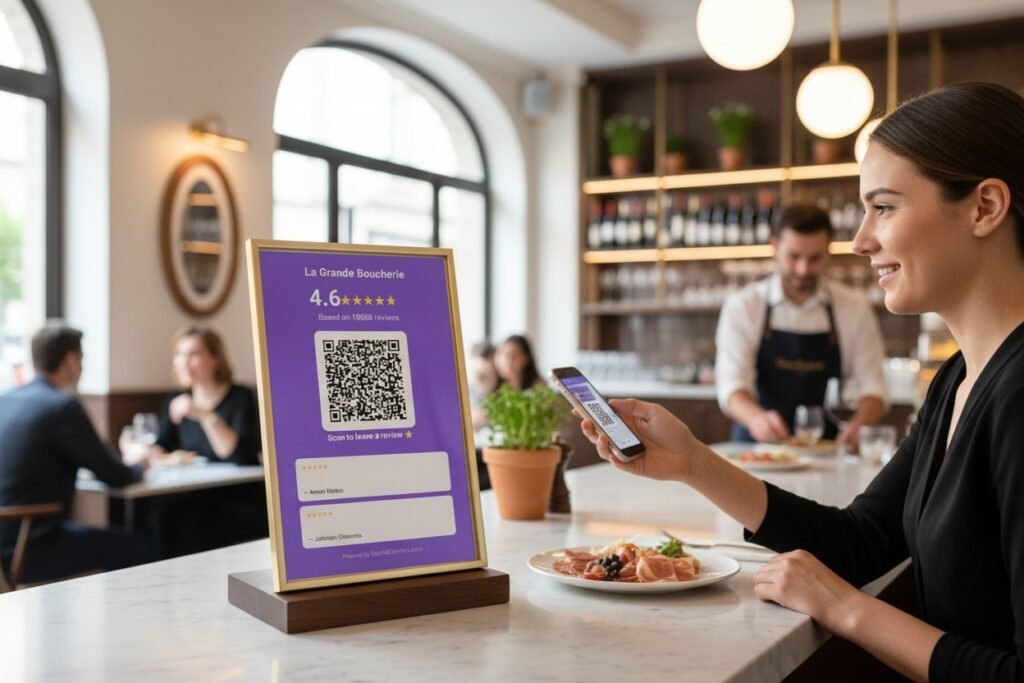
On Table Tents (Restaurants)
Place QR codes on tables where customers can scan while waiting for the check. They’ve just finished their meal, they’re in a good mood, and they have nothing else to do.
Near the Exit
Catch customers on their way out, while the positive experience is still fresh. A well-placed sign by the door serves as a gentle reminder.
On Receipts
Print your QR code directly on receipts so customers can scan it later. This works well for businesses where customers don’t linger.
In Waiting Areas
Perfect for medical offices, salons, auto repair shops — anywhere customers spend time waiting. Give them something productive to do with that time.
On Product Packaging
For retail businesses, include the QR code on packaging or shopping bags. Customers can scan it when they get home and are enjoying their purchase.
Best Practices for Maximizing Reviews
Having the QR code is just the first step. Here’s how to get the most out of it:
Train Your Team
Your staff should know to mention the QR code naturally, especially after positive interactions:
“I’m so glad you enjoyed everything today! If you have a second, we’d love a quick Google review — just scan the code right there.”
This isn’t pushy when it follows genuine satisfaction. It’s simply making it easy for happy customers to do something they might already want to do.
Ask at the Right Moment
Timing matters more than anything. The best time to ask is right after:
- A compliment or positive feedback
- Resolving a problem successfully
- A “wow” moment in the customer experience
- The completion of a service they’re clearly happy with
Respond to Every Review
When customers see that you respond to reviews — both positive and negative — they’re more likely to leave one themselves. It signals that you actually read and value feedback.
Plus, Google’s algorithm tends to favor businesses that actively engage with their reviews.
Don’t Incentivize
Google explicitly prohibits offering discounts, freebies, or other incentives in exchange for reviews. Beyond the policy violation, incentivized reviews tend to feel inauthentic and can backfire with customers.
Instead, focus on making the process easy and catching people at moments when they genuinely want to share their experience.
Make It Consistent
Review collection works best when it’s built into your standard operating procedures, not treated as a special campaign. Every happy customer is an opportunity — the QR code just makes it easy to capture.
From Static QR Code to Live Display
A printed QR code is a great start. But what if you could take social proof even further?
Imagine your customers walking into your store and seeing a live screen that shows:
- Your current Google rating, updating in real-time
- Your best reviews scrolling in an eye-catching carousel
- Your social media follower counts across Instagram, TikTok, Facebook, and YouTube
- Built-in QR codes for both reviews and social follows
That’s what Social Counters does. It transforms any TV, tablet, or monitor into a dynamic social proof display that builds trust the moment customers walk in.
There’s a psychological principle at work here: social proof is more powerful when it feels dynamic and real. A printed sign showing “4.8 stars” is nice, but it could be outdated. A live display showing “4.8 ★ based on 1,247 reviews” — with new reviews appearing in real-time — creates urgency and authenticity that static signs can’t match.
Many of our users report that the live display becomes a conversation starter. Customers point at the screen, read reviews out loud, and feel more confident about their purchase. Some even pull out their phones to add their own review right there.
If you’re serious about leveraging social proof, the printed QR code is just the beginning. Learn more about SocialCounters and see how a live display can transform your customer experience.
Why We Made This Tool Free
You might be wondering: why give this away for free?
Simple: we believe every local business deserves access to professional tools that help them grow. Google reviews are too important to leave to chance, and creating a review QR code shouldn’t require design skills or a marketing budget.
Our hope is that once you see how powerful social proof can be with a simple QR code, you’ll want to explore what’s possible with a full live display. But even if you never become a SocialCounters customer, this tool will help you get more reviews – and that’s a win for local businesses everywhere.
Get Your Free QR Code Now
Ready to start collecting more Google reviews? It takes less than two minutes:
→ Create Your Free Google Review QR Code
Search for your business, customize your card, and download a print-ready PNG. No account required, no credit card, no catch.
More reviews. Higher rankings. More customers. It starts with making it easy.
Frequently Asked Questions
Is this tool really free? Yes, completely free. You can create and download your QR code card without paying anything or creating an account.
Does the QR code expire? No. The QR code links directly to your Google review page, which is a permanent URL. It will work as long as your Google Business Profile exists.
Can I use this for multiple locations? Absolutely. Just search for each location separately and create a unique card for each one.
What size should I print the card? The PNG downloads at high resolution (3x scale), so you can print it at virtually any size. For a counter display, something around 4×6 inches works well. For a poster, you can go much larger.
Do customers need a special app to scan the QR code? No. Any modern smartphone camera (iPhone or Android) can scan QR codes natively. Customers just point their camera at the code and tap the link that appears.
Can I edit my card after downloading? You can always go back to the tool and create a new card with different settings. Since your Google rating updates automatically when you search, this is also a good way to refresh your card with your latest numbers.
