
How to Get Google Reviews as a Small Local Business (The Complete Playbook)
Google reviews can make or break a small local business. You already know this.
What you might not know is that most businesses approach reviews completely wrong. They treat it like a one-time campaign instead of an ongoing system. They collect reviews but never use them. They respond to negative ones but ignore the positive.
This guide is different. It covers everything from your first review to your 500th – and how to actually turn those stars into customers.
Step 1: Make Your Reviews Visible In-Store
Most guides start with “ask for reviews.” We’re starting somewhere else: display them.
Here’s why. When customers see your existing reviews displayed in your store, two things happen:
- They trust you more (social proof kicks in immediately)
- They’re reminded to leave their own review (the behavior feels normal)
This is the most overlooked tactic in review collection. Businesses spend all their energy asking for reviews while hiding the ones they already have.
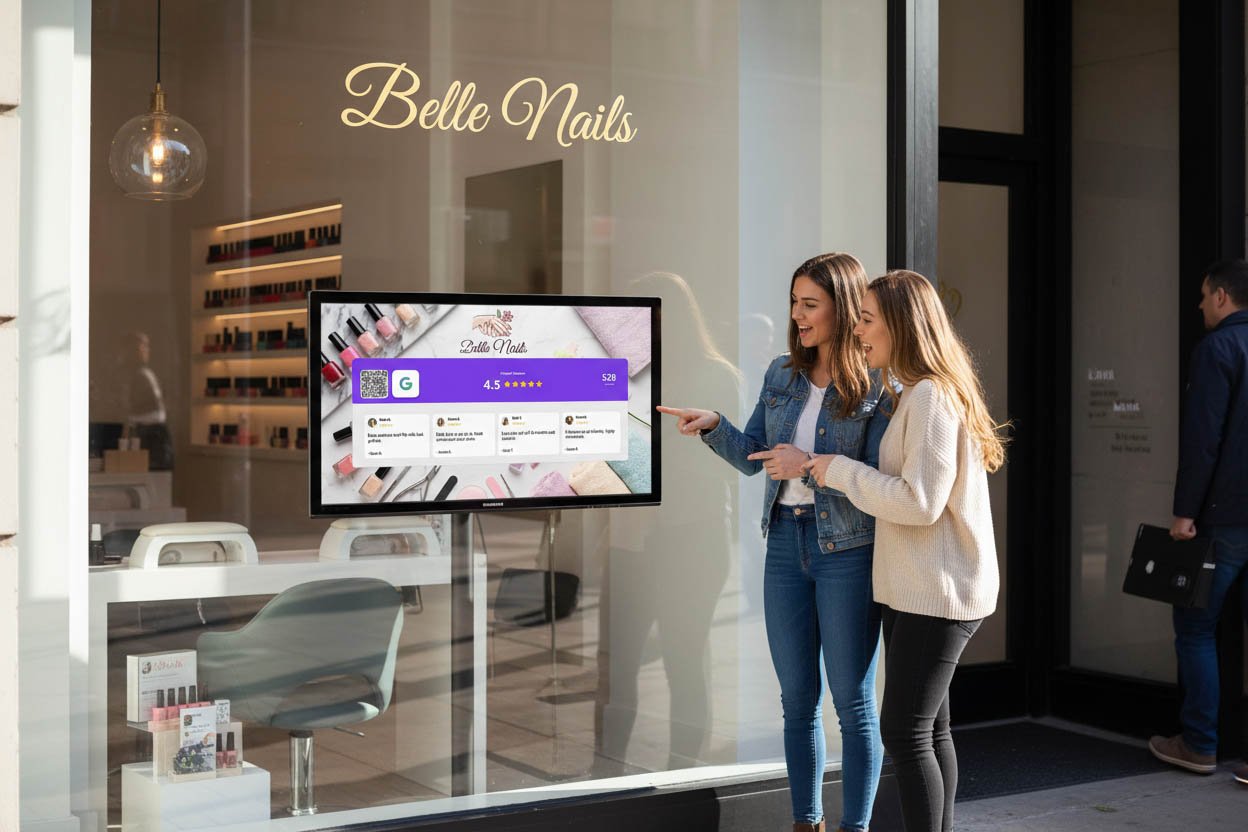
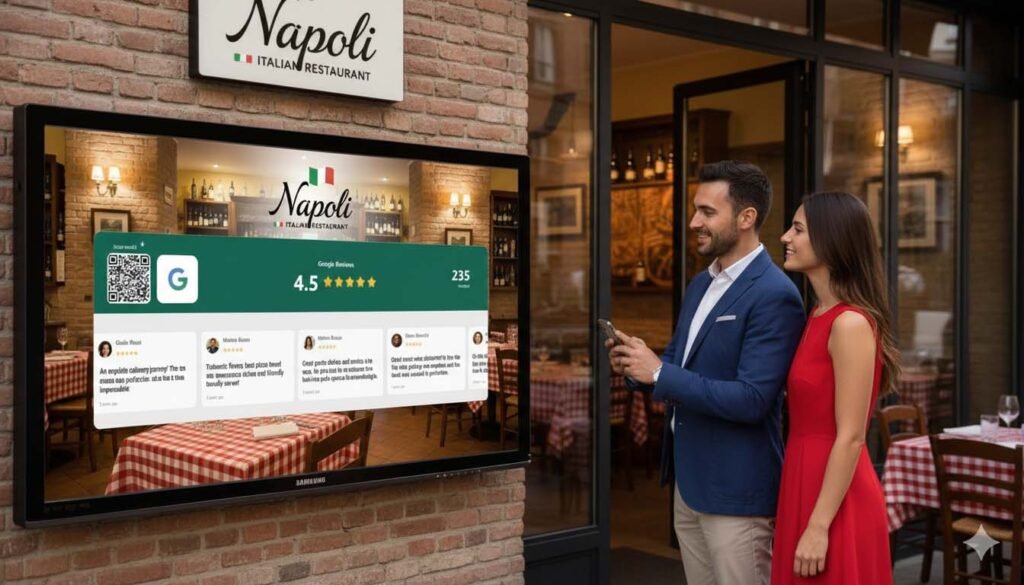
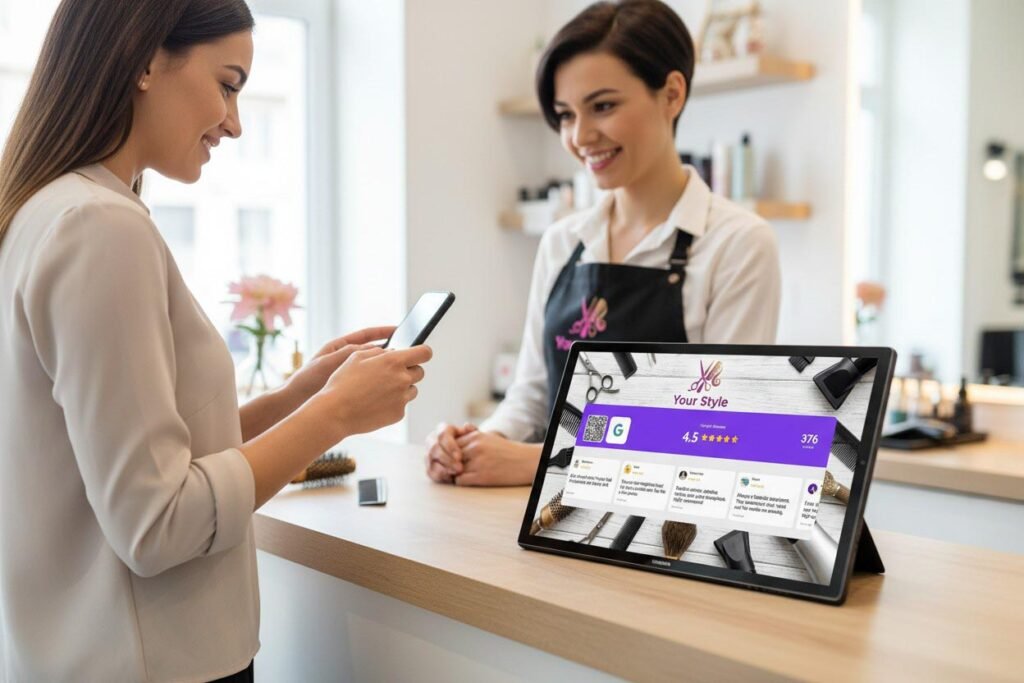
Tools like Social Counters let you display your live Google rating and a scrolling carousel of your best reviews on any tablet or screen. Add a QR code, and customers can leave their own review in seconds.
It’s a simple setup that works passively. No awkward asking. No staff training. The display does the work.
One screen showing “4.8 stars — 180 reviews” with real testimonials scrolling by is more persuasive than any sales pitch you could give. And it prompts more reviews without you saying a word.
Start here before anything else.
Step 2: Understand Review Velocity
Most small businesses think about reviews in terms of total count: “We have 45 reviews.”
But Google cares about something else: review velocity. That’s how consistently new reviews come in.
A business that gets 2-3 reviews per week looks more active and trustworthy than one that got 50 reviews two years ago and nothing since. Google’s algorithm notices. Customers notice too — they check review dates.
This means you need a system, not a campaign.
Campaigns create spikes: you push hard for a month, get 30 reviews, then stop. Velocity drops to zero. Three months later, your most recent review is stale.
Systems create consistency: you build review requests into your daily operations, and new reviews trickle in every week. Your profile always looks fresh and active.
The goal isn’t “get more reviews.” It’s “get reviews consistently, forever.”
Step 3: Claim and Optimize Your Google Business Profile
Before collecting reviews, make sure your Google Business Profile is set up correctly.
If you haven’t claimed your listing yet:
- Go to google.com/business
- Search for your business
- Click “Claim this business” and verify (usually via postcard or phone)
Once claimed, optimize it:
Business name: Use your real business name. Don’t stuff keywords — Google penalizes this.
Category: Choose the most specific category that fits. “Italian Restaurant” beats “Restaurant.”
Photos: Add at least 10 quality photos. Businesses with photos get 42% more direction requests.
Hours: Keep these accurate. Nothing kills trust like showing up to a closed store.
Description: Write a natural description including your location and main services.
A complete profile ranks better and converts more visitors into customers. Reviews alone won’t save a half-empty listing.
Step 4: Create Your Direct Review Link
Sending customers to “Google us and find the review button” is a guaranteed way to lose them.
Create a direct link that takes them straight to the review form:
- Go to your Google Business Profile
- Click “Ask for reviews” (or find it under “Get more reviews”)
- Copy the short link provided
This link skips all the searching and clicking. One tap, and they’re writing a review.
Use this link everywhere:
- QR codes in your store
- Email signatures
- Follow-up messages
- Text receipts
- Your website
The easier you make it, the more reviews you’ll get. Every extra click loses customers.
For display ideas, see the best QR code setups for Google reviews.
Step 5: Master the Five Perfect Moments
Timing matters more than the words you use.
There are five moments when customers are most likely to leave a positive review:
1. The peak experience moment Right after they’ve received value — the meal arrives, the haircut reveal, the product works. Emotions are high.
2. The compliment moment When a customer says something positive unprompted: “This is amazing” or “I love it.” That’s your cue.
3. The repeat customer moment Someone coming back for the third or fourth time clearly likes you. They’re more invested and more likely to help.
4. The problem-solved moment You fixed an issue and the customer is relieved and grateful. Counterintuitive, but these often become your best reviews.
5. The relationship moment Long-term customers you know by name. They want to support you — just ask.
Miss these moments, and you’re asking people who’ve already mentally moved on. Catch them, and the review almost writes itself.
Step 6: The Art of Asking (Without Being Awkward)
Asking for reviews doesn’t have to feel salesy. The key is framing it as helping, not begging.
Don’t say: “Could you leave us a review? It really helps us out.”
Do say: “If you have a minute, a Google review helps other people find us. There’s a QR code right here.”
The difference is subtle but important. The first makes it about you. The second makes it about helping other customers discover a good business.
Even simpler: “Glad you loved it. If you want to share that on Google, it takes 30 seconds. QR code’s right there.”
Short. Casual. No pressure.
For more scripts that work, check out how to ask customers for a Google review.
Step 7: Respond to Every Single Review
This is where most small businesses drop the ball.
Responding to reviews – all of them – signals that you’re engaged and care about feedback. It also gives you more content on your profile, which helps with local SEO.
For positive reviews: Keep it short and genuine. Use their name. Reference something specific if possible.
“Thanks so much, Sarah! Glad you loved the carbonara – it’s our chef’s favorite too. See you next time!”
For negative reviews: Stay calm. Acknowledge their experience. Offer to make it right offline.
“We’re sorry to hear this, Mark. That’s not the experience we want anyone to have. Please reach out to us at [email] so we can make it right.”
Never argue, get defensive, or blame the customer publicly. Other people are reading your responses and judging how you handle problems.
Responding also encourages more reviews. Customers see that you actually read feedback, so leaving a review feels less like shouting into the void.
Step 8: Reviews Are SEO Gold (Here’s Why)
Most business owners don’t realize that Google reviews directly impact local search rankings.
Three factors matter:
Quantity: More reviews signal popularity and trust.
Quality: Higher ratings obviously help.
Keywords: When customers mention specific services or products in reviews, Google connects those keywords to your business.
That last one is underrated. If multiple reviews mention “best tacos in Austin” or “great hair coloring,” Google starts associating those terms with your business.
You can’t tell customers what to write – that’s against Google’s policies. But you can gently guide by asking about specific experiences:
“How was the latte?” might prompt a review mentioning lattes. “Did the new color turn out how you wanted?” might prompt a review about hair coloring.
Over time, these keyword-rich reviews boost your visibility for exactly the searches you want to rank for.
Step 9: Repurpose Reviews Everywhere
Your Google reviews shouldn’t live only on Google.
Take your best reviews and use them:
On your website: Create a testimonials section featuring real Google reviews. Include the reviewer’s first name and star rating.
On social media: Turn great reviews into quote graphics. “Don’t take our word for it – here’s what Sarah said.”
In your store: Display them on screens, print them on wall art, include them in menus.
In ads: Customer testimonials outperform brand claims. Use reviews in your Facebook and Instagram ads.
In email: Add a rotating review to your email signature or newsletter footer.
You earned these reviews. Squeeze every drop of value from them.
Step 10: Handle Negative Reviews Like a Pro
Every business gets negative reviews eventually. It’s not a crisis – it’s an opportunity.
A business with 200 five-star reviews and zero negative ones looks suspicious. A few imperfect reviews actually build credibility.
What matters is how you respond.
The 3-part response formula:
- Acknowledge: “We’re sorry to hear about your experience.”
- Explain (briefly, no excuses): “That’s not our usual standard.”
- Resolve offline: “Please contact us at [email] – we’d like to make this right.”
Then actually follow through. Many negative reviewers will update their review after you fix the problem.
What not to do:
- Argue or get defensive
- Accuse the customer of lying
- Ignore it and hope it goes away
- Offer compensation publicly (attracts fake complaints)
One thoughtful response to a negative review can actually win you more customers than five generic five-star responses.
Step 11: Avoid These Common Mistakes
Buying fake reviews: Google’s algorithm is smarter than you think. Fake reviews get removed, and your listing can be penalized or suspended.
Review gating: Only asking customers you think will leave positive reviews violates Google’s policies. Ask everyone.
Offering incentives: Discounts or freebies in exchange for reviews is against the rules. Don’t do it.
Asking too often: If someone left a review, don’t keep asking. One customer, one review.
Ignoring reviews: Not responding makes you look like you don’t care. Even a simple “Thank you!” is better than silence.
The First 20 Reviews: A Starter Strategy
If you’re starting from zero (or near zero), here’s how to build momentum:
Week 1-2:
- Set up your Google Business Profile completely
- Create your direct review link and QR codes
- Display your (future) review rating in-store with SocialCounters
- Ask your 10 most loyal customers personally – explain that you’re just getting started
Week 3-4:
- Train all staff on when and how to ask
- Place QR codes at checkout, on tables, and in waiting areas
- Send a review request to recent customers via email or text
Month 2-3:
- Review asking becomes routine
- Respond to every review within 24 hours
- Share great reviews on social media
Month 4+:
- System runs itself
- Focus on consistency, not campaigns
- Reviews come in weekly without extra effort
Most small businesses can hit 50+ reviews within 90 days using this approach. After that, it compounds – more reviews attract more reviews.
Your Review System Checklist
Here’s everything in one checklist:
☐ Google Business Profile claimed and optimized
☐ Direct review link created
☐ QR codes placed in 3+ visible locations
☐ Review display set up (SocialCounters or similar)
☐ Staff trained on when and how to ask
☐ Response template ready for positive reviews
☐ Response template ready for negative reviews
☐ Weekly check-in to respond to new reviews
☐ Monthly review of stats and velocity
Treat this like any other business system. Set it up once, maintain it consistently, and it pays dividends forever.
