
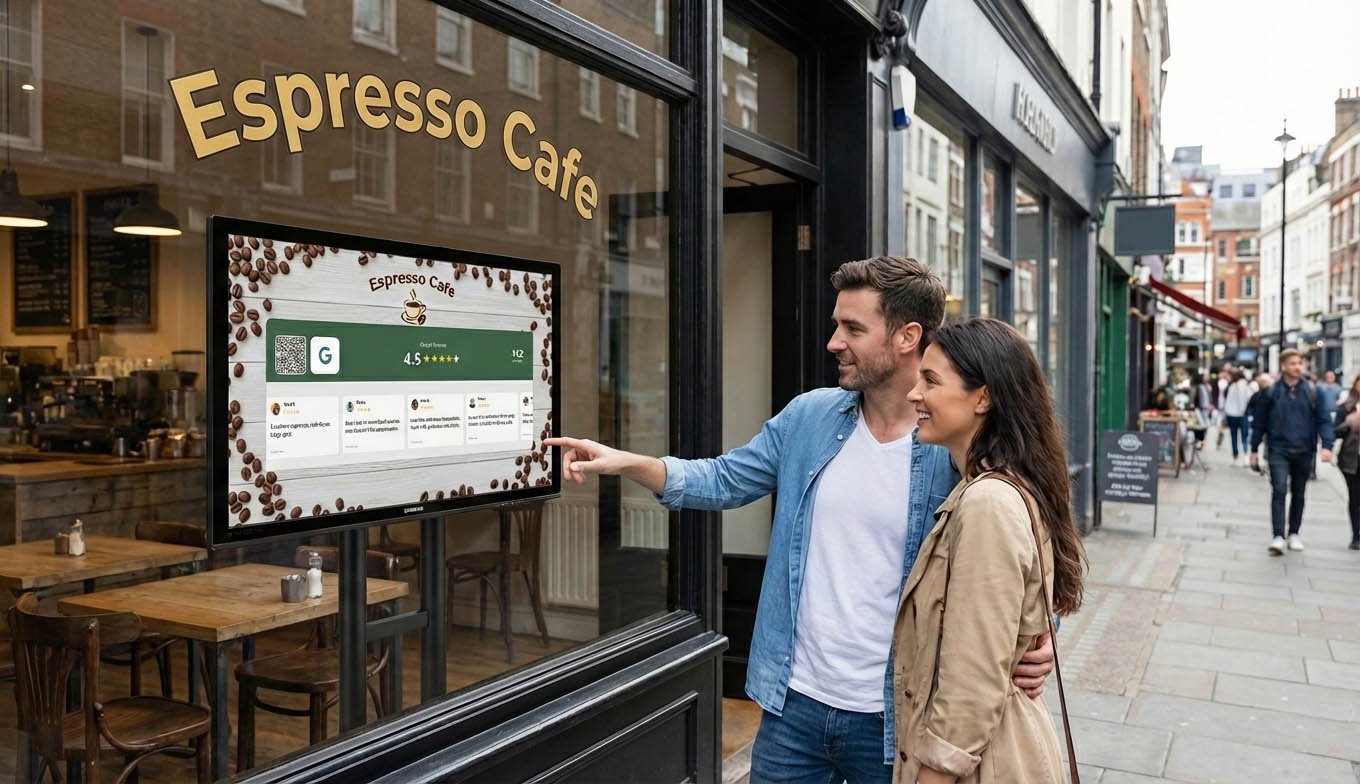
The Best Free Social Media Marketing Tools for Local Businesses
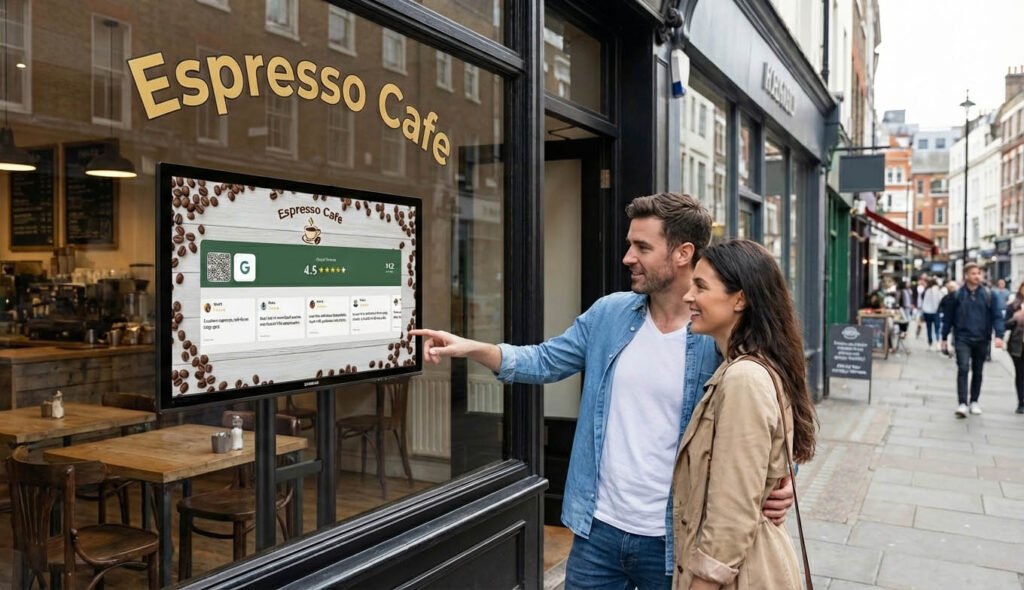
Running a local business means wearing twelve hats at once. Marketing usually gets squeezed between actually serving customers and dealing with suppliers and fixing that thing that broke yesterday.
So when you do have time for social media, you need tools that work without complicated setups or monthly fees eating into margins.
Good news: some genuinely useful tools cost nothing. Not “free trial” nothing. Actually free.
Here are five that local businesses can use right now without spending money.
1. Social Media Follower Counters
What it does: Displays your live follower counts on any screen in your business.
Why it matters for local businesses:
You have something online-only businesses would kill for: foot traffic. People physically in your space, already interested in what you sell.
Most of them leave without ever following you on social media. Not because they don’t like you. Because they didn’t think about it.
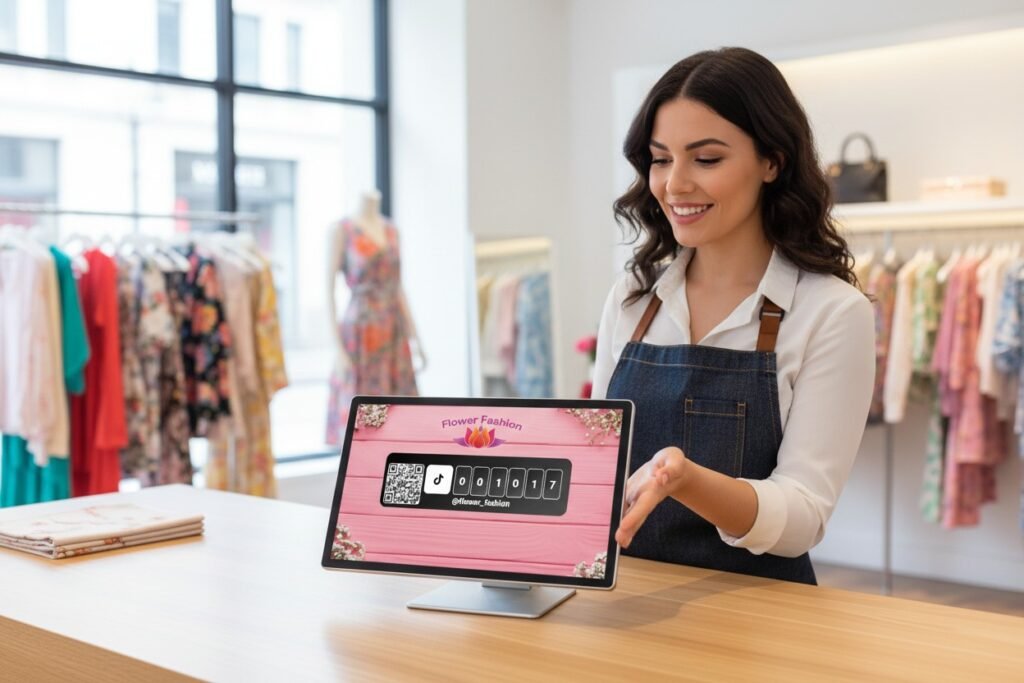
A live follower counter changes that. A screen near your register showing “2,847 Instagram or TikTok followers” does two things. First, social proof. Almost three thousand people follow this place? Must be worth it. Second, awareness. Oh, they have an Instagram. Maybe I should follow.
Put a QR code next to it and the whole journey from “huh, interesting” to “followed” takes five seconds.
SocialCounters offers this free. Connect your Instagram, TikTok, Facebook, YouTube, whatever. Display it on any tablet or screen. The free tier includes one social account and your Google rating.
Best for: Any local business with a physical location. Restaurants, salons, retail, gyms, you name it.
2. Follow Us QR Code Generator
What it does: Creates QR codes that link directly to your social media profiles.
Why it matters for local businesses:
“Follow us @businessname” doesn’t work. Customers would have to open the app, search for you, find the right account among duplicates, tap follow. Too many steps. They won’t do it.
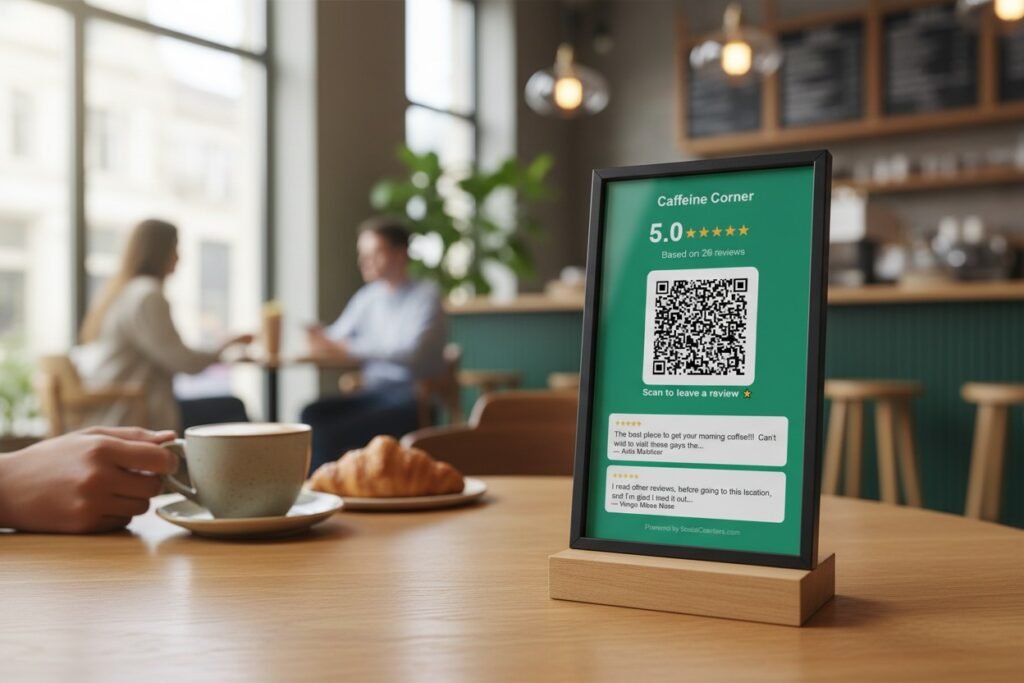
A QR code skips all that. Scan, and they’re on your profile with the follow button right there. One tap.
The SocialCounters QR generator is completely free. No account required. Works for Instagram, TikTok, Facebook, YouTube, whatever platform matters for your business. Customize colors if you want. Print it and you’re done.
Put QR codes on receipts. On table tents. At the register. In the fitting room. Anywhere customers have a moment and their phone.
Best for: Converting in-store customers to followers. Works alongside the counter or standalone.
3. Canva
What it does: Creates professional-looking graphics without design skills.
Why it matters for local businesses:
Social media needs visuals. But hiring a designer for every Instagram post isn’t realistic when you’re running a shop.
Canva’s free tier is surprisingly capable. Templates for Instagram posts, stories, Facebook covers, TikTok thumbnails. Drag and drop your photos, change the text, done. Takes maybe ten minutes to make something that looks like you paid for it.
Local business specific templates help a lot. Announcement posts, sale graphics, “now open” stories. Start from a template instead of a blank canvas.
It’s not Photoshop. But for social media content, it doesn’t need to be.
Best for: Creating posts, stories, promotional graphics. Anyone who needs visuals but isn’t a designer.
4. Meta Business Suite
What it does: Manages your Facebook and Instagram from one dashboard.
Why it matters for local businesses:
If you use Facebook or Instagram for your business (and you probably should), Meta’s own tool handles everything in one place.
Schedule posts in advance. See all your comments and messages together. Basic analytics showing what’s working. Create simple ads if you eventually want to spend money there.
The scheduling alone is worth it. Batch create a week’s worth of posts on Sunday night. They go out automatically. No more remembering to post every day.
It’s free because Meta wants you using their platforms. But that doesn’t make it less useful.
Best for: Any business active on Facebook or Instagram. Which is most local businesses.
5. Linktree
What it does: Creates a single link that leads to multiple destinations.
Why it matters for local businesses:
Instagram and TikTok give you one link in your bio. One. That’s it.
But you need people to find your menu. Your booking page. Your Google reviews. Your other social profiles. Your website. Choosing just one feels impossible.
Linktree solves this. One link in your bio leads to a simple page with all your important links. Customers tap what they need.
The free version does everything most local businesses require. Add unlimited links, basic customization, see how many people click each one. That last part is useful. If nobody clicks your menu link but everyone clicks reservations, you learn something.
It also turns passive followers into actual customers. Someone finds you on TikTok, goes to your bio, taps the Linktree, books a table. That’s a conversion that wouldn’t happen if you only linked to your homepage.
Best for: Any business on Instagram or TikTok. Especially restaurants, salons, or anyone with multiple things they want followers to do.
How These Work Together
The tools complement each other.
Create content with Canva. Schedule and publish through Meta Business Suite. Display your growing following with a follower counter in your store. Convert foot traffic to followers with QR codes. Turn those followers into customers with Linktree in your bio.
None of them cost money. All of them save time.
The combination matters. Content brings followers online. The counter and QR codes bring followers from in-person customers. Linktree turns followers into actual visits and bookings. Everything feeds into everything else.
What About Paid Tools?
Paid tools exist for a reason. Later, Buffer, Hootsuite, they all offer features the free options don’t.
But for most local businesses just getting started with social media, free tools do 90% of what you need. The limiting factor isn’t usually software. It’s time and consistency.
Start free. Actually use the tools consistently for a few months. If you hit limitations that genuinely hold you back, then consider paid options.
Most businesses never hit those limitations. They just need to post more regularly and make following easy. Free tools handle both.
Getting Started
Don’t try everything at once. Pick one or two tools and actually use them.
If you have a physical location: Start with a follower counter and QR code. Set them up this week. Put them where customers see them. This alone can significantly grow your following.
If you need help creating content: Download Canva. Spend an hour exploring templates. Make your next five posts in one sitting.
If your bio link feels limiting: Set up Linktree. Add your top 4-5 destinations. Put that one link in all your bios.
If you’re inconsistent with posting: Set up Meta Business Suite. Schedule a week of content at once. Let it post automatically.
The tools are free. The barrier isn’t money. It’s just starting.
The Real Advantage
Local businesses have something big accounts don’t. A physical presence. Real customers. Community.
These tools help you turn that into online growth. The counter shows proof to people in your store. The QR code makes following instant. The content tools help you stay visible between visits.
None of it requires a marketing budget. Just a bit of time and the willingness to try.
Start with what feels manageable. Build from there.
