
How to Ask Customers to Leave a Google Review?
Asking for reviews feels awkward.
You just provided great service. The customer is happy. And now you have to interrupt that moment with “Hey, can you leave us a review?” It feels needy. Salesy. Uncomfortable.
So most business owners don’t ask. Or they ask once, feel weird about it, and never ask again.
But here’s the truth: if you’re wondering how to ask customers to leave a Google review, you’re already thinking about it wrong.
The best review strategies don’t rely on asking at all. They create environments where leaving a review feels natural, easy, and almost automatic.
Let’s explore eight ways to get more reviews — starting with the approach that removes awkward asking entirely.
1. Display Your Reviews So Customers Ask Themselves
What if you didn’t have to ask at all?
Here’s the psychology most businesses miss: people leave reviews when they see others have left reviews.
When a customer sees “4.8 ★ from 347 reviews” displayed in your store, something clicks:
- “Wow, 347 people reviewed this place”
- “Reviewing must be normal here”
- “I should add mine too”
They convince themselves. You don’t have to ask.
This is the social proof loop — and it’s the most powerful review generation strategy that exists.
How It Works in Practice
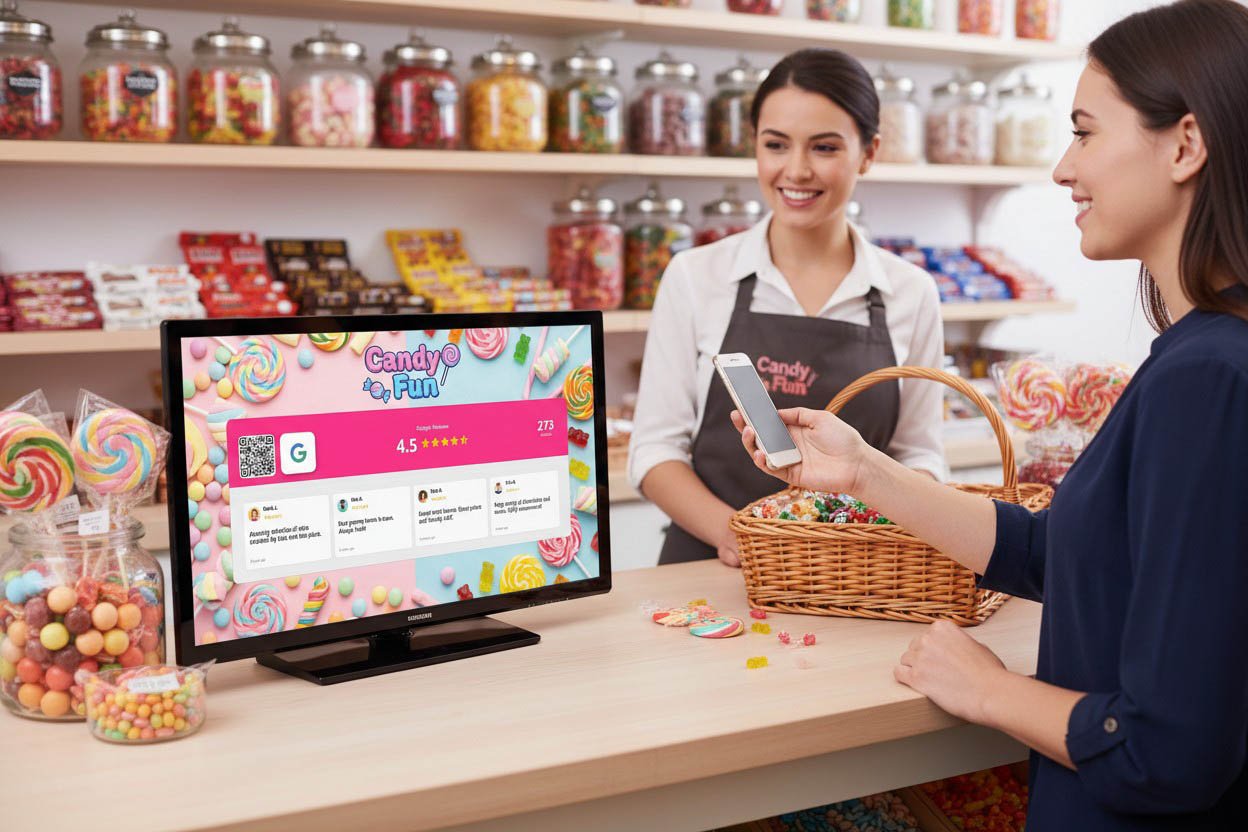
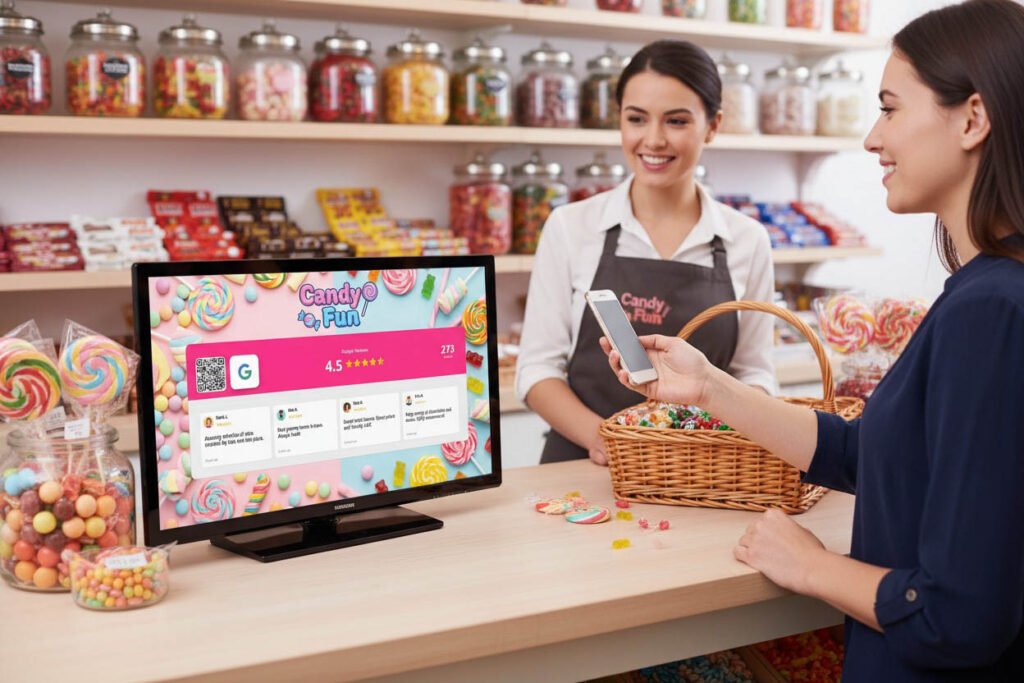
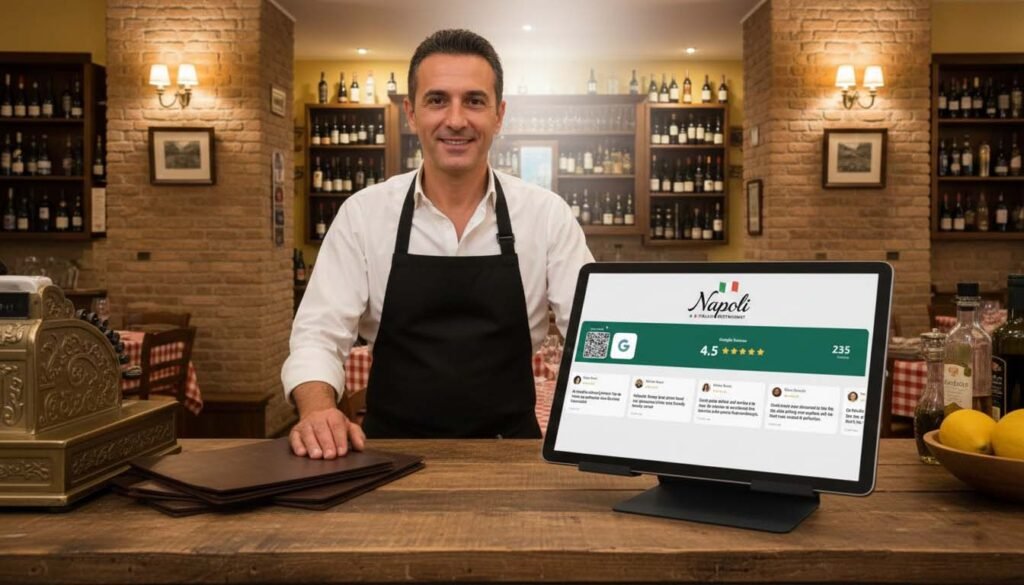
Services like Social Counters display your live Google Reviews rating on any screen in your business. TV behind the counter. Tablet in the waiting area. Monitor by the exit.
The rating updates automatically as new reviews come in. Customers see a living, growing reputation.
Next to the rating: a QR code. One scan takes them directly to your Google review page. No searching. No friction. Scan, tap, review — 30 seconds.
The magic: You’re not asking for a review. You’re showing social proof. The review request is implied, not spoken. Customers see the number, see the QR code, and take action on their own.
Where to Display
- Point of sale: They’re already waiting and looking around
- Waiting areas: Perfect for restaurants, salons, clinics
- Near the exit: Captures them while experience is fresh
- At tables: Table tents with QR codes
Why This Beats Asking
| Asking Verbally | Displaying Reviews |
|---|---|
| Feels awkward for staff | No awkwardness — it’s just a screen |
| Inconsistent (depends on who’s working) | Always on, always working |
| Easy to forget | Impossible to miss |
| Feels like begging | Feels like social proof |
| One customer at a time | Every customer sees it |
Businesses using live review displays report 3-5x more reviews than those relying on verbal asks alone.
Social Counters turns passive foot traffic into active reviewers — without your team saying a word.
2. Ask at the Emotional Peak (Not After)
If you do ask verbally, timing is everything.
Most businesses ask at the wrong moment — when the customer is leaving, distracted, or already mentally checked out.
The right moment is the emotional peak:
- The second they say “this is delicious”
- When they look in the mirror and smile at their new haircut
- When they thank you genuinely
- When they express surprise at how fast/good/easy it was
That’s when positive emotion is highest. That’s when they’re most likely to say yes.
Examples by Business Type
Restaurant:
- ✅ Right after they compliment the food
- ✅ When they say “we’ll definitely be back”
- ❌ When they’re rushing to leave
Salon/Barbershop:
- ✅ When they see the finished result and love it
- ✅ While they’re still in the chair, admiring themselves
- ❌ When they’re at the register paying
Retail:
- ✅ When they express excitement about a purchase
- ✅ When they thank you for your help
- ❌ In a follow-up email three days later
The principle: Catch the emotional high. Ask in that moment, not after it fades.
3. Make the Ask Natural, Not Scripted
Nothing kills a review request faster than a robotic script.
“Hi, we really value your feedback. Would you mind taking a moment to leave us a five-star review on Google? It really helps our business.”
That sounds like a corporate memo, not a human being.
What Works Better
Keep it conversational:
“So glad you loved it! Hey, if you get a sec, a Google review would really mean a lot. There’s a QR code right there — takes like 30 seconds.”
Make it personal:
“Honestly, reviews are huge for a small business like ours. If you’ve got a minute, it’d really help us out.”
Connect it to their experience:
“You mentioned the [specific thing they liked] — if you have time to mention that in a review, it really helps other people find us.”
The Key Elements
- Acknowledge their satisfaction first — “So glad you enjoyed it”
- Make the ask casually — “If you get a sec”
- Remove friction — “QR code right there”
- Set expectations — “Takes 30 seconds”
No script. No corporate speak. Just one human asking another for a small favor.
4. Use the QR Code as Your Closer
Even when you ask verbally, the QR code does the heavy lifting.
Without QR code: “Can you leave us a Google review?” Customer thinks: “Sure…” (then forgets completely)
With QR code: “Would love a review if you have a sec — just scan that code right there.” Customer thinks: “Oh, easy enough” (scans immediately)
The QR code transforms a vague future task into an immediate action. It’s right there. It takes seconds. No excuse not to.
Placement Matters
Point to it. Make it visible. Don’t hide it on a cluttered counter.
Best setup: Social Counters display showing your live rating WITH the QR code next to it. The rating provides social proof (“347 people reviewed”), the QR code provides instant action.
When you ask verbally, you simply point: “Just scan that, takes 30 seconds.”
Done.
5. Train Your Whole Team
You can’t be there for every customer. Your team needs to know how to ask too.
But here’s the problem: most employees feel even MORE awkward asking for reviews than owners do. They don’t feel ownership. It feels like begging on behalf of someone else.
How to Train Effectively
Explain the why: “Reviews directly impact whether new customers find us. More reviews = more business = job security for everyone.”
Give them the words: Not a script — just a natural phrase they can adapt: “If you have a sec, a review would really help us out. QR code’s right there.”
Make it optional: “Only ask when someone seems genuinely happy. Never push it.”
Remove pressure: “You don’t have to ask everyone. Just when it feels natural.”
Make It a Team Win
- Share positive reviews in team meetings
- Celebrate when reviews mention staff by name
- Create friendly competition (optional — don’t overdo it)
- Thank staff when review count grows
When the team feels ownership, asking becomes natural.
6. Ask With a Physical Reminder
Verbal asks are forgotten. Physical reminders stick around.
On receipts:
“Loved your visit? Leave us a Google review! [QR code]”
On packaging (retail):
Small card: “Enjoying your purchase? We’d love to hear about it. [QR code]”
Table tents (restaurants):
“Help us reach 500 reviews! [QR code] Currently at 467 ⭐”
Business cards:
Back of card: “Leave a review [QR code]”
Why Physical Works
The customer takes it with them. Even if they don’t scan immediately, they might later — in the car, at home, whenever.
It’s a gentle, persistent reminder that doesn’t require your team to say anything.
7. Follow Up (Once) via Email or SMS
Sometimes the moment passes. A follow-up can recapture it — if done right.
The Rules
- Send within 24 hours — Emotion fades fast
- Keep it short — One ask, no fluff
- Make it personal — Reference their visit
- Include direct link — Not “find us on Google”
- Send only once — Multiple reminders annoy people
Sample Email
Subject: Quick favor?
Hi [Name],
Thanks for visiting us yesterday! Hope you enjoyed [specific service/product].
If you have 30 seconds, we’d love a quick Google review. It really helps other people find us.
[Leave a Review →]
Thanks so much, [Your name]
Sample SMS
Hi [Name]! Thanks for coming in today. If you have a sec, a Google review would mean a lot to us: [short link]. Thanks! – [Business name]
Important: Only send to customers who had positive experiences. A review request after a mediocre visit invites negative reviews.
8. Ask Your Regulars Personally
Your most loyal customers are your easiest reviewers — and often haven’t left one.
They love you. They come back repeatedly. They just never thought to review.
The Personal Ask
This isn’t a mass email. It’s a genuine, one-on-one conversation:
“Hey [name], you’ve been coming here for a while and we really appreciate it. Random ask — have you ever left us a Google review? If not, it would really mean a lot. Totally no pressure.”
Why Regulars Convert
- They already trust you
- They want to help you succeed
- They have plenty of positive experiences to draw from
- A personal ask from an owner/manager carries weight
Identify and Prioritize
Make a list of your top 20-30 regulars. The ones you know by name. The ones who come weekly or monthly.
Over the next few weeks, personally ask each one. Not in a batch email — face to face.
Twenty heartfelt reviews from regulars are worth more than a hundred from strangers.
What NOT to Do
Quick warnings on common mistakes:
Don’t Offer Incentives
“Leave a review and get 10% off!” violates Google’s terms. Your listing can be penalized or removed. Don’t risk it.
Don’t Ask for “5-Star” Reviews
Ask for reviews. Not “positive reviews.” Not “5-star reviews.” Let customers share their honest experience.
Don’t Ask Unhappy Customers
If something went wrong, fix it first. Never ask someone who’s frustrated for a review — you’re inviting a 1-star rating.
Don’t Send Multiple Requests
One follow-up is fine. Three is spam. If they didn’t review after one ask, they’re not going to.
Don’t Fake Reviews
Never buy reviews. Never write your own. Never ask friends to leave fake ones. Google’s algorithms detect patterns. It’s not worth the risk.
The Low-Effort, High-Impact Stack
Here’s the reality: most business owners don’t have time to personally ask every customer for reviews.
You need a system that works automatically, consistently, and without constant effort.
The stack that works:
- Social Counters display — Shows your live rating + QR code to every customer, automatically
- One trained phrase — Staff knows how to ask naturally when the moment is right
- Physical reminders — Receipts or cards with QR codes
- Occasional personal asks — For regulars you know by name
That’s it. The display does 80% of the work. The rest is gravy.
Why Making It Easy Beats Asking Perfectly
You could craft the perfect ask. Train your team extensively. Follow up with every customer.
Or you could just make leaving a review ridiculously easy.
When a customer sees your live Google rating on a screen, sees a QR code next to it, and can leave a review in 30 seconds — they don’t need much convincing.
The friction was the barrier, not the lack of asking.
Social Counters removes the friction. The QR code removes the friction. Making it visible removes the friction.
Remove enough friction and customers review themselves.
Start Simple
You don’t need to implement all eight strategies today.
Start with the highest-impact action: display your reviews where customers can see them.
Put up a screen with Social Counters. Show your live rating. Add the QR code. Let social proof do the asking for you.
Then layer on the rest as you have time. Train your team. Add QR codes to receipts. Ask your regulars personally.
But the display alone will transform your review flow — without you or your staff having to ask awkwardly ever again.
