
Google Review Strategies for Small Businesses: 10 Proven Ways to Get More Reviews
Google Reviews can make or break a small business.
A strong rating brings in new customers. A weak one sends them to your competitors. And no reviews at all? That’s almost worse — it signals that nobody cares enough to leave one.
The problem is that most small business owners know they need more reviews but have no idea how to get them consistently. They try asking once, feel awkward, and give up.
This guide changes that. Here are 10 proven Google review strategies that actually work for small businesses — starting with the most effective method most owners have never heard of.
Why Google Reviews Matter for Small Businesses
Before diving into strategies, let’s understand what’s at stake.
According to research, 98% of consumers read online reviews before choosing a local business. And 87% won’t even consider a business with less than 3 stars.
But it goes beyond just attracting customers. Harvard Business School found that a one-star increase in rating leads to 5-9% more revenue. For a small business doing $500,000 annually, that’s an extra $25,000-$45,000 per year.
Google Reviews also impact your local SEO ranking. More reviews with higher ratings help you appear in the “Local Pack” — those three businesses that show up at the top of local search results.
The businesses that consistently collect reviews win. Those that don’t get left behind.
Here’s how to be in the first group.
Strategy #1: Display Your Reviews with a Live Counter
Most businesses hide their Google Reviews. They’re on a Google listing somewhere, but customers in your store never see them.
That’s a missed opportunity.
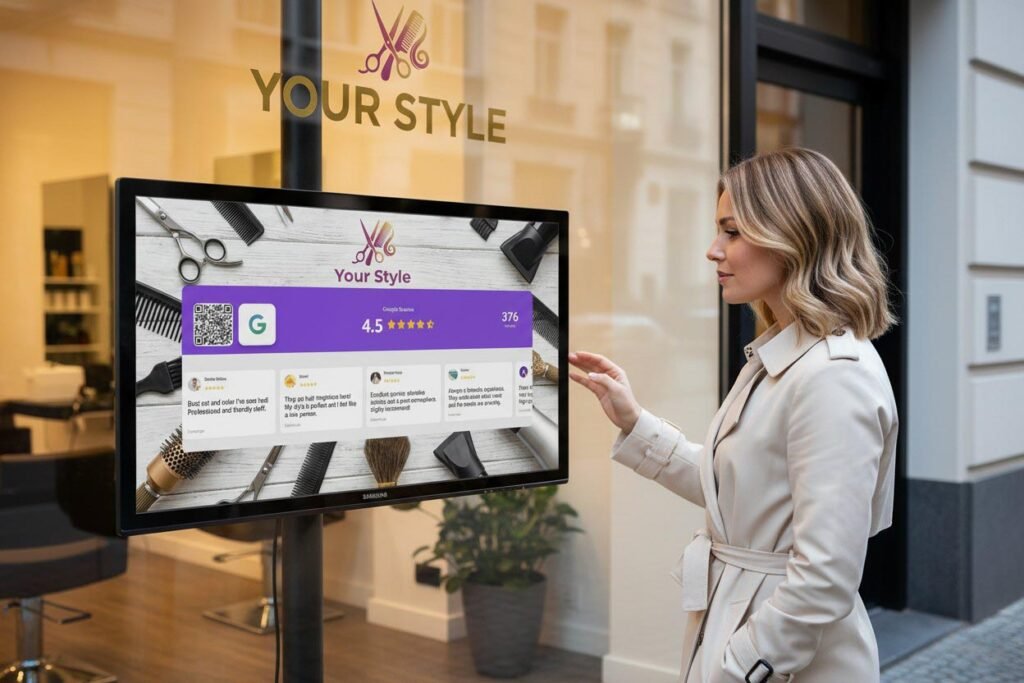
When you display your live rating and review count where customers can see it — on a screen, tablet, or monitor — two things happen:
- Customers see social proof. A 4.8-star rating with 200+ reviews builds instant trust.
- Customers are reminded to leave their own. Seeing reviews triggers the thought: “I should leave one too.”
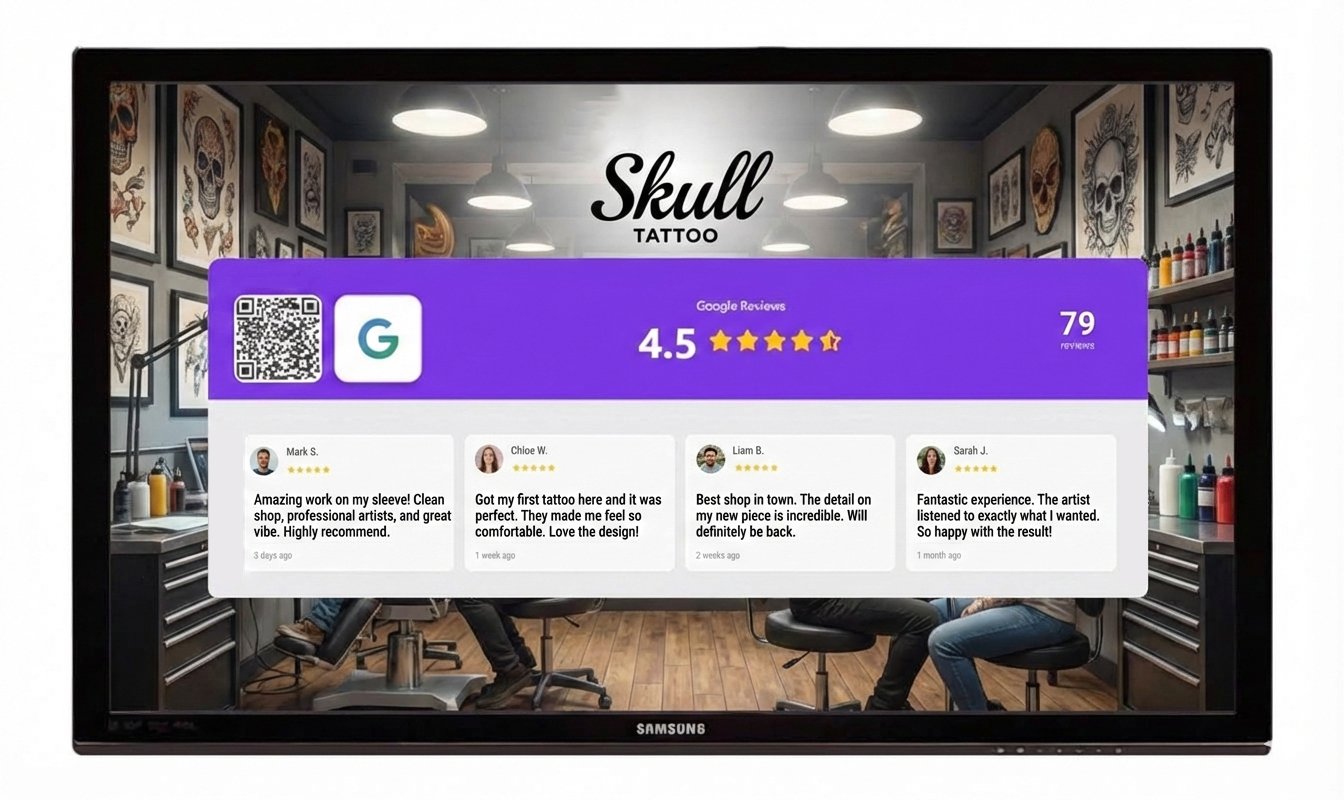
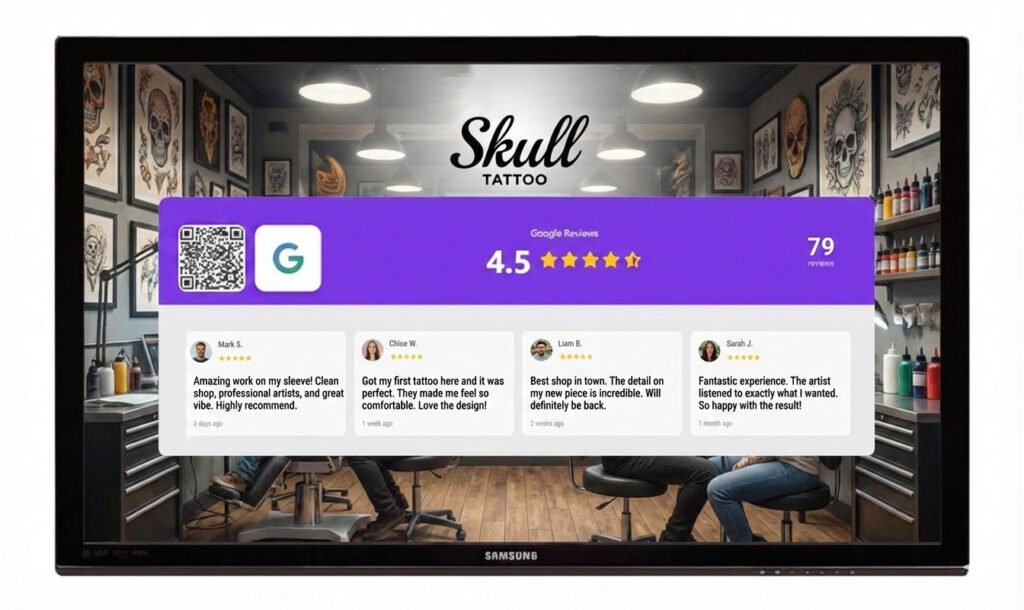
This is exactly what Social Counters does. It displays your live Google rating, star count, and recent reviews on any screen. Add a QR code, and customers can scan and leave a review in seconds.
No awkward asking. No printed signs that get ignored. Just a sleek display that does the work for you.
Why is this strategy #1? Because it works passively. Once set up, it collects reviews 24/7 without any effort from you or your staff.
Strategy #2: Make the Review Process Effortless
Every extra step loses customers.
If someone has to search for your business on Google, find the review button, and figure out how to write one — most won’t bother. The friction kills the intention.
The solution: QR codes that go directly to your Google Review page.
Here’s how to create one:
- Search for your business on Google
- Click “Write a review”
- Copy the URL from your browser
- Generate a QR code using any free QR generator
- Display it where customers can scan
Better yet, use a tool that handles this automatically and displays the QR code alongside your rating for maximum impact.
The easier you make it, the more reviews you’ll get.
Strategy #3: Ask at the Perfect Moment
Timing matters more than you think.
The best time to ask for a review is when the customer is happiest:
- Restaurants: After they compliment the food
- Salons: When they’re admiring their new look in the mirror
- Retail: After they find exactly what they were looking for
- Service businesses: Right after you solve their problem
The worst times? When they’re rushing out, waiting in line, or haven’t experienced your service yet.
Pay attention to “peak moments” — those instances when customers are visibly satisfied. That’s your window.
Strategy #4: Train Your Team to Ask Naturally
Your staff interacts with customers all day. They’re your best asset for collecting reviews — if they know how to ask.
The key is making it natural, not salesy. Here are scripts that work:
Casual approach:
“So glad you enjoyed it! If you have a sec, we’d love a Google review. It really helps us out.”
After a compliment:
“That means so much! Would you mind sharing that on Google? It helps other people find us.”
With a QR code:
“If you want to leave us a review, just scan this — takes 30 seconds.”
Train your team on these approaches. Role-play until it feels natural. The businesses that consistently get reviews have teams that consistently ask.
Strategy #5: Follow Up After the Visit
Not everyone leaves a review on the spot. But that doesn’t mean they won’t.
A simple follow-up can capture reviews you’d otherwise lose:
Email follow-up (24-48 hours later):
Subject: Thanks for visiting [Business Name]!
Hi [Name],
Thanks for stopping by yesterday. We hope you loved [specific thing — your haircut, the pizza, your new shoes].
If you have a moment, we’d really appreciate a quick Google review. It helps other locals find us.
[Direct link to Google Review]
Thanks again!
SMS follow-up (if you have permission):
Thanks for visiting [Business]! If you enjoyed your experience, we’d love a quick review: [link]
Keep it short. Keep it personal. Include a direct link.
Strategy #6: Respond to Every Review
Responding to reviews isn’t just good manners — it’s a strategy.
When potential customers see that you respond to reviews, they know:
- You’re active and engaged
- You care about customer feedback
- Their review will actually be read
This makes them more likely to leave one.
For positive reviews:
“Thank you so much, [Name]! We’re thrilled you enjoyed [specific detail]. Hope to see you again soon!”
For negative reviews:
“Hi [Name], thank you for the feedback. We’re sorry your experience didn’t meet expectations. Please reach out to [email/phone] so we can make it right.”
Responding to negative reviews professionally can actually help your reputation. It shows you take feedback seriously.
Strategy #7: Create a Review Culture
The businesses with hundreds of reviews didn’t get there by accident. They built a culture where asking for reviews is normal.
This means:
- Visible reminders everywhere. Screens showing your rating. QR codes on tables, receipts, and packaging. Signs in bathrooms and waiting areas.
- Team accountability. Track how many reviews come in weekly. Celebrate milestones. Make it part of team meetings.
- Owner involvement. If you as the owner prioritize reviews, your team will too.
Reviews shouldn’t be an afterthought. They should be part of how you operate.
Strategy #8: Leverage Your Happy Regulars
Your best customers are your best reviewers.
They already love you. They come back repeatedly. They tell friends about you. But have they left a review?
Often, loyal customers assume you don’t need their review — you’re already doing well. They don’t realize how much it helps.
A personal ask goes a long way:
“Hey [Name], you’ve been coming here for years and we really appreciate it. Would you mind leaving us a Google review? It would mean a lot coming from you.”
Regulars are more likely to write detailed, glowing reviews. And they’re happy to help if you just ask.
Strategy #9: Use Signage That Actually Gets Noticed
Most Google Review signs are invisible. Literally.
A small sticker on the door? Ignored. A table tent buried behind the menu? Unseen. A faded poster in the corner? Forgotten.
If you’re going to use signage, make it count:
- Place it where people wait. The register line. The table while food is being prepared. The waiting room.
- Make it eye-level. Not on the floor. Not above heads. Right where eyes naturally go.
- Include your rating. “We’re rated 4.8 stars — help us reach 5!” is more compelling than “Review us on Google.”
- Add a QR code. Always.
Or skip static signs entirely and use a digital display that actually captures attention. Static signs blend in. Screens stand out.
Strategy #10: Make It a Win-Win with Social Proof
Here’s the psychology: people leave reviews when they feel part of something.
Showing your review count creates a bandwagon effect. “312 people reviewed this place — I’ll add mine.” It feels like joining a community, not doing a chore.
The science of social proof confirms this. When we see others taking an action, we’re more likely to take it ourselves.
Use this by:
- Displaying your total review count prominently
- Celebrating milestones publicly (“We hit 500 reviews! Thank you!”)
- Showing recent reviews so customers see others are actively reviewing
When customers see a steady stream of reviews coming in, leaving one feels natural — even expected.
Bonus: What NOT to Do
Before implementing these strategies, avoid these common mistakes:
❌ Don’t buy fake reviews. Google detects them. Customers detect them. It destroys trust.
❌ Don’t offer incentives for reviews. It violates Google’s policies and can get your reviews removed.
❌ Don’t only ask happy customers. This seems counterintuitive, but a mix of reviews (mostly positive) looks more authentic than 100% five stars.
❌ Don’t ignore negative reviews. Respond professionally. Often, you can turn a critic into an advocate.
❌ Don’t give up after asking once. Building reviews takes consistency. The businesses with 500+ reviews didn’t get there overnight.
Putting It All Together: Your Review System
Random efforts produce random results. You need a review system — a consistent process that generates reviews on autopilot.
Here’s a simple framework:
- Display your live rating and QR code (SocialCounters)
- Train your team to ask at peak moments
- Follow up via email or SMS within 48 hours
- Respond to every review within 24 hours
- Track your review count weekly
With this system in place, reviews compound over time. 10 becomes 50. 50 becomes 200. And suddenly, you’re the highest-rated business in your area.
The Bottom Line
Google Reviews aren’t optional for small businesses anymore. They’re essential.
The good news? Collecting reviews isn’t complicated. It just requires intention and consistency.
Start with Strategy #1: display your rating and make it effortless for customers to leave reviews. This single change can turn foot traffic into followers and reviewers without any extra work from you.
Then layer in the other strategies. Train your team. Follow up. Respond. Build a culture.
A year from now, you’ll look at your Google rating and wonder why you didn’t start sooner.
Start Collecting More Reviews Today
SocialCounters displays your live Google rating, recent reviews, and a QR code on any screen. Customers see your social proof and leave reviews without you asking.
Setup takes 5 minutes. Results start immediately.
