
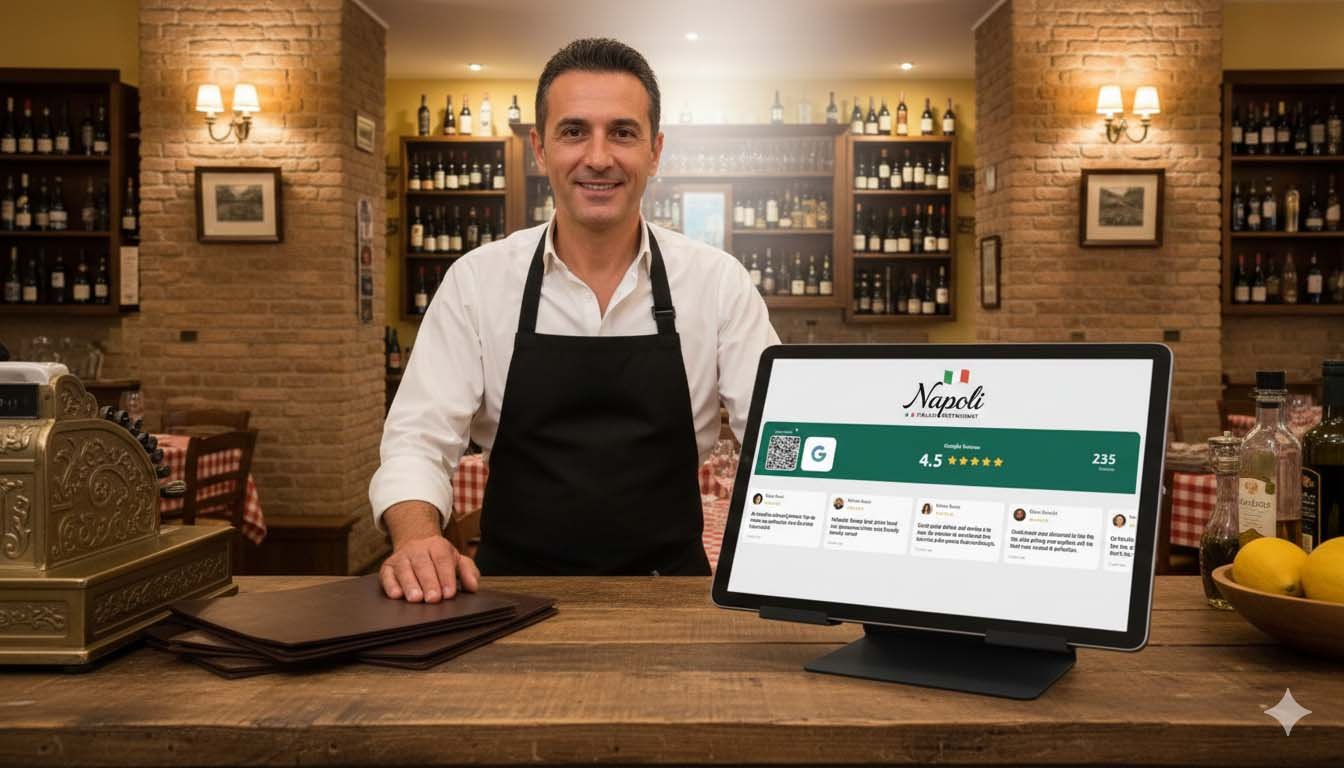
Best Google Review Display for Restaurants (2026 Buyer’s Guide)
So you want to show off your Google reviews in your restaurant. Smart move.
You’ve probably seen those screens in other places. The ones showing a 4.8 star rating with reviews scrolling by. Customers glance at it, feel reassured, maybe leave a review themselves. It works. The research backs it up.
But when you actually try to buy one of these things, it gets confusing fast. Hardware devices. Software solutions. DIY setups. Random Alibaba imports. Some cost €500, some cost €10/month, some are free but require a computer science degree to set up.
I spent way too much time looking into this so you don’t have to.
The three approaches
There are basically three ways to display Google reviews in your restaurant:
Hardware devices. A physical gadget you buy once. Plug it in, it shows your reviews. Usually expensive upfront, no monthly fees.
Software solutions. A service that runs on any screen you already have (TV, tablet, monitor). Usually cheap monthly subscription.
DIY setups. Raspberry Pi, custom code, free APIs. Cheap but requires technical skills and ongoing maintenance.
Each has tradeoffs. Some work better than others. Some are straight up overpriced.
Hardware options
Google Review Stands and Physical Displays
You’ve probably seen those acrylic stands with a QR code at restaurant counters. These are the simplest option. Not really a “display” but a prompt for reviews.
What you get: A physical stand (acrylic, wood, or metal) with your Google review QR code printed on it. Sometimes includes NFC tap functionality.
Costs anywhere from €15 to €80.
They’re cheap and don’t need electricity or wifi. Impossible to break because it’s just plastic or wood. But they’re static. They don’t show your actual rating or reviews. Customers have to trust that you’re worth reviewing without seeing any social proof.
If you already have great reviews, you’re basically hiding your best marketing asset behind a generic QR code.
Dedicated Review Display Devices
A few companies sell actual hardware devices specifically for showing Google reviews.
Honestly? Not much exists here. The dedicated Google review display market is surprisingly thin. Most hardware in this space focuses on social media followers (like Smiirl) rather than reviews.
And there’s a reason for that. Google doesn’t make it easy for third-party hardware to access review data. The API restrictions are annoying. Most hardware “review displays” are either outdated, require manual updates, or just don’t work reliably.
I’d skip dedicated hardware for Google reviews. The technology isn’t mature enough, and you’ll probably end up with an expensive paperweight.
Software solutions
This is where the real options are. Software that runs on a screen you already have, or a cheap tablet you can pick up for €50.
Social Counters
Full disclosure: this is our product. I’ll try to be fair about the tradeoffs though.
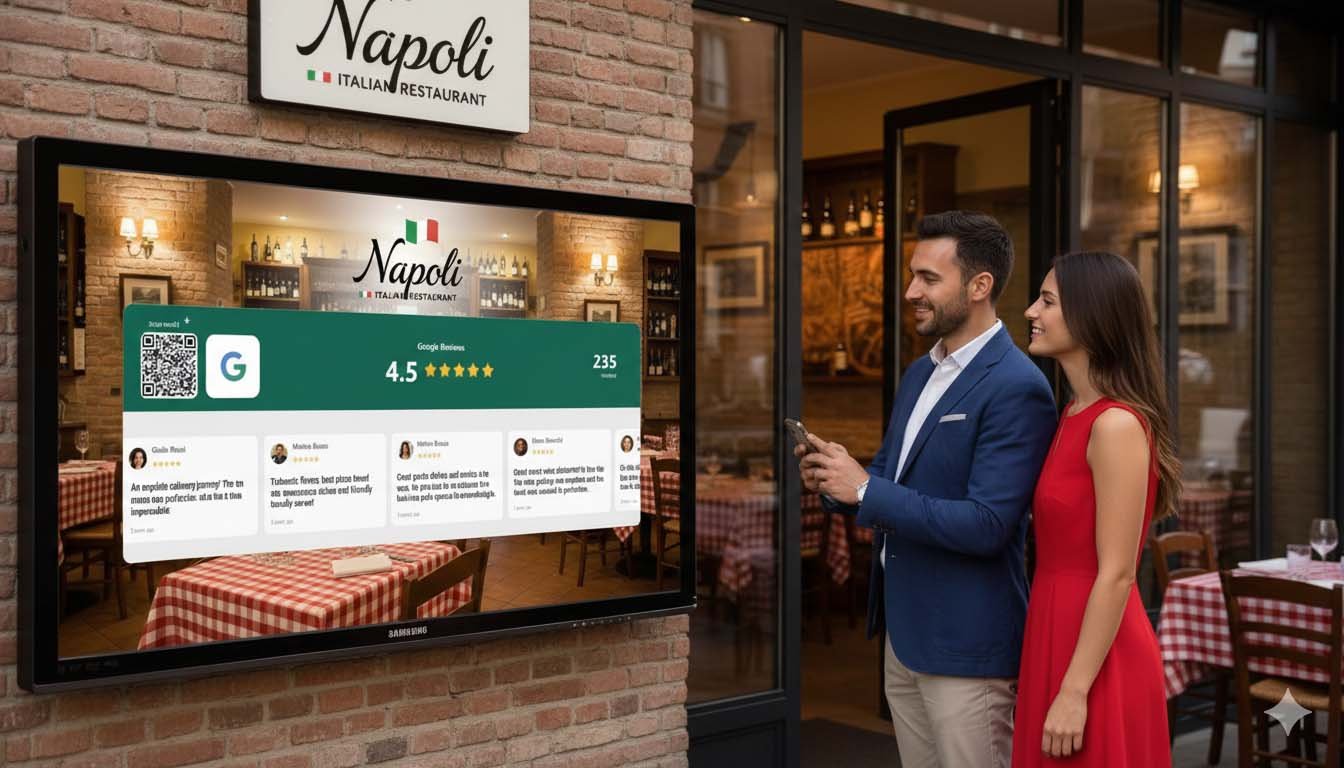
SocialCounters displays your Google review rating, review count, and rotating customer reviews on any screen. Also does social media follower counts for Instagram, TikTok, Facebook, and YouTube. Includes QR codes so customers can leave reviews or follow you directly.
The free tier gives you 1 counter. Premium is €7.99/month or €69.99/year (Google reviews is a premium feature).
Setup is simple. You just search your Google Business Profile, customize the look (colors, logo, which reviews to show), and load the URL on any screen. Takes maybe 10 minutes.
What I think works well: it combines reviews AND social followers on one display, works on literally any device with a browser, QR codes are built in, and you can filter to only show 4-star or higher reviews. Premium updates twice daily.
What could be better: requires wifi obviously, the free tier is limited, and we’re a relatively new company so we don’t have the brand recognition of bigger players.
Best for restaurants that want reviews and social proof together, without spending hundreds on hardware.
See how the Google review system works →
Digital signage platforms (ScreenCloud, OptiSigns, Raydiant)
These are platforms that let you create “playlists” of content to show on screens. Images, videos, social feeds, menu boards, and yes, sometimes reviews.
Usually €15 to €30 per month. Raydiant is more expensive, around €30 to €50.
ScreenCloud and OptiSigns both have Google Reviews apps in their app stores. You connect your Google Business Profile and reviews show up on your screen. It works, but it’s not their core focus. These tools are really designed for general signage like menu boards, promotions, and announcements.
The setup can be a bit clunky compared to purpose-built review tools. And you’re paying for a full digital signage platform when you might just want reviews.
That said, if you already use digital signage for your menus and want to add reviews to the rotation, these platforms make sense. No point paying for two separate tools if one does both jobs reasonably well.
DIY options
Google Reviews API + Raspberry Pi
The nerd approach. Technically possible. Practically annoying.
You use Google’s Places API to fetch your reviews, write some code to display them nicely, and run it on a Raspberry Pi connected to a screen.
Hardware costs maybe €50. API costs can be free under certain usage limits, then it starts charging.
But here’s the reality. Google’s API has rate limits and costs money after a certain point. The documentation is not exactly user-friendly. You’ll spend hours (probably days) getting it working. Then it’ll break when Google updates something and you’ll spend another afternoon fixing it.
Only worth it if you genuinely enjoy tinkering with this stuff. For everyone else, just pay the €8/month and save yourself the headache.
Screenshot method
The truly budget approach. Take a screenshot of your Google reviews page, put it on a USB drive, display it on a TV as a slideshow.
Cost: free.
Problems: it’s static, doesn’t update, and looks kind of janky if customers look closely. But it’s free and requires zero technical knowledge.
Better than nothing. Could be a good way to test whether a review display even makes sense in your space before investing in a real solution.
What actually matters for restaurants
Let’s talk about what you should actually think about before buying anything.
Where will customers see it?
Waiting area or entrance. High visibility. Customers have time to look around. This is where review displays work best.
At tables. Works in casual dining. QR codes on tables let customers scan while waiting for food.
Checkout or register. Quick glance. Good for fast-casual where people queue.
Kitchen or back of house. No point. Don’t put it where customers can’t see it.
The location determines what hardware you need. Waiting area? A tablet or wall-mounted TV works great. Tables? You probably want smaller displays or just QR code stands.
How many reviews do you have?
Be honest with yourself here.
If you have under 20 reviews, a display might actually backfire. Showing “4.7 stars from 12 reviews” is less impressive than showing nothing. Focus on collecting more reviews first.
Between 20 and 100 reviews is a good starting point. A display can help you collect more while showing some social proof.
100+ reviews is the sweet spot. Your reviews are a genuine asset and showing them off makes total sense.
What’s your rating?
Another moment for honesty.
If you’re at 4.5+ stars, display that proudly. It’s your best marketing asset.
4.0 to 4.4 stars is still good. Most customers consider 4+ stars acceptable for restaurants.
Under 4.0 stars? Maybe focus on improving the rating before displaying it prominently. A screen showing “3.6 stars” in your entrance might do more harm than good.
Do you want reviews only, or social media too?
If you’re active on Instagram or TikTok, showing your follower count alongside reviews doubles the social proof. Customers see “4.8 stars AND 15,000 followers” and that combination is powerful.
If you’re not on social media or don’t care about building a following, a reviews-only display keeps things simple.
Recommendations by restaurant type
Fine dining
You want something subtle. A glowing tablet on every table kills the vibe in a nice restaurant.
A small, elegant screen near the host stand works better. Show your rating and maybe one or two highlighted reviews. Nothing flashy.
Budget option: a high-quality QR code stand (€50-80) at the reception desk.
Better option: small tablet with SocialCounters (€10/month plus whatever tablet you use), styled to match your interior.
Casual dining
You have more flexibility here. Table displays, wall-mounted TVs, checkout screens, all work.
I’d go with a TV or large tablet in a high-visibility area (near entrance or bar) showing both reviews and social media followers. QR codes at tables for review collection.
Typical setup: SocialCounters on a smart TV or Fire Stick. Maybe €10/month plus €30 for a Fire Stick if you don’t already have a screen you can use.
Fast casual and counter service
The queue is your opportunity. Customers standing in line have nothing to do but look around. A screen behind the counter showing your rating converts that dead time into trust.
Put a digital display above or beside the menu board. Show reviews, rotate through content. If you already have a menu TV, you might be able to add a reviews section to it.
Cafes and coffee shops
Counter displays work well. Customers order, wait for their drink, glance around.
Tablet at the register area showing follower count plus reviews plus QR codes. Or a small screen near the pickup area where people wait for their order.
Coffee shop audiences also tend to be social-media-active, so it’s a good spot for building your Instagram following too.
Bars and nightlife
Honestly? This is tricky. Bars are dark, loud, and people aren’t in “review” mode. They’re there to have fun, not evaluate your Google rating.
I’d probably skip the review display for most bars. If you want something, focus on Instagram or TikTok follower counts. Nightlife audiences care more about whether a place is cool and popular than whether it has 4.7 stars on Google.
Price comparison
| Solution | Upfront | Monthly | Shows Reviews | Shows Social | Setup Difficulty |
|---|---|---|---|---|---|
| QR stand only | €15-80 | €0 | No (collection only) | No | Very easy |
| SocialCounters Free | €0 | €0 | Yes (limited) | Yes (1 platform) | Very easy |
| SocialCounters Premium | €0 | €7.99 | Yes | Yes (all) | Very easy |
| Digital signage (ScreenCloud, OptiSigns) | €0 | €15-30 | Yes (via app) | Sometimes | Medium |
| DIY Raspberry Pi | €50 | €0-20 | Yes | Custom build | Hard |
What I’d actually recommend
For most restaurants:
Tight budget? Start with a nice QR code stand (€30-50) to collect reviews. Once you hit 50+ reviews with a 4.5+ rating, add SocialCounters Free to display them.
Ready to invest a bit? SocialCounters Premium (€7.99/month) on a tablet or smart TV. Gets you reviews and social media followers and QR codes for collection. Best value for what you get.
Running a chain or larger operation? Look at Raydiant or similar enterprise digital signage. They can handle multiple locations with central management. More expensive but built for scale.
Hardware-only options either don’t work well for Google reviews or are overpriced. DIY is a time sink unless you enjoy that sort of thing. Digital signage platforms work but you’re paying for features you might not need.
Software on a simple screen wins for most restaurants. Flexible, cheap, actually works.
Common questions
Do I need a special screen or TV?
No. Any smart TV, tablet, or computer monitor works. If your TV has a browser, you’re good. If not, a €30 Fire TV Stick adds that capability.
Will Google reviews update automatically?
With software solutions like SocialCounters, yes. Premium updates twice daily. Hardware devices and DIY setups vary.
Can I choose which reviews to show?
Most software lets you filter by star rating. Show only 4+ stars, for example. You can’t hand-pick specific reviews usually, but you can hide the bad ones.
What if I get a bad review while the display is running?
If you’ve set it to only show 4+ stars, negative reviews won’t appear. Good reason to keep that filter on and also monitor your reviews so you can respond to negative ones quickly.
