
Google Review Strategy for Lunchrooms: Get More Reviews, Rank Higher, Win Walk-Ins
A lunchroom lives and dies by the lunch rush. You have maybe two hours to fill seats, move plates, and make the day’s numbers work. Every empty table during peak time is money gone.
What brings people through your door at 12:15 on a Tuesday? Habit, sometimes. Convenience, often. But increasingly, it’s the thing they checked on their phone while walking down the street: your Google reviews.
This guide covers how to build a review strategy that actually works for lunchrooms, how those reviews affect your local search rankings, and how showing them on a screen in your window can stop foot traffic in their tracks.
Why Reviews Matter More for Lunchrooms Than Most Businesses
Lunchrooms occupy a weird middle ground. You’re not a fast food chain with brand recognition. You’re not a fine dining restaurant where people plan weeks ahead. You’re the place someone picks in the moment, often while already hungry.
That decision happens fast. And reviews are the shortcut people use.
A 4.6 with 200+ reviews beats a 4.9 with 12 reviews in the minds of most customers. Volume signals legitimacy. It says “this place has been tested by many and found good.” For a lunchroom, that’s exactly what you want. Not exclusive, not fancy. Just reliably good, reliably busy.
The problem? Most lunchroom owners know reviews matter but don’t have a system to actually collect them. They ask occasionally, remember sometimes, forget mostly. That’s not a strategy. That’s hope.
The Lunchroom Review Flywheel
Getting reviews isn’t about one big push. It’s about building a system that runs without you thinking about it.
The core loop:
- Customer has a good experience
- You make it ridiculously easy to leave a review
- New reviews appear on Google
- Those reviews bring new customers
- Repeat
Most lunchrooms fail at step two. The experience was good, but leaving a review requires effort. Open Google Maps, find your business, tap through to reviews, write something. By the time they’re back at their desk, they’ve forgotten.
Your job is to collapse that friction to near zero.
Making Reviews Effortless: The QR Code Approach
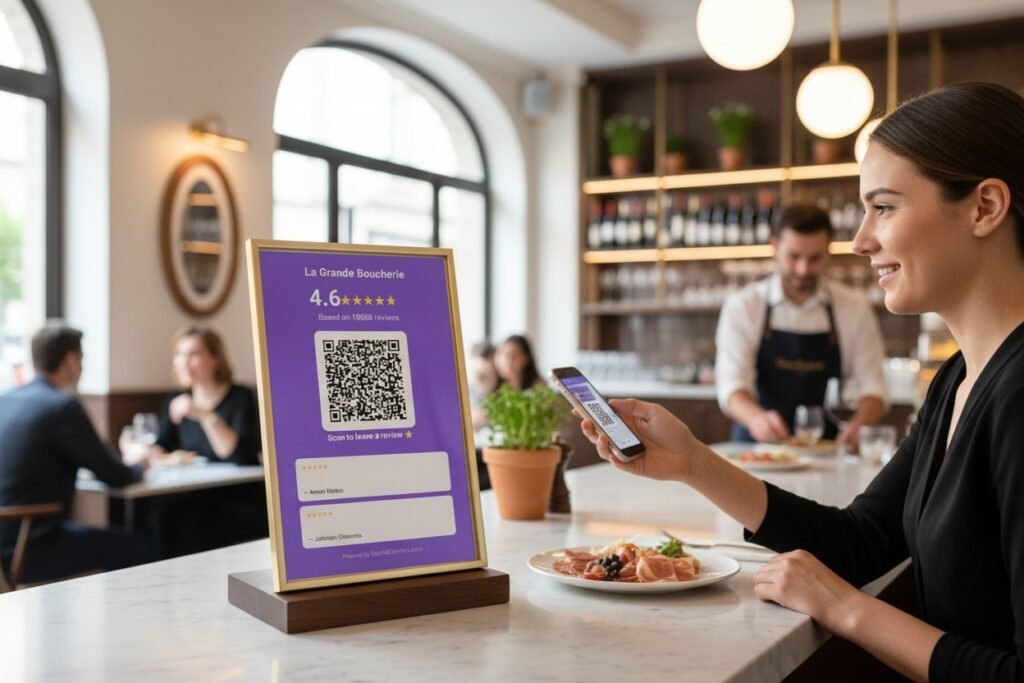
A Google Review QR code is the simplest high-impact change you can make.
Print it on table tents. Put it on receipts. Stick it on the counter where people wait to pay. When someone pulls out their phone (and they will, this is 2024), scanning a QR code takes two seconds. They’re immediately on your Google review page, keyboard ready.
Where to place QR codes in a lunchroom:
On the table while they’re eating is too early. They haven’t finished the experience. At the register while they’re paying is better. On the receipt or a handout card they take with them is best, since they can do it back at their desk during the post-lunch lull.
Some owners worry about asking too directly. “Will people find it pushy?” Generally, no. People understand that reviews help small businesses. Most don’t leave reviews simply because they never think about it. A gentle reminder isn’t pushy. It’s helpful.
The Ask: Timing and Wording
When you do ask verbally, timing matters enormously.
Good moments to ask:
- Right after a compliment (“I’m glad you enjoyed it! If you have a second later, a Google review really helps us out.”)
- When regulars are leaving (“You’ve been coming here for a while now. Would you mind leaving us a quick review?”)
- After solving a problem well (“Thanks for letting us fix that. If you’re willing, we’d love a review mentioning how we handled it.”)
Bad moments:
- When they’re rushed
- When you haven’t interacted much
- When the experience was mediocre
Never ask when you know the answer might be negative. If someone had a bad meal, asking for a review is asking for a one-star. Read the room.
How Google Reviews Affect Local Rankings
This is where reviews become business strategy, not just ego.
Google’s local search algorithm weighs several factors when deciding which businesses to show for “lunchroom near me” or “lunch spots in [your area].” Reviews are one of the biggest.
What Google looks at:
Review quantity – More reviews signal more activity. A lunchroom with 300 reviews looks established. One with 15 looks either new or unpopular.
Review quality – Higher average ratings matter, but Google also looks at whether you have recent positive reviews. A 4.8 from two years ago with nothing new is worth less than a 4.5 with steady recent activity.
Review velocity – How consistently you’re getting new reviews. Bursts followed by silence look suspicious. Steady trickles look organic.
Review responses – Whether you reply to reviews, especially negative ones. Google interprets owner engagement as a signal of an active, cared-for business.
Keywords in reviews – When customers naturally mention “best sandwich” or “quick lunch” or your city name, those keywords help Google understand what you’re known for.
You can’t control what people write. But you can increase the chance that happy customers actually write something. That’s the game.

The Local Pack: Why Position Matters
When someone searches for lunch options, Google shows the “Local Pack” first. Three businesses with their ratings, review counts, and distances. Getting into that top three for relevant searches can transform your lunch rush.
The difference between position four (buried below the fold) and position three (visible immediately) might be a hundred extra customers per month. For a lunchroom, that’s potentially thousands in revenue.
Reviews alone won’t get you there. You need accurate business information, good photos, consistent NAP (Name, Address, Phone) across directories. But reviews are often the tiebreaker between otherwise similar businesses. Two lunchrooms with similar relevance and distance? The one with more, better, and newer reviews usually wins.
Displaying Reviews to Win Walk-In Traffic
Here’s where reviews stop being a search engine optimization tactic and become an in-person sales tool.
Imagine someone walking past your lunchroom at 12:30. They’re hungry, deciding where to eat. They see your window, your menu board, maybe a glimpse of the interior. All of that registers in a second or two.
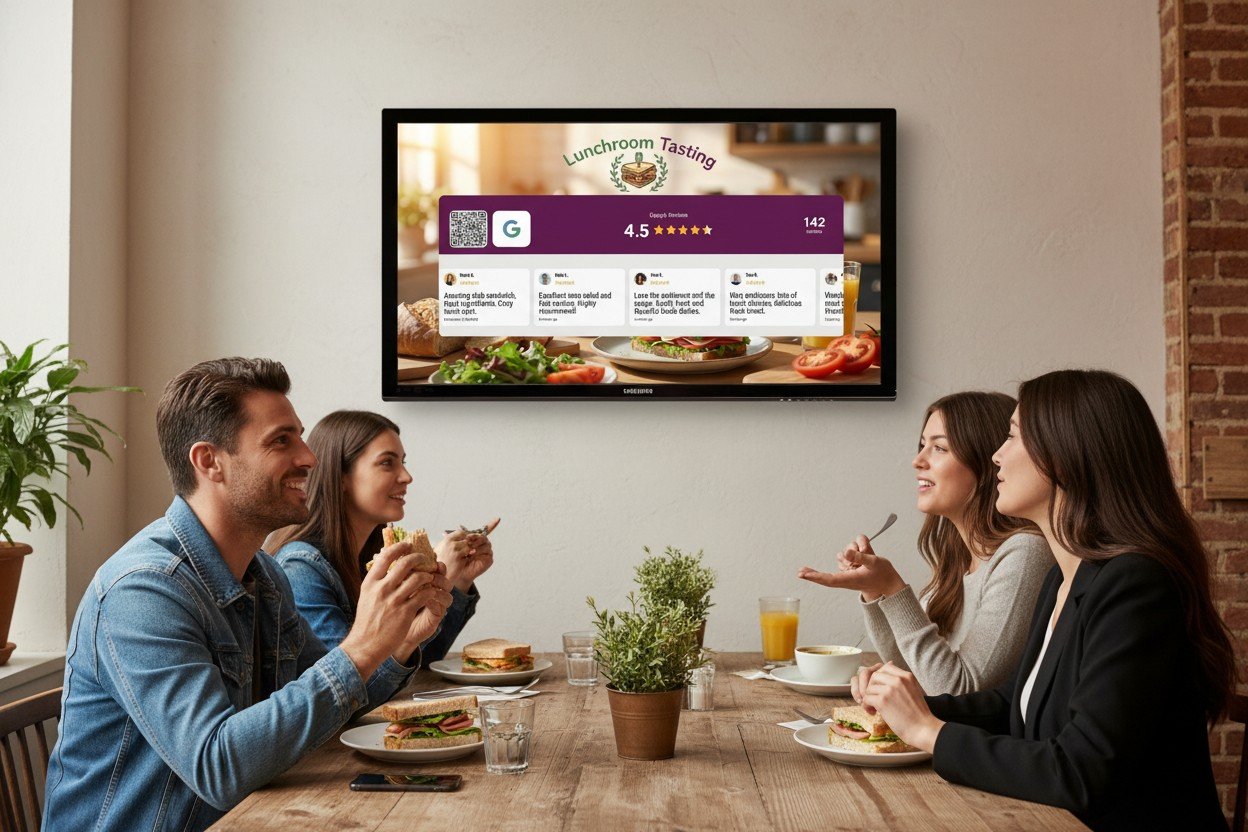
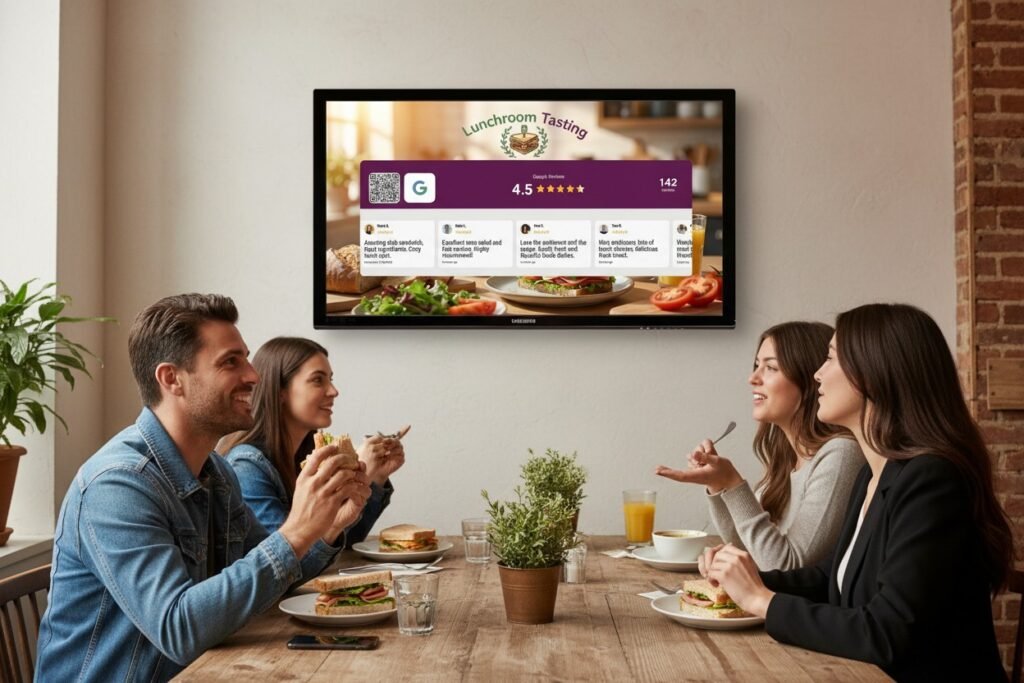
Now imagine they also see a screen showing: “4.7 ★ from 284 reviews” with actual customer comments rotating below. “Best avocado toast in the neighborhood.” “Quick service, always fresh.” “My go-to lunch spot.”
That’s social proof working in real-time. Someone who was 60% convinced is now 85% convinced. They walk in instead of walking past.
Why Live Displays Beat Static Signs
You could print your Google rating on a poster. “Rated 4.7 on Google!” with a star graphic. It works, kind of.
The problem is that static signs become invisible. They don’t change, so people stop seeing them. And there’s no way to verify it. How do they know that poster isn’t three years old?
A live review display is different. The numbers update. The reviews rotate. New testimonials appear. That dynamism catches the eye in a way static signs can’t.
Plus, it’s verifiable. Anyone can pull out their phone and check your Google rating. When it matches what they see on screen, trust increases. You’re not making claims. You’re displaying facts.
Setting Up a Review Display for Your Lunchroom
The technical setup is simpler than most lunchroom owners expect.
You need a screen (any tablet, smart TV, or monitor works), an internet connection, and a service that connects to your Google Business Profile. You configure the colors to match your brand, set whether you want to show just the rating or full review cards, and point the screen at your display URL.
The display runs continuously. Reviews update automatically. No maintenance required.
Placement considerations:
Window-facing works for catching foot traffic. People outside see the screen before they’ve decided to enter.
Counter-facing works for reinforcing decisions. People already inside see what others say while they wait to order.
Both is ideal if you have the screens. A window display catches them, a counter display reassures them.
For lunchrooms specifically, window placement usually has higher ROI. Your challenge is getting people to choose you over the place next door. Once they’re inside, you’ve mostly won.
Handling Negative Reviews
Every business gets them. Someone had a bad day, someone’s expectations were unrealistic, someone got an off meal. It happens.
The worst response is no response. Silence looks like you don’t care or worse, that you agree with the criticism.
The best response is professional, specific, and brief:
“Hi [Name], I’m sorry your sandwich wasn’t up to standard on Tuesday. That’s not the experience we aim for. Please ask for me next time you’re in. I’d like to make it right. – [Your name]”
This does several things. It shows potential customers you’re responsive. It gives the unhappy customer a path to reconciliation. And it often leads to either an updated review or a deletion.
Never argue. Never explain at length. Never blame the customer. Even if they’re wrong, your response is public. Future customers are watching how you handle conflict.
Building Review Requests Into Daily Operations
The lunchrooms that consistently get reviews are the ones where asking is part of the routine, not an afterthought.
Train your team. Everyone who interacts with customers should know when and how to mention reviews. Make it part of onboarding.
Make materials always available. QR codes on tables, on the counter, printed on receipts. If someone wants to leave a review, the path should be obvious.
Celebrate internally. Share new positive reviews with your team. When someone is specifically mentioned (“our server was so friendly”), make sure that person knows. It reinforces the behavior you want.
Track progress. Check your review count weekly. Note velocity. If it’s dropping, figure out why. Did you stop asking? Did service quality slip? Numbers tell stories.
The Compound Effect
Reviews don’t work overnight. A single five-star review doesn’t transform your business. But over months, the effects compound.
More reviews improve your local ranking. Higher ranking brings more customers. More customers (with good experiences) leave more reviews. Your review display shows more impressive numbers. More walk-ins notice. They become customers. Some of them leave reviews.
This flywheel takes time to spin up, but once moving, it generates momentum on its own. Six months of consistent effort creates a review profile that works for you around the clock.
Getting Started Today
You don’t need to implement everything at once. Start with the highest-impact, lowest-effort changes:
This week: Generate a Google Review QR code and print it. Put one at the register, one on a table tent.
This month: Start responding to every review, positive and negative. Set a reminder to check daily.
This quarter: Consider a live review display. Test window placement. Measure whether walk-in traffic changes.
Ongoing: Make review requests part of how your team operates, not something you remember occasionally.
The lunchrooms winning the local search game aren’t necessarily better at making sandwiches than you. They’re better at documenting that they make good sandwiches. Reviews are that documentation. A display is that documentation made visible.
Your food already convinces customers you’re good. Your reviews convince customers to become customers in the first place. Start treating them as the business asset they are.
Want to show your Google rating in your lunchroom window? SocialCounters offers free Google rating display. Premium plans add rotating review cards with actual customer testimonials. See the full feature comparison on our pricing page.
