
Simple Google Review Strategy for Restaurants and Lunchrooms
You don’t need a marketing degree to get more Google reviews. You need a system that works while you’re busy running your restaurant.
Most review advice is written for people with time to spare. Build an email funnel. Create a loyalty program. Train your staff with scripts. That’s great if you have a marketing team. Most restaurant owners don’t.
What follows is a simple strategy. Things you can set up in an afternoon and forget about. No daily tasks, no awkward conversations, no complicated software.
Why reviews matter more for restaurants than almost any other business
When someone decides where to eat, they Google it. Not always, but often enough that it matters.
“Restaurants near me.” “Best lunch spots in [city].” “Italian restaurant [neighborhood].”
Google shows them a map with a few options. Your restaurant is either on that list or it isn’t. And whether you show up depends heavily on your reviews.
More reviews and a higher rating means better ranking. Better ranking means more people see you. More people seeing you means more customers.
This isn’t speculation. The data on social proof is clear. Restaurants with more reviews consistently outperform those with fewer, even when the food is comparable.
The good news? You have a huge advantage. Every person sitting in your restaurant right now could leave a review. You just need to make it easy for them.
The problem with how most restaurants ask for reviews
Walk into any restaurant and you might see a small sign near the register. “Loved your meal? Leave us a Google review!”
Nobody reads it. It blends into the background with the credit card logos and the tip jar.
Or maybe the server mentions it at the end of the meal. “If you have a chance, we’d love a review on Google.” The customer nods, means to do it, then forgets by the time they reach their car.
This is a friction problem. You’re asking people to remember something and act on it later. That almost never works.
The customers who do leave reviews are usually either extremely happy or extremely unhappy. Everyone in the middle, the satisfied regulars who come back every week, they’re not motivated enough to go through the effort.
You need to catch people while they’re still sitting at your table.
Put a QR code on every table
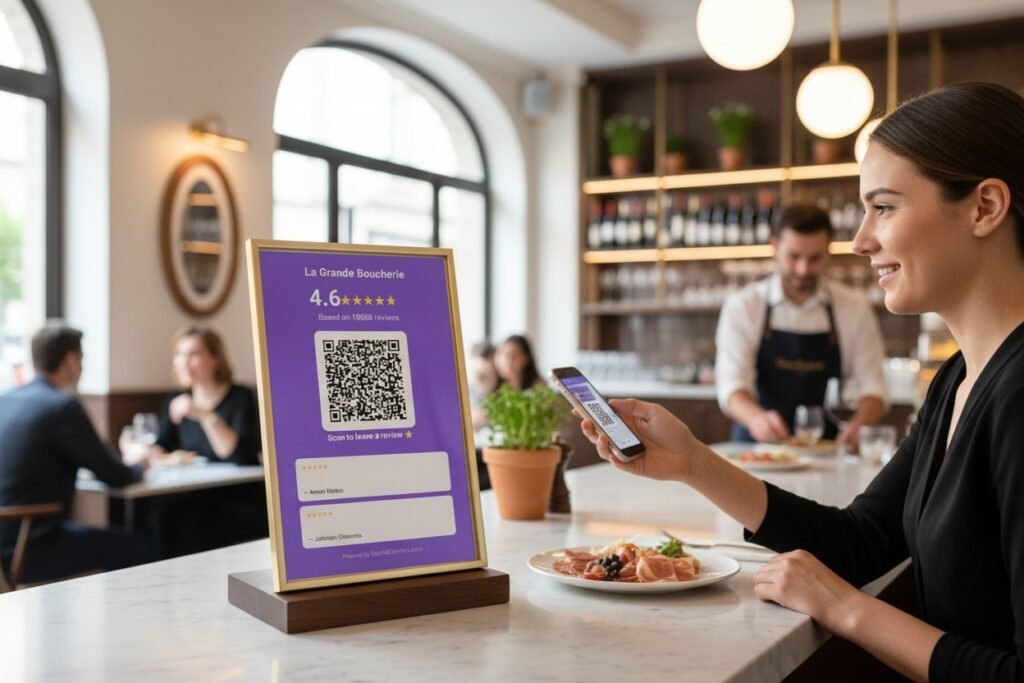
This is the easiest win. Print a small card with a QR code that links directly to your Google review page. Put one on every table.
Customers finish their meal, pull out their phone to check something, see the card, scan it, leave a quick review. Done before the check arrives.
We built a free Google Review QR Code Generator for exactly this. You search for your restaurant, customize the card with your logo and colors, and download a print-ready image. Takes about two minutes.
Print them at any print shop, put them in small acrylic stands or simple frames, place them on tables. Total cost is maybe €20-30 for your whole restaurant.
The key is making the card noticeable but not annoying. Something clean that fits your aesthetic. Not a giant neon sign screaming for reviews, just a tasteful prompt that’s there when someone’s ready.
For lunchrooms and fast-casual spots, the same idea works at the counter or on the tables. Anywhere customers sit or wait with their phone in hand.
Add a display where people naturally look
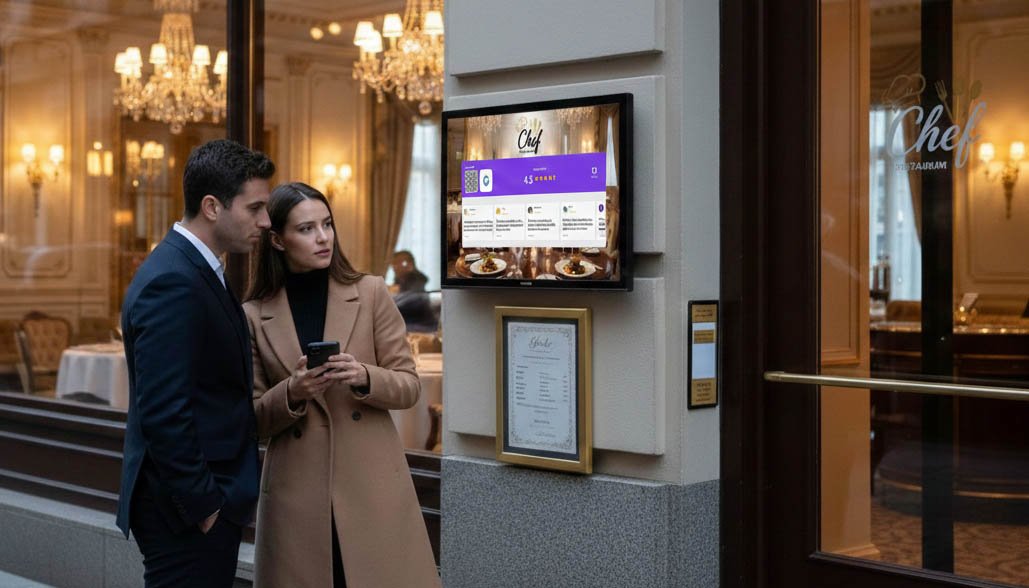
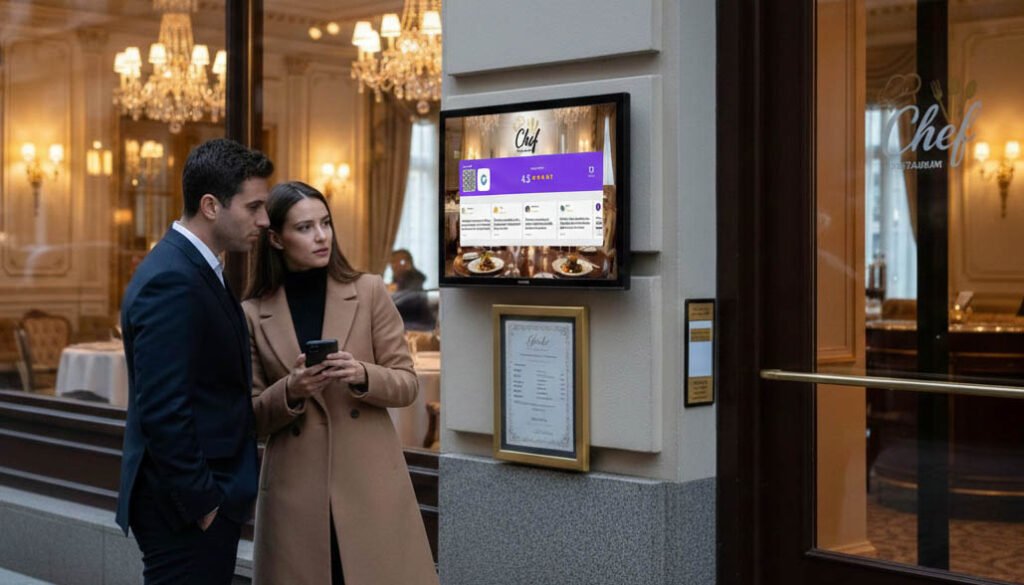
QR codes on tables catch some customers. But a screen showing your live rating catches almost everyone.
Think about where eyes go in your restaurant. The entrance. The bar. The counter where people order or pay. The waiting area.
A display in one of these spots showing “4.7 stars from 289 reviews” does two things. First, it builds instant trust with new customers. They see the number and think, okay, this place is legit. Second, it plants the idea of leaving a review. If hundreds of people have reviewed this place, maybe I should too.
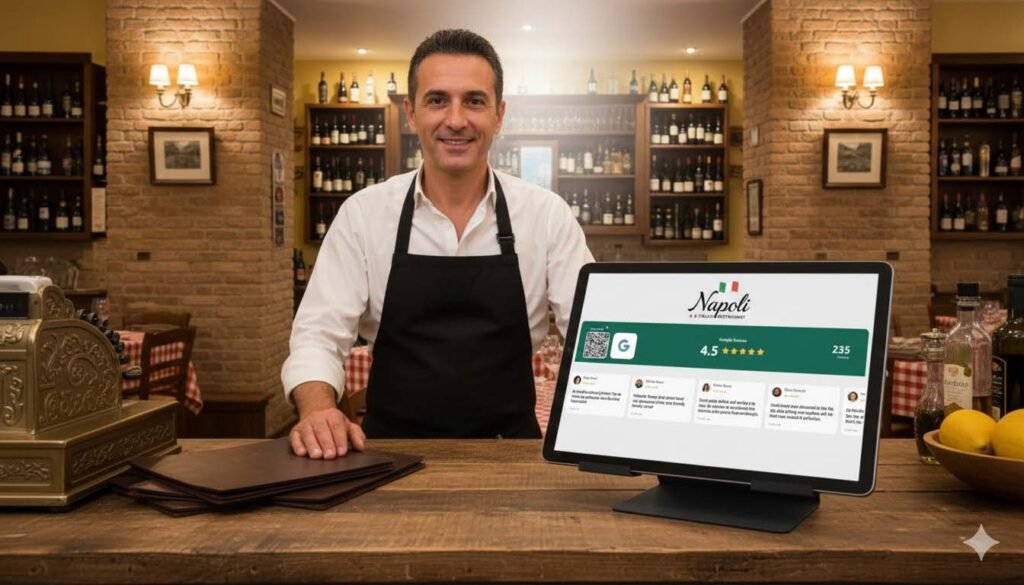
With Social Counters, you can display your Google rating, review count, and actual review quotes on any TV or tablet. The reviews scroll through automatically. There’s a QR code built in so people can leave their own review right there.
For restaurants, I’d put this somewhere near the entrance or the host stand. First impression territory. Customers see your rating before they even sit down.
For lunchrooms and counter-service spots, behind the register works well. Customers look that direction while ordering anyway.
One screen plus QR codes on tables covers most of your bases without any ongoing effort.
The waiting time opportunity
Restaurants have something most businesses don’t: built-in waiting time.
Customers wait for their food. They wait for the check. They wait for their date to come back from the bathroom. They wait for the slow eater at the table to finish.
During these moments, they’re usually on their phones anyway. Scrolling Instagram, checking messages, killing time.
If there’s a QR code on the table, scanning it is something to do. It takes 30 seconds to leave a review. Many people will do it just because it’s there and they’re bored.
This is why table placement matters so much. The QR code needs to be visible during those waiting moments, not hidden under the salt shaker.
What about the check presenter?
Some restaurants put review requests in the check presenter. Little cards that say “How was everything? Leave us a review!”
This works okay, but it’s not ideal. The moment someone’s paying is the moment they’re mentally leaving. They’re thinking about their next destination, how much to tip, whether they validated parking.
Catching them earlier in the meal is better. They’re relaxed, enjoying themselves, more likely to feel generous with their words.
That said, if you want to include something with the check, make it a QR code, not just a request. The easier you make it, the more likely they’ll actually do it.
Don’t forget to respond
Getting reviews is half the equation. Responding to them is the other half.
When potential customers read your reviews, they notice whether you engage. A restaurant that responds to reviews feels attentive. One that ignores them feels disconnected.
For positive reviews, a quick thank you is enough. “Thanks so much, glad you enjoyed the pasta!” Doesn’t need to be long.
For negative reviews, stay professional. Apologize for their experience, offer to make it right if appropriate, don’t get defensive. How you handle complaints says more about your restaurant than the complaint itself.
Future customers judge you by your responses. A thoughtful reply to a negative review can actually build trust. It shows you care and you’re willing to fix problems.
Grow your social media at the same time
While you’re setting up QR codes for reviews, consider adding your social media too.
Many restaurant customers want to follow places they like on Instagram. They want to see your specials, your new dishes, your behind-the-scenes content. But they won’t search for your handle and type it in manually.
A QR code that goes directly to your Instagram profile solves that. Scan, follow, done.
You can put both QR codes on the same table card. One for Google reviews, one for Instagram. Or use a display that shows both your review rating and your follower count, letting customers take action on either.
With SocialCounters, you can combine Google reviews and social media followers on one screen. Customers see your 4.8 stars and your 12,000 Instagram followers together. That’s a lot of social proof hitting them at once.
More followers means more free reach every time you post. A customer who follows you sees your weekend special post and decides to come back. That’s marketing you didn’t pay for.
A simple system for any size restaurant
Here’s what the whole strategy looks like in practice:
For a small lunchroom or cafe: One tablet behind the counter showing your Google rating and reviews. QR code cards on each table or at the pickup area. Takes an hour to set up, runs forever.
For a mid-size restaurant: Display near the entrance or host stand. QR codes on every table in small stands. Maybe a second QR code for Instagram. Staff knows to point customers toward the display if they mention enjoying their meal.
For a busy restaurant with high turnover: Same setup, but consider multiple displays in high-traffic spots. QR codes in check presenters as a backup touch point. Focus on the entrance display since tables turn over fast.
The core is always the same: make it visible, make it easy, catch people while they’re still in your space.
What to expect
Don’t expect overnight miracles. You’re not going to jump from 50 reviews to 500 in a week.
What you should see is a steady increase. If you were getting 5 reviews per month before, maybe now you get 15 or 20. That compounds. In six months, you’ve added 100 reviews you wouldn’t have had otherwise.
More reviews means better Google ranking. Better ranking means more people find you. More people means more reviews. The cycle builds on itself.
Track your review count so you can see progress. Check your Google Business Profile once a week and note how many reviews you have. Watch the trend over time.
Getting started today
If you want more Google reviews for your restaurant, here’s the quick version:
First, create QR codes for your tables using the free generator. Print them, put them on tables, done.
Second, add a display in a high-visibility spot if you can. A tablet or TV with Social Counters showing your live reviews makes a bigger impact than QR codes alone.
Third, start responding to reviews. Set a reminder to check twice a week.
That’s it. No email funnels, no scripts, no complicated systems. Just a few things placed in the right spots, working for you every time a customer sits down.
Your food brings them in. Make it easy for them to tell others about it.
