
How to Get More Google Reviews for Free (No Ads, No Gimmicks)
You don’t need a marketing budget to get more Google reviews. You need a system.
The businesses with hundreds of five-star reviews aren’t paying for them. They’re not running expensive campaigns. They’ve just figured out how to consistently ask the right people at the right time.
Every method in this guide is completely free. No software subscriptions, no ads, no gimmicks. Just proven tactics that work for restaurants, retail stores, and any local business with customers walking through the door.
Why Reviews Matter (The 30-Second Version)
When someone searches “restaurant near me” or “best coffee shop in [city],” Google decides who shows up first. Reviews are a major factor in that decision.
More reviews + higher ratings = better visibility = more customers.
But it goes deeper than SEO. Studies on social proof show that people trust online reviews almost as much as personal recommendations. A potential customer choosing between your restaurant and the one across the street will pick the one with 200 reviews over the one with 20. Every time.
Reviews are free marketing that keeps working while you sleep. The only cost is the effort to ask for them.
The Core Problem: People Forget
Here’s the truth about your happy customers: they mean to leave a review. They really do.
But then they get in their car, check their phone, think about dinner, pick up the kids, answer emails. By the time they remember your business exists, the urge to leave a review is gone.
This isn’t personal. It’s human nature. Leaving a review requires effort, and effort loses to convenience every time.
Your job is to capture that goodwill before it evaporates. That means asking at the right moment and making the process stupidly easy.
Free Method #1: Just Ask (But Do It Right)
The simplest strategy is still the most effective: ask happy customers for a review.
Most business owners either don’t ask at all or ask in a way that feels awkward and forced. Neither works.
Here’s what does work:
For restaurants: When clearing plates or dropping the check, if the table clearly enjoyed their meal: “So glad you enjoyed it! If you have a second, a Google review really helps us out. There’s a QR code on the table.”
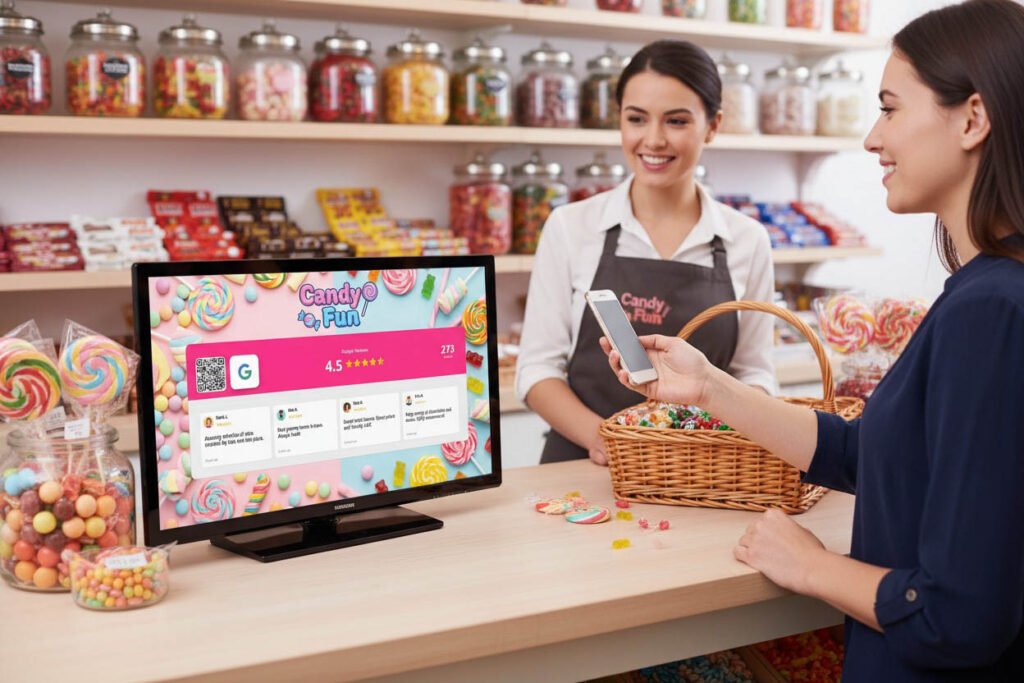
For retail stores: At checkout, after a positive interaction: “Thanks for coming in! If you’re happy with your purchase, a quick Google review makes a huge difference for us.”
The keys are timing (when they’re already feeling good) and brevity (don’t over-explain or beg). For more specific scripts, check out this guide on asking customers for reviews.
Free Method #2: QR Codes Everywhere
A QR code that links directly to your Google review page removes every barrier between “I should leave a review” and actually doing it.
Creating one is free:
- Go to your Google Business Profile
- Click “Ask for reviews”
- Copy your review link
- Generate a QR code using any free QR generator
Now print that QR code and put it everywhere:
For restaurants:
- On every table (table tents or stickers)
- On the check presenter
- At the register
- On takeout bags and containers
- On the back of business cards
For retail stores:
- At the checkout counter
- On shopping bags
- Near fitting rooms
- On receipts (if you can customize them)
- At the exit door
The more places customers see it, the more likely they’ll scan it. One QR code at the register isn’t enough. Make it unavoidable.
For display ideas, see the best QR code setups for Google reviews.
Free Method #3: The Receipt Strategy
If your POS system lets you customize receipts, add a review request at the bottom.
Something like: “Loved your visit? Leave us a Google review! [short URL or QR code]”
This works because receipts are already in the customer’s hand. They’re looking at it. It’s zero extra effort on your part once it’s set up.
For restaurants specifically, this catches customers right after they’ve paid — when satisfaction is fresh and they haven’t mentally moved on yet.
Free Method #4: Train Everyone to Ask
If you have staff, they need to be asking too. Not just you.
The owner asking for reviews is one touchpoint. Every employee asking is dozens of touchpoints per day.
Make it part of the job:
- Include review asking in training for new hires
- Add it to the checkout or table-clearing process
- Share weekly review counts so staff see the impact
- Celebrate when you hit milestones (100 reviews, 200 reviews, etc.)
When asking becomes habit for your whole team, reviews accumulate without you having to think about it.
Free Method #5: Follow Up With Happy Customers
Not everyone will leave a review on the spot. A gentle follow-up can catch those who meant to but forgot.
If you collect customer emails or phone numbers (for reservations, loyalty programs, or orders), send a brief message within 24 hours:
Email template: Subject: Thanks for visiting [Business Name]!
“Hi [Name], thanks for stopping by today! If you have a moment, we’d really appreciate a quick Google review. It helps other people find us. Here’s the link: [direct review URL]. Thanks again!”
Text template: “Thanks for visiting [Business Name]! If you enjoyed your experience, a Google review helps us a lot: [link]. See you next time!”
One message is enough. Don’t send reminders or you’ll annoy people.
Free Method #6: Respond to Every Review
This one’s often overlooked, but responding to reviews actually generates more reviews.
Why? Because people see that you read and care about feedback. Leaving a review feels less like shouting into the void and more like having a conversation.
Respond to positive reviews with genuine thanks: “Thanks so much, [Name]! We’re glad you enjoyed the [specific thing they mentioned]. See you next time!”
Respond to negative reviews professionally: “We’re sorry to hear that, [Name]. We’d love to make it right — please reach out to us at [email/phone].”
This takes five minutes a day and costs nothing. It also shows potential customers that you’re engaged and responsive.
Free Method #7: Use Social Media to Remind Followers
Your Instagram and Facebook followers already like your business. They’re the easiest people to convert into reviewers.
Post occasional reminders: “We just hit 150 Google reviews! Help us get to 200? Link in bio 🙏”
Or add it to your Stories: “If you’ve visited us lately and had a great time, a Google review means the world. Takes 30 seconds!”
Don’t overdo it — once a month is plenty. But your social audience is warm and willing. Use that.
This also connects to your broader goal of turning foot traffic into social followers. Reviews and follows reinforce each other.
Free Method #8: Make Reviews Visible In-Store
Here’s a psychological trick: displaying your existing reviews encourages more reviews.
When customers see “4.8 stars from 180 reviews” on a sign or screen, they think two things:
- This place is popular and trusted
- Leaving a review is normal here
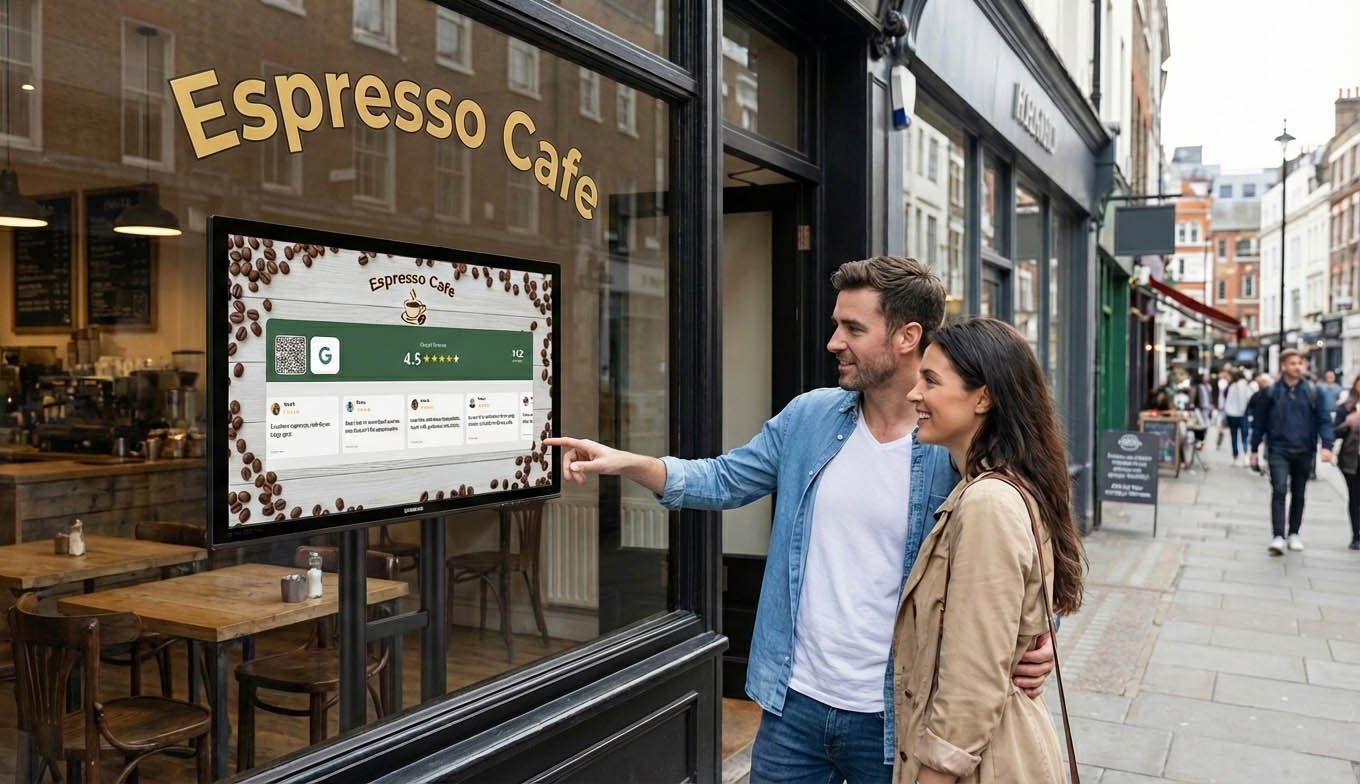
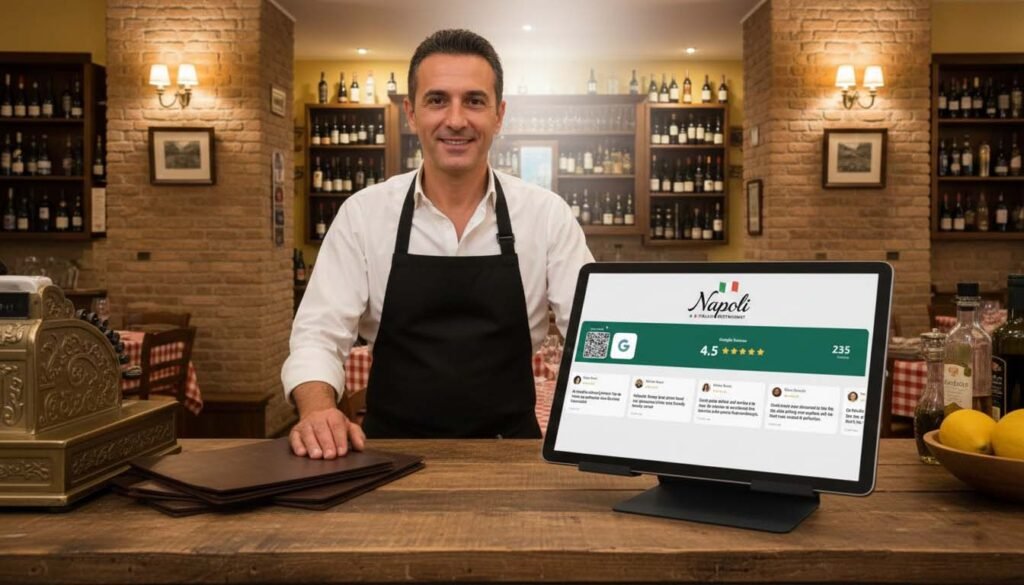
You can do this for free with a simple printed sign showing your rating. Or, if you have a tablet, tools like Social Counters display your live Google rating with a scrolling carousel of actual reviews — plus a QR code for customers to add their own.
Either way, the principle is the same: social proof creates more social proof.
What NOT to Do
Google has rules. Break them and you risk getting reviews removed or your listing penalized.
Never:
- Offer discounts, freebies, or rewards for reviews
- Buy fake reviews from online services
- Ask only customers you know will leave positive reviews (review-gating)
- Have staff leave reviews pretending to be customers
- Set up review stations where you watch customers leave reviews (this feels coercive)
The right approach is simple: provide great experiences and make it easy for real customers to share honest feedback. That’s it.
The Compound Effect
Here’s what happens when you implement these methods consistently:
Month 1: You go from 2-3 reviews per month to 10-15. Month 3: You’ve added 40+ new reviews. Your rating stabilizes or improves. Month 6: You have significantly more reviews than competitors. Google ranks you higher. Year 1: You’ve built a moat. New competitors can’t easily catch up.
None of this costs money. It costs attention and consistency.
The businesses with the most reviews didn’t get them through some secret tactic. They just asked more often, made it easier, and kept at it.
Your Free Action Plan
Start this week:
- Create your Google review QR code (free, takes 5 minutes)
- Print it and place it in at least 3 visible spots
- Setup you Google review display screen on Social Counters. Use a tablet you already own on your counter
- Ask every customer this week. aim for 5 new reviews
- Respond to your last 10 reviews (positive and negative)
- Post one review reminder on social media
That’s it. No big budget required.
Your happy customers want to support you. You just have to make it easy.
