
How to Get More Google Reviews for Your Coffee Shop?
Running a coffee shop means you’re busy. Pulling shots, managing staff, keeping the pastry case stocked, dealing with the morning rush. Google reviews probably aren’t top of mind at 7am when there’s a line out the door.
But here’s the thing. Those reviews determine whether new customers find you at all. When someone searches “coffee near me” or “best coffee in [your city]”, Google decides who shows up first. And one of the biggest factors? Your review count and rating.
A coffee shop with 300 reviews and 4.7 stars will almost always outrank one with 40 reviews and the same rating. More reviews means more visibility means more customers walking through your door.
So how do you actually get more reviews when you’re already stretched thin?
Why coffee shops have a natural advantage
Before we get into tactics, let’s talk about why coffee shops are actually in a great position for collecting reviews.
You have repeat customers. The guy who comes in every morning for his oat milk latte. The group of students who camp out every afternoon. The remote worker who treats your shop like her office. These people like you. They’re already loyal. They just haven’t thought to leave a review.
You have dwell time. Unlike a grab-and-go sandwich shop, your customers often sit for a while. They’re sipping their drink, scrolling their phone, killing time. That’s a window of opportunity.
You have high volume. Even a small coffee shop might serve 200 people a day. If just 2% of them left a review, that’s 4 reviews per day. 120 per month. Over a thousand per year.
The customers are there. The opportunity is there. You just need a system that makes it easy.
Start with a display that actually gets noticed
Most coffee shops that want more reviews put up a little sign. “Love your coffee? Leave us a review!” Maybe a QR code. Maybe just their Google Maps name.
And then nothing happens. The sign blends into the wall. Customers don’t notice it. Even if they do, they think “maybe later” and then forget.
This is the friction problem. You’re asking people to remember something, take action later, and follow through. That’s too many steps.
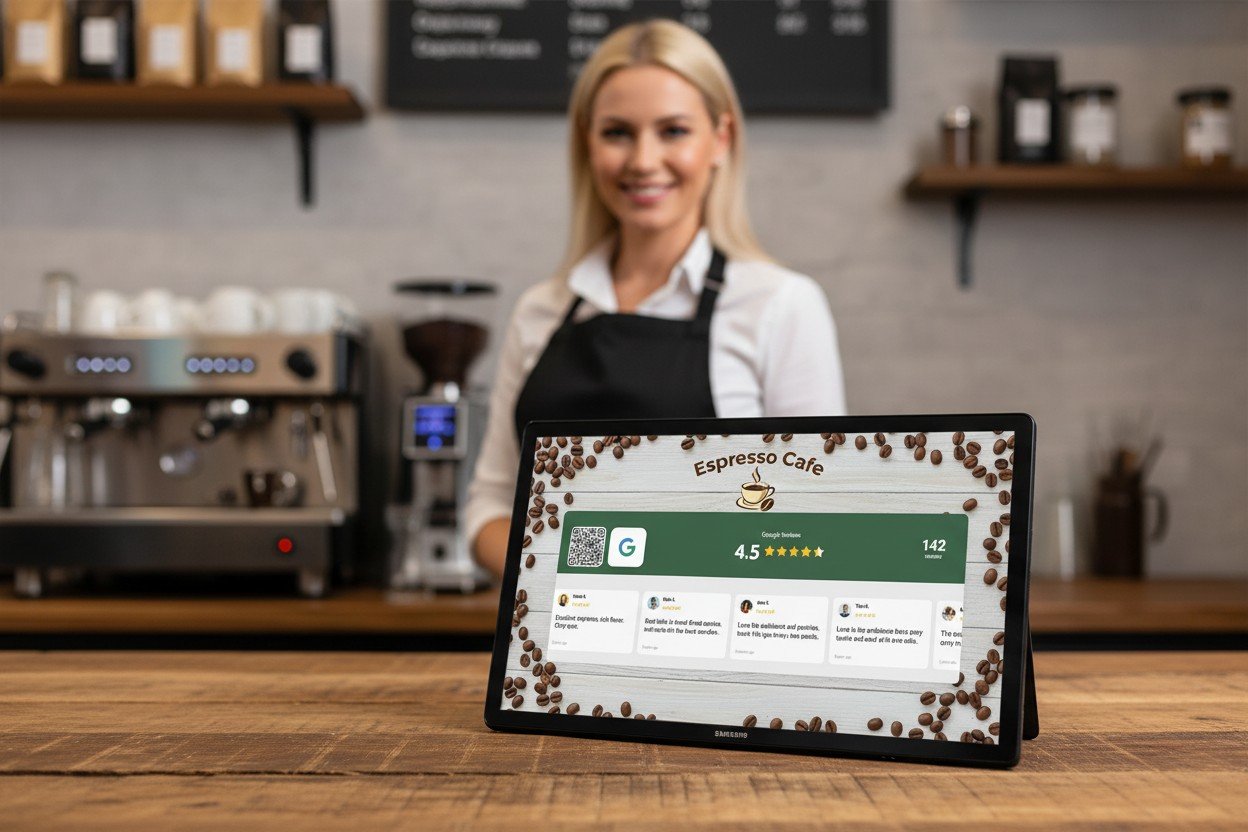
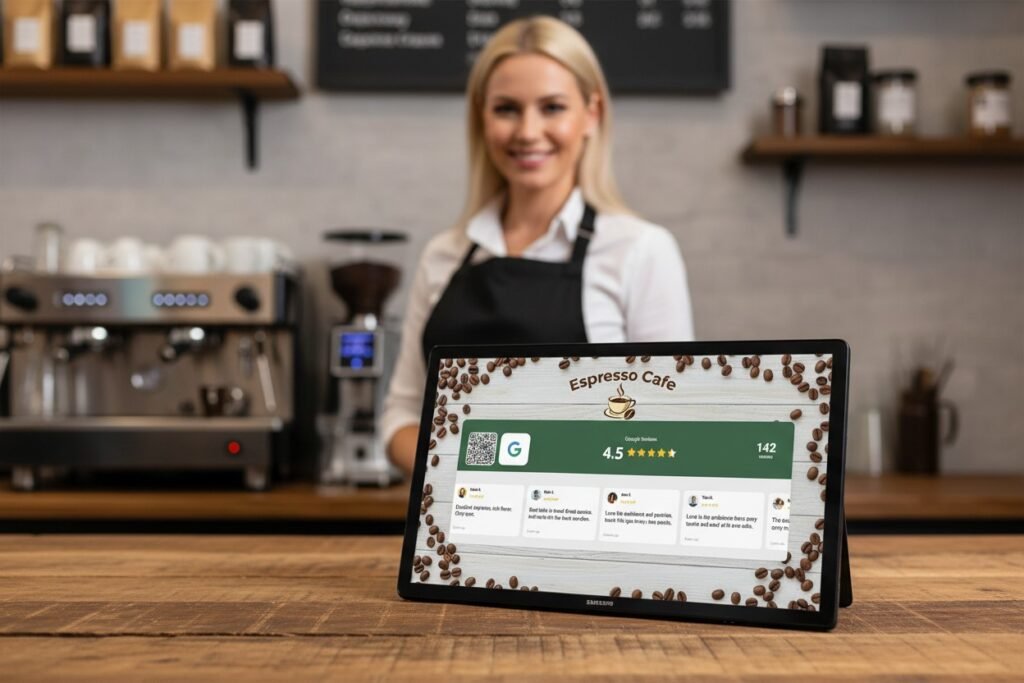
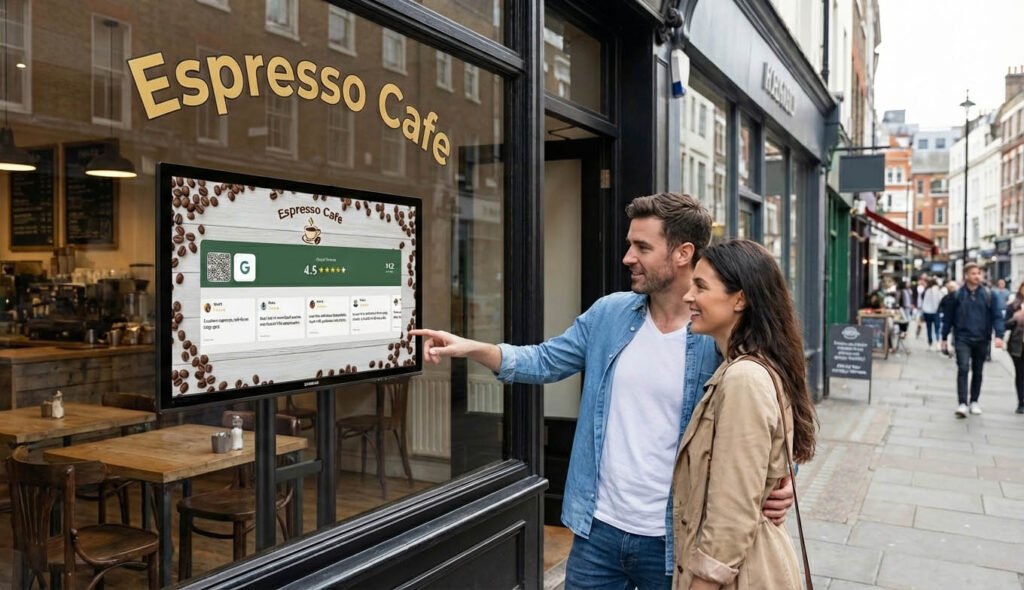
What works better is a screen. An actual display showing your Google rating, your review count, recent review quotes scrolling by. This isn’t just a sign you walk past. It’s dynamic. It catches the eye. Customers actually look at it.
And when they see “4.8 stars from 412 reviews”, two things happen. First, they trust you more instantly. That’s social proof doing its job. Second, they think about leaving a review themselves. Other people review this place. Maybe I should too.
Add a QR code to that screen and you’ve closed the loop. See the reviews, get curious, scan, leave your own review. All while waiting for your cappuccino.
This is what SocialCounters does. It displays your live Google rating and reviews on any TV, tablet, or monitor in your shop. The reviews update automatically. The QR code is built in. You set it up once and it runs forever.
For coffee shops specifically, I’d put it somewhere near the pickup area. Customers order, then stand around waiting for their drink. Perfect time to glance at a screen and scan a QR code.
Give everyone a way to review, everywhere
One screen is good. But think about all the spots in your coffee shop where customers spend time.
The counter while they’re ordering. The table where they sit. The window bar. The pickup area. Each of these is a chance to prompt a review.
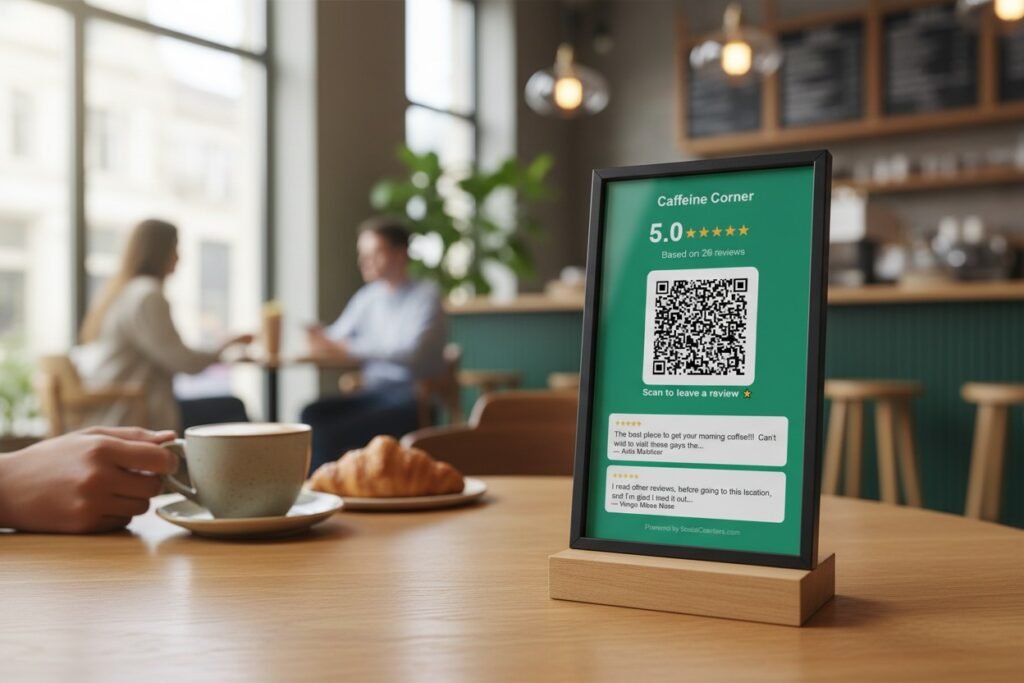
You don’t need screens everywhere. A simple printed QR code works fine for tables.
We built a free Google Review QR Code Generator exactly for this. You search for your coffee shop, customize the card with your colors and logo, and download a print-ready image. Put it in a small frame on each table. Costs almost nothing.
The customer finishes their drink, sees the card, scans it, leaves a review before they pack up their laptop. No asking required.
Between a screen at the pickup area and QR codes on tables, you’ve covered most of the customer journey without doing anything awkward.
Train your team (but keep it natural)
Your baristas interact with customers more than anyone. They can help, but it has to feel natural. Nobody wants to be pitched for a review while they’re ordering.
What works: mentioning reviews casually when there’s a genuine moment. A customer says “this is the best latte I’ve had in months” and your barista says “that’s so nice to hear, we’d love if you left us a Google review, there’s a QR code on the table.”
What doesn’t work: asking every single customer, having a scripted line, or making it feel transactional.
The best approach is to let the displays and QR codes do most of the work. Train your team to point customers toward them when it makes sense, but don’t make it a requirement. A forced ask is worse than no ask at all.
Timing matters more than you think
When do people leave reviews? Usually right after an experience, or never.
That’s why catching customers while they’re still in your shop is so powerful. They’re happy, they just had good coffee, and they have their phone in their hand. Make it easy and they’ll do it.
Once they leave, the chances drop fast. They get in their car, check their messages, think about what’s next. Your coffee shop fades into the background. Even if they meant to leave a review, it probably won’t happen.
Every barrier you remove increases conversion. A display with a QR code removes almost all barriers. See it, scan it, done.
Some coffee shops try to follow up with customers via email or SMS. This can work if you have a loyalty program or email list, but response rates are low. Nothing beats capturing reviews while customers are still sitting in your shop.
Respond to every review
Getting reviews is half the job. Responding to them is the other half.
When potential customers check your Google reviews, they notice whether you respond. A coffee shop that replies to reviews feels engaged, attentive, like they actually care. A coffee shop with dozens of unanswered reviews feels absent.
For positive reviews, keep it simple. Thank them, maybe mention something specific they said. “Thanks so much! Glad you loved the oat milk latte, it’s our most popular.” Takes 30 seconds.
For negative reviews, stay calm and professional. Apologize for their experience, offer to make it right if appropriate. Don’t get defensive. Future customers will judge you by how you handle criticism, not by the criticism itself.
Set aside 10 minutes a few times per week to respond to recent reviews. It compounds over time. A coffee shop that consistently responds builds a reputation for caring.
Combine reviews with social media growth
While you’re getting customers to scan QR codes, why stop at reviews?
Many coffee shop customers are active on Instagram and TikTok. They’re exactly the type to photograph their latte and post it. If you can turn them into followers, you get ongoing visibility. Every post you share reaches them for free.
The same display that shows your Google reviews can show your follower count. Customers see “4.8 stars, 412 reviews, 8,500 Instagram followers” all at once. That’s a lot of social proof.
With SocialCounters, you can rotate between platforms or show them together. One screen, multiple benefits. More reviews and more followers from the same setup.
For tables, you could have one QR code for Google reviews and another for Instagram. Or use the Follow Us QR Code Generator to create a matching set.
Track what’s working
Once you put this system in place, pay attention to what happens.
Check your Google Business Profile weekly. Are reviews increasing? What’s the trend compared to before you started?
If you’re using SocialCounters, you can see QR code scans. That tells you how many people are actually engaging with your displays.
Notice patterns. Maybe reviews spike on weekends when you’re busier. Maybe certain table positions get more scans than others. Use this information to optimize your placement.
Don’t expect overnight miracles. A coffee shop that was getting 5 reviews per month might jump to 15 or 20 with a good system in place. That compounds. In a year, you’ve added 150+ reviews you wouldn’t have had otherwise.
The quick start checklist
If you want to start getting more reviews this week, here’s what I’d do:
First, create a QR code for your tables using the free generator. Print a few, put them in small frames or acrylic stands, place them on tables. This costs almost nothing and takes 20 minutes.
Second, consider a display for your pickup area. If you have a spare tablet or can pick up a cheap one, SocialCounters can turn it into a live review display with QR code. This has more impact than table cards because it’s dynamic and eye-catching.
Third, start responding to reviews if you’re not already. Set a reminder to check a few times per week.
Fourth, track your review count. Write down where you are today so you can measure progress.
None of this requires a big budget or a lot of time. It’s small changes that add up.
Getting started
Your coffee shop already has the customers. Hundreds of them, every week, who like your coffee and would leave a review if it was easy.
Make it easy.
A display at the pickup area. QR codes on tables. A team that knows to point customers toward them when the moment is right. That’s the system.
Start with the free QR code generator if you want something quick. Upgrade to a live display with Social Counters when you’re ready for more impact.
A year from now, you’ll have hundreds more reviews, a better Google ranking, and more customers finding you because of it.
All from making one small thing easier.
