
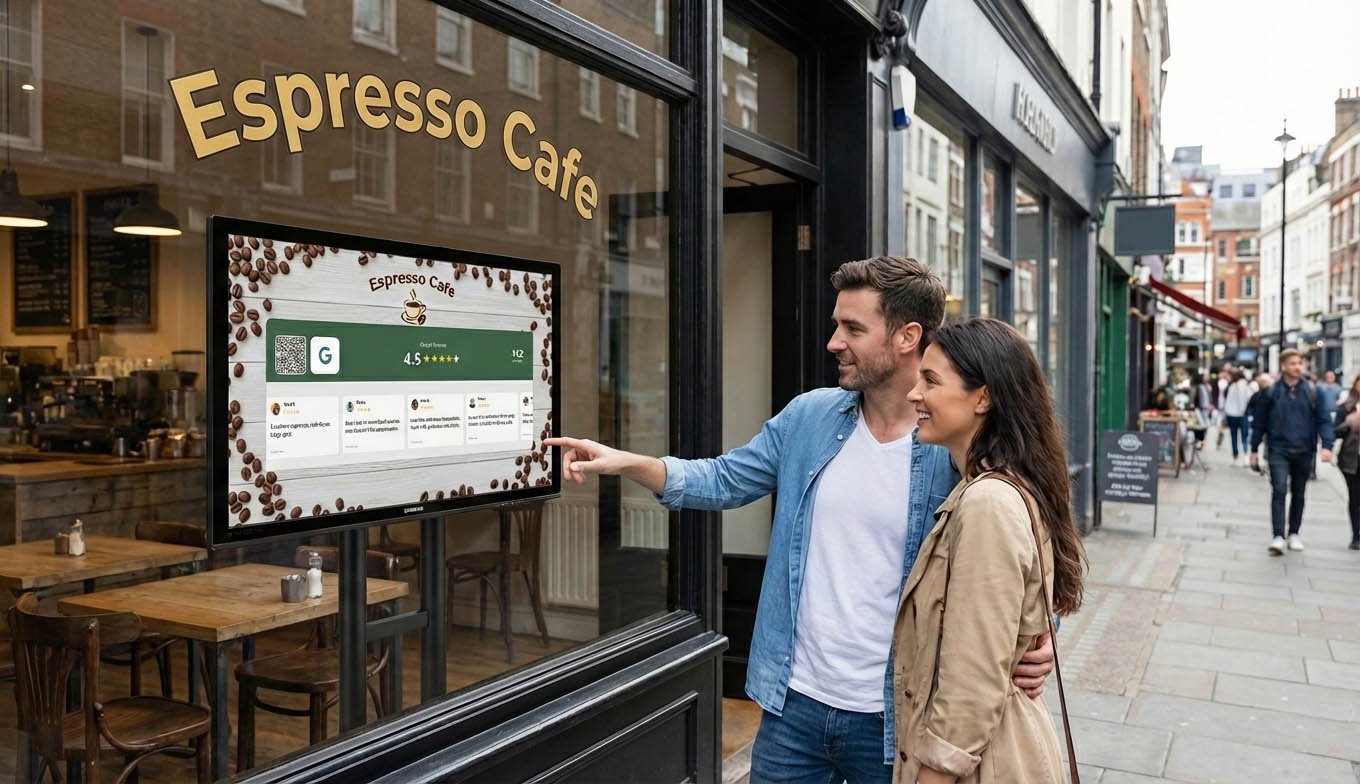
How to Show Google Reviews on a TV in Your Shop
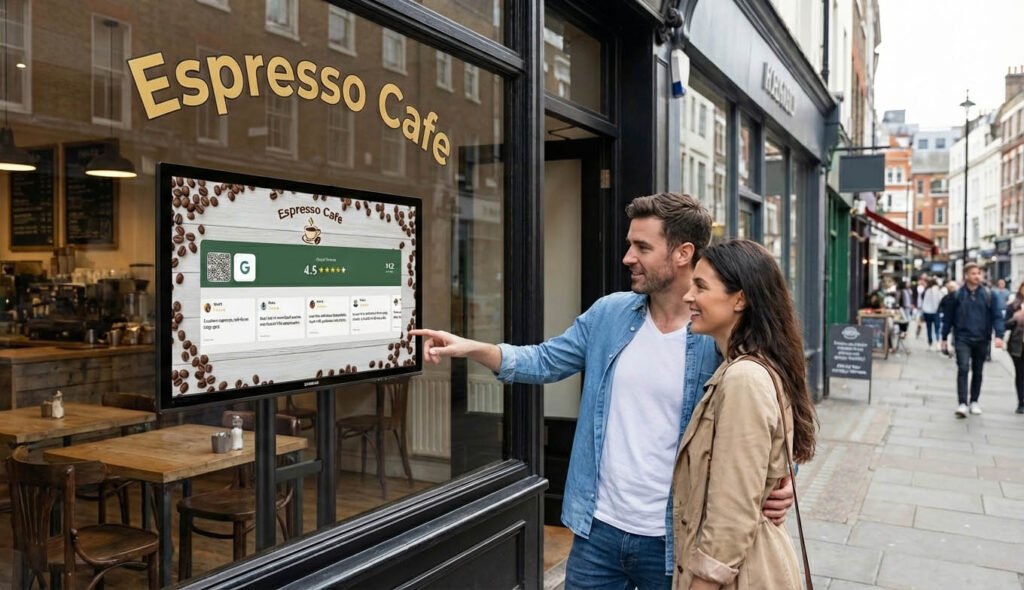
You’ve got great reviews on Google. 4.7 stars, maybe 200 reviews, customers saying nice things about your business. But that’s all sitting on a website most people never visit until after they’ve already decided to come in.
What if those reviews were on a screen in your store? Right there when customers walk in. Your rating, your review count, actual quotes from happy customers scrolling by.
That’s what this guide is about. How to actually get your Google reviews displaying on a TV in your shop. Not the complicated way. The way that takes about 10 minutes and actually works.
Why bother showing reviews on a screen?
Two reasons.
First, social proof. When someone walks into your store and sees “4.8 stars from 312 reviews” on a screen, something shifts in their brain. They trust you a little more. They’re more likely to buy. This isn’t just a feeling, the research backs it up. Visible social proof increases conversion.
Second, it gets you more reviews. This sounds backwards but it works. When customers see that other people leave reviews here, they think about leaving one too. Especially if there’s a QR code right there that makes it easy.
A printed sign doesn’t do this. People walk past printed signs all day. They don’t notice them anymore. A screen with moving content and real numbers? That gets attention.
The hard way (don’t do this)
Before I tell you the easy way, here’s what some people try:
Google Slides on a loop. Screenshot your reviews, put them in a slideshow, play it on the TV. Problem: it never updates. Your reviews from six months ago just loop forever. You have to manually update it constantly.
Raspberry Pi with custom code. If you’re technical, you can pull reviews from Google’s API and display them on a Pi connected to your TV. Problem: Google’s API is annoying to work with, has rate limits, and breaks when they update things. Not worth the maintenance headache.
Digital signage platforms. Tools like ScreenCloud or OptiSigns can display reviews, but you’re paying for a full signage platform when you just want reviews. Overkill for most small shops.
These all work technically. But they’re either too manual, too technical, or too expensive for what you actually need.
The easy way: Social Counters
Full disclosure, this is our product. But I’m going to explain exactly how it works so you can decide if it fits what you need.
SocialCounters is a web app that displays your Google reviews on any screen with a browser. TV, tablet, old monitor, whatever you have.
Here’s the setup:
- Create an account here at socialcounters.com
- Connect your Google Business Profile
- Customize how it looks (colors, logo, which reviews to show)
- Open the display URL on your TV (or tablet)
- Done
The whole thing takes maybe 10 minutes. Most of that is just picking your colors.
Once it’s running, it updates automatically. New reviews appear without you doing anything. You can filter to only show 4 or 5 star reviews if you want. And there’s a QR code built in so customers can scan and leave their own review.

What you need (hardware)
You probably already have everything.
Option 1: Smart TV
If your TV has a built-in browser (most smart TVs do), you just open the URL directly on the TV. No extra hardware needed.
Option 2: Fire TV Stick or Chromecast
If your TV is older, a Fire TV Stick (around €35) turns any TV into a smart display. Plug it in, open the browser, load your display URL. Done.
Option 3: Tablet
An iPad or Android tablet works great, especially for counter displays. Prop it up near the register, load the URL, let it run.
Option 4: Old laptop or monitor
Have an old laptop sitting around? Connect it to a monitor, open the browser, full screen the display. Free hardware you already own.
The point is: you don’t need to buy special equipment. Anything with a screen and a browser works.
Where to put it
Placement matters more than most people think.
Near the entrance. Customers see your reviews immediately when they walk in. Sets the tone before they’ve even looked at products.
Checkout area. While they’re waiting to pay, they glance at the screen. Good time to show the QR code for leaving a review.
Waiting area. If you have a salon, clinic, or restaurant where people wait, that’s prime time. They’re bored, they’re looking around, they notice your screen.
Behind the counter. Works for cafes and quick service restaurants. Customers look that direction anyway while ordering.
Don’t put it somewhere people won’t naturally look. A screen in the back corner that faces the wall is useless. Think about where eyes actually go.
Show more than just reviews
Here’s something most shops don’t realize. Once you have a screen displaying your Google reviews, you can show your social media followers too.
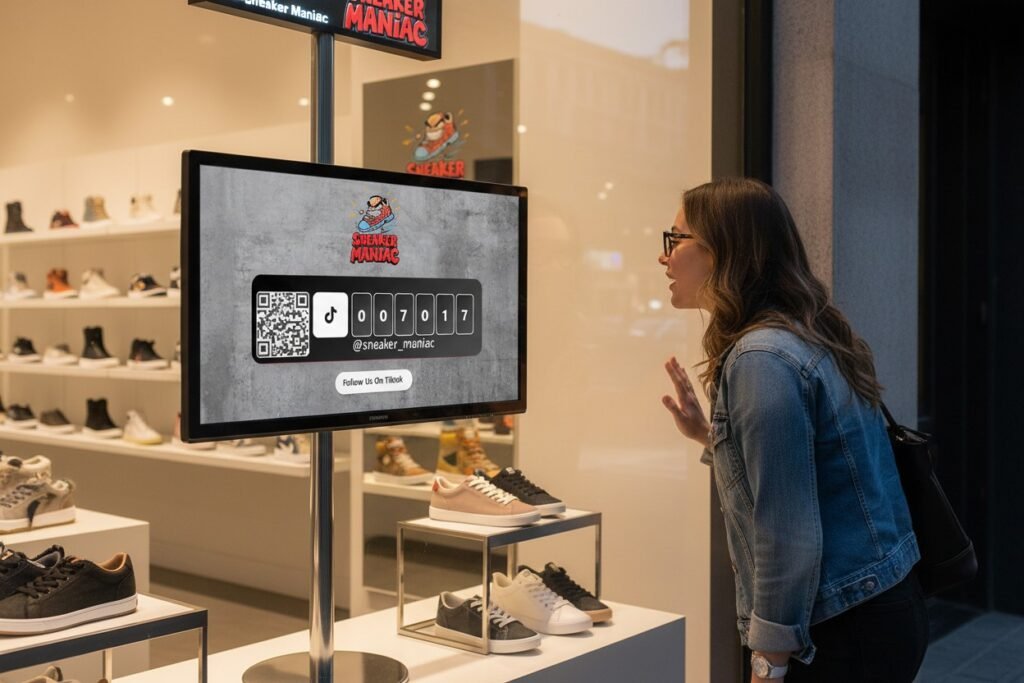
Your Instagram count. Your TikTok followers. Your Facebook page likes. Your Youtube subscribers. All on the same display, rotating through.
This multiplies the effect. Customers see your reviews AND that you have 10,000 Instagram followers. That’s a lot of social proof hitting them at once.
With Social Counters you can combine these on one display. Reviews, followers, QR codes for both. One screen doing multiple jobs.
The QR code is the secret weapon
Displaying reviews is good. But the real magic is what happens next.
When customers see a QR code next to your reviews, some of them scan it. They leave a review right there, in your store, while the experience is fresh. No more hoping they’ll remember to do it later.
Same with followers. QR code to your Instagram, right on the screen. Scan, follow, done.
This is why a TV display beats a printed sign. The printed sign is static. The TV is showing live numbers, catching attention, and giving people an easy action to take.
What it looks like in practice
Let me give you a real example.
A coffee shop puts a tablet on the counter near the register. It shows their Google rating (4.8 stars), their review count (247 reviews), and a few recent review quotes scrolling through. Below that, a QR code.
Customer orders their coffee, waits for it, glances at the screen. Sees the rating, thinks “huh, this place has good reviews.” Sees the QR code, scans it out of curiosity, leaves a quick review while waiting for their latte.
That same coffee shop was asking customers to leave reviews verbally before. Maybe one person a week actually did it. Now they get 5 to 10 per week without asking anyone.
That’s the difference.
Common questions
Will it work with my TV?
If your TV has a browser or you can plug in a streaming stick, yes. That covers about 95% of TVs made in the last 10 years.
Do I need internet?
Yes. The display needs wifi to load and update. But any basic internet connection works fine.
What if I get a bad review?
You can filter the display to only show 4 star and above. Bad reviews won’t appear on your screen. Though you should still respond to them on Google.
Can I customize the colors?
Yes. Match your brand colors, add your logo, pick different layouts.
Is it free?
SocialCounters has a free tier for social media counters. Google Reviews display is part of the premium plan at €7.99 per month. Worth it if reviews matter to your business.
Getting started
If you want your Google reviews on a TV in your shop, here’s what I’d do:
First, figure out what hardware you have. Smart TV? Old tablet? Fire Stick? Any of these work.
Second, sign up at socialcounters.com and connect your Google Business Profile. Google Reviews display requires premium (€7.99/month), but the setup takes 5 minutes either way.
Third, customize your display and load it on your screen.
Fourth, watch what happens. See if customers notice. See if your review count starts climbing faster.
Most shops see results within the first week. Not dramatic overnight changes, but a steady increase in reviews and followers that compounds over time.
A TV showing your Google reviews is one of those small changes that keeps working for you every single day. Every customer who walks in sees it. Every day you’re open, it’s doing its job.
Worth 10 minutes to set up? I think so.
